


ai prompt-to-app with sample data
Fundamentally, when building almost whatever app, you’ll need a database and an admin panel, and often — combined they are tens of percent of the overall time, cost, and effort. This is where Indi Engine AI comes in — to generate a complete database app from just a text phrase and maybe attached docs/mockups. You get a relevant Postgres, MySQL, MariaDB or Percona database with realtime data views on top, organized into foreign-key-based hierarchies and preloaded with sample data — all in minutes.
DEMO 1
“i need a zoo management app based on attached docs”
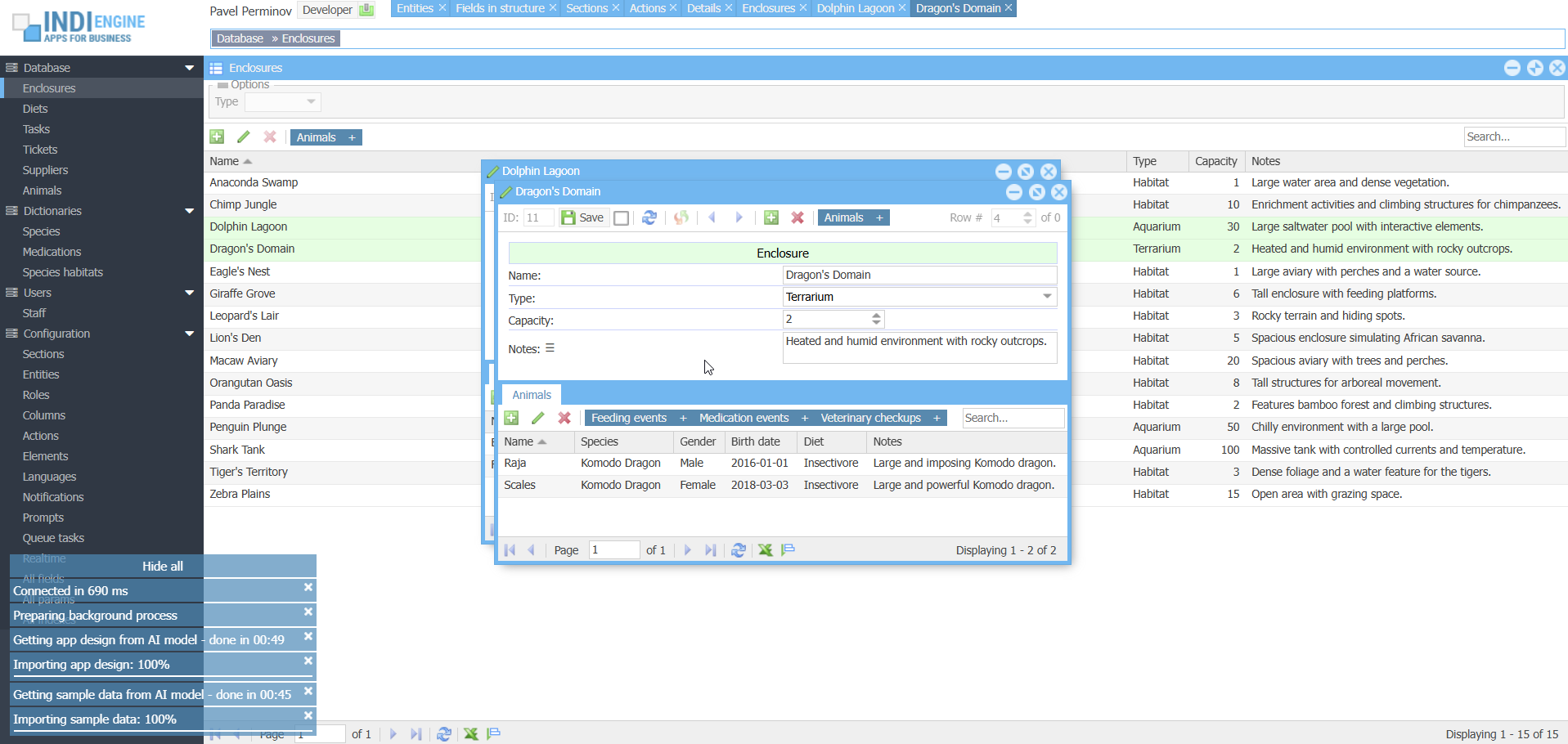 ▶04:37
- Functional specification.docx
- Staff & ticketing reports.xlsx
- Food supplier invoice.pdf
DEMO 2
“i need an app for a real estate company”
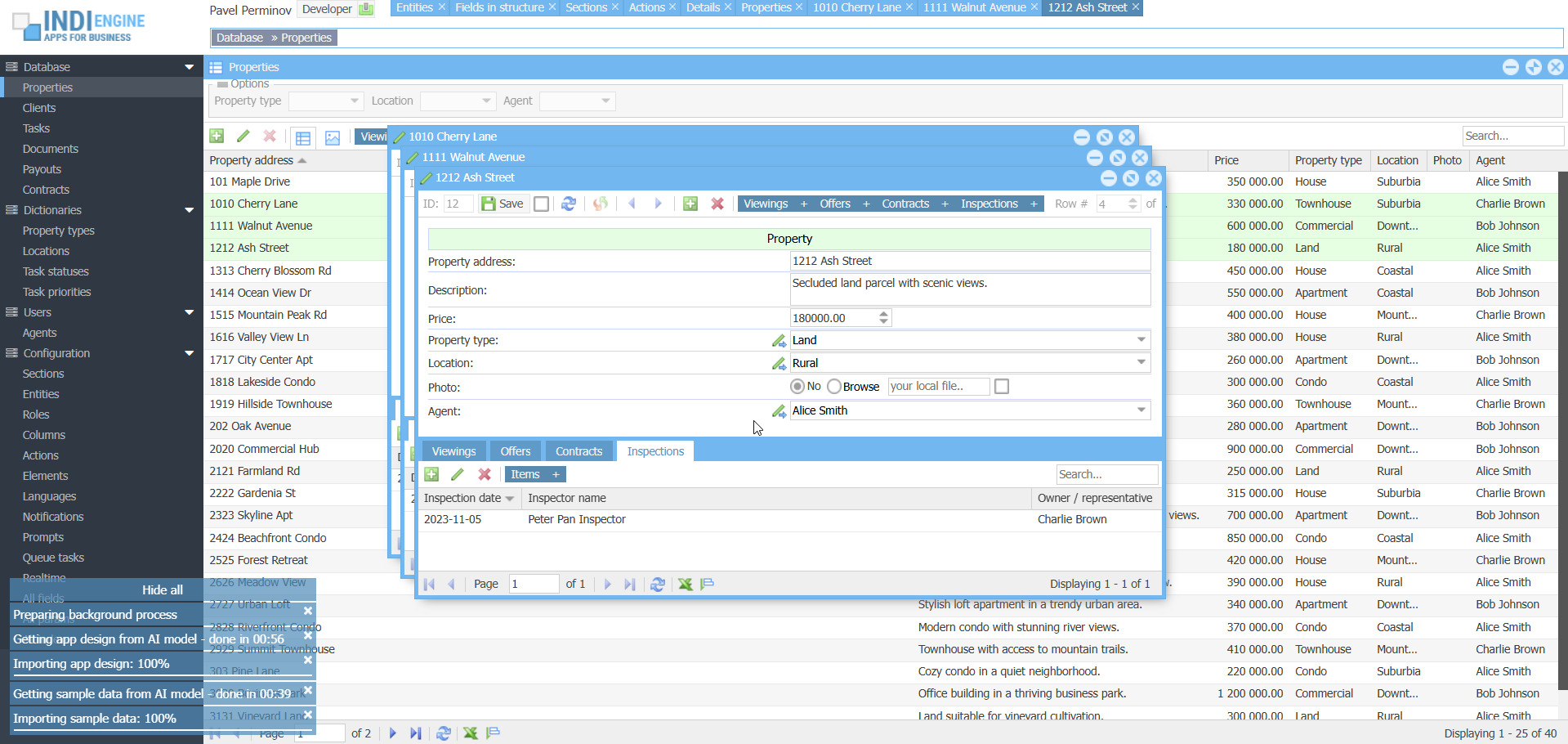 ▶04:29
- Functional specification.docx
- Property inspection checklist.pdf
- Agents payouts.xlsx
Context ingestion / attachments
When prompting the AI model, you can also attach context such as PDF, Word, Excel and other types of office documents, Google Drive files, Notion documents (planned), GitHub contents (planned) or Figma designs (planned), allowing the AI to make the resulting app design to be much more accurate and relevant to your requirements. This approach turns weeks of early-stage work into minutes, giving the individuals and teams a fast track to usable prototypes.
This allows you to feed the AI model with functional specifications, UI mockups or other docs you have prepared by yourself and / or received from your client, and this dramatically reduces the gap between business requirements and working software, enabling faster prototyping, client demonstrations, and iteration with reduced traditional development cycles.
PDF, DOCX, XLSX, PPTX, etc files
This goes beyond simple text extraction due to using native vision to understand entire document contexts, so it allows to analyze and interpret content including text, images, diagrams, charts, and tables, even in long documents up to 1000 pages.
Google Drive files
Whether it’s a functional specifications and requirements document, an operational or financial reports, or a planning file, Drive attachments will guide the Indi Engine AI to create more accurate entities, forms, relationships and data-views on top.
Notion documents
Many teams already use Notion to work on projects specs, to define feature outlines and data models.
By analyzing Notion pages or databases, Indi Engine AI will be able to recognize entities, relationships, and field structures directly from these docs, and build the matching backend app accordingly.
GitHub contents
This will allow users to attach repositories or selected source files as contextual input for backend generation.
This means users will be able to connect existing projects and let the AI interpret their structure and source code to propose sufficient database schemas and admin panels that match the project’s logic.
Figma designs
Figma is the de-facto leading UI/UX tool that helps teams design interfaces for apps and websites.
Indi Engine will be able to interpret Figma layouts to auto-generate a matching database schema and admin panel. The result will be a backend that is immediately usable and closely aligned with the design vision.
Restoring apps from AI response history
When you submit a prompt to the AI model via Build with AI-dialog, under the hood Indi Engine makes two requests to the AI model — first for getting app design, and second for getting sample data. However, it might be the case that the resulting app is not good enough from your perspective, or is, but you still want to do some more experiments (possibly with different prompts and/or attachments) – to take a look at further resulting apps and decide which of them are better than others.
While making experiments, you can bookmark certain resulting apps you like – to be candidates to proceed, for further development. Watch here how it works.
Supported AI models
Indi Engine AI is compatible with all the major model families where document-based context input is supported: Gemini, Claude, ChatGPT and Grok.
It’s recommended to start with Google Gemini AI, as there are the following awesome things about it:
- Native vision for PDF attachments up to 1000 pages
- Their free tier is sufficient for Indi Engine AI
- Huge limit of 1,048,576 input tokens
For sure, you can use Claude, ChatGPT and Grok as well, just keep in mind those don’t have free tiers for usage via API required for Indi Engine.
Hallucinations handling
Hallucinations are the major problem when handling AI responses, but adding the prompt instructions like
- “don’t do that"
- “do this that way"
- “do first this and then that"
— just do not work, as AI models can follow X% of instructions on attempt #1 but Y% on attempt #2, with unpredictable intersection between X and Y, no matter how precise and detailed the instructions are.
That is why a different approach was implemented — to detect and fix hallucinations where possible.
AI-assisted evolution
Right now, Indi Engine apps can already be evolved manually through a wide range of zero-code UI features for data-structures and data-views.
Planned support for AI-assisted evolution will take this further by allowing users to refine their existing apps with follow-up prompts.
This means you’ll be able to ask AI model to “add a payments section" or “extend the customer entity with contact history", and Indi Engine will update the existing app accordingly, allowing to leverage the AI for iterative database app development.
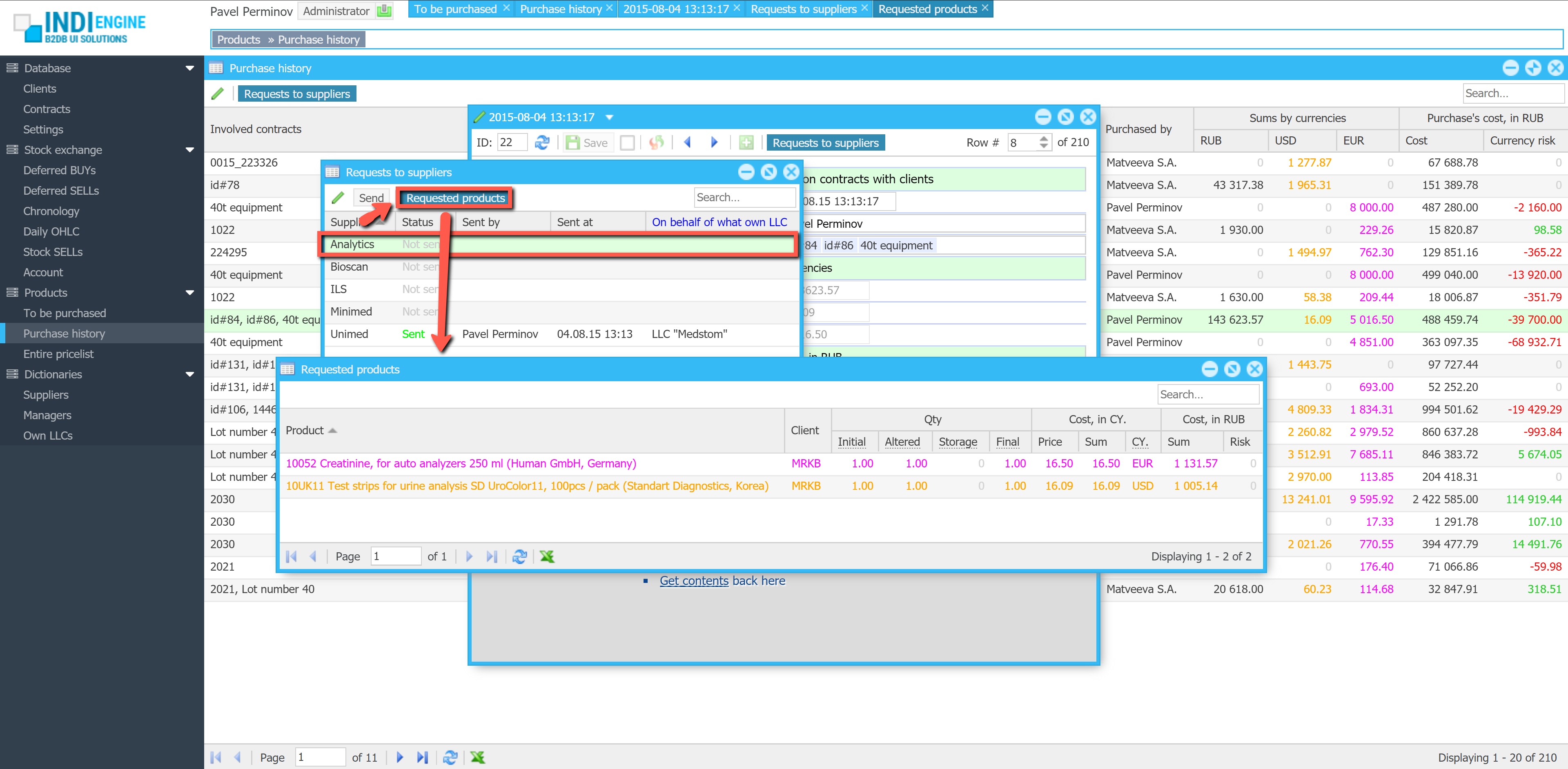
Realtime desktop-style multi-window UI
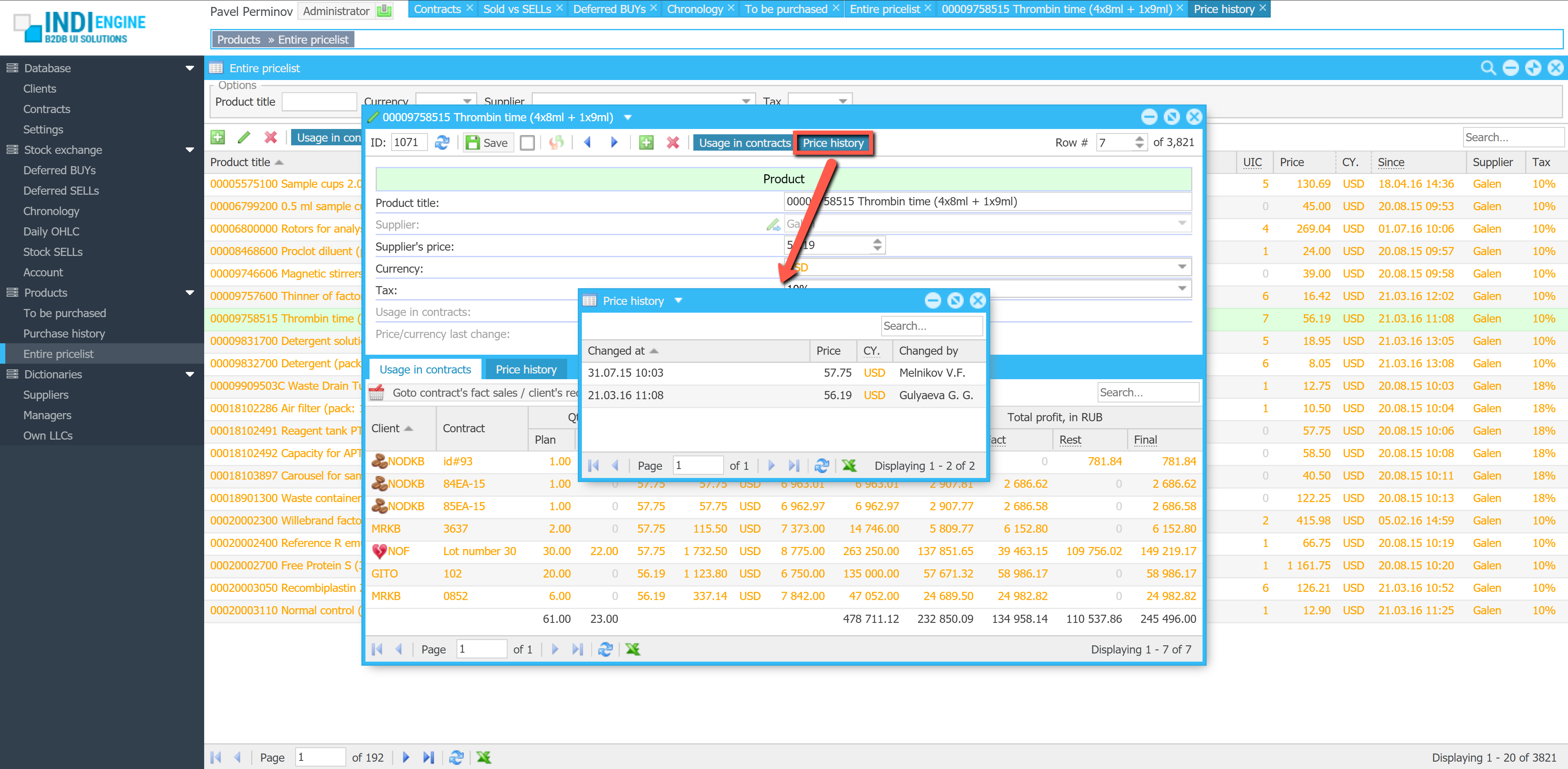
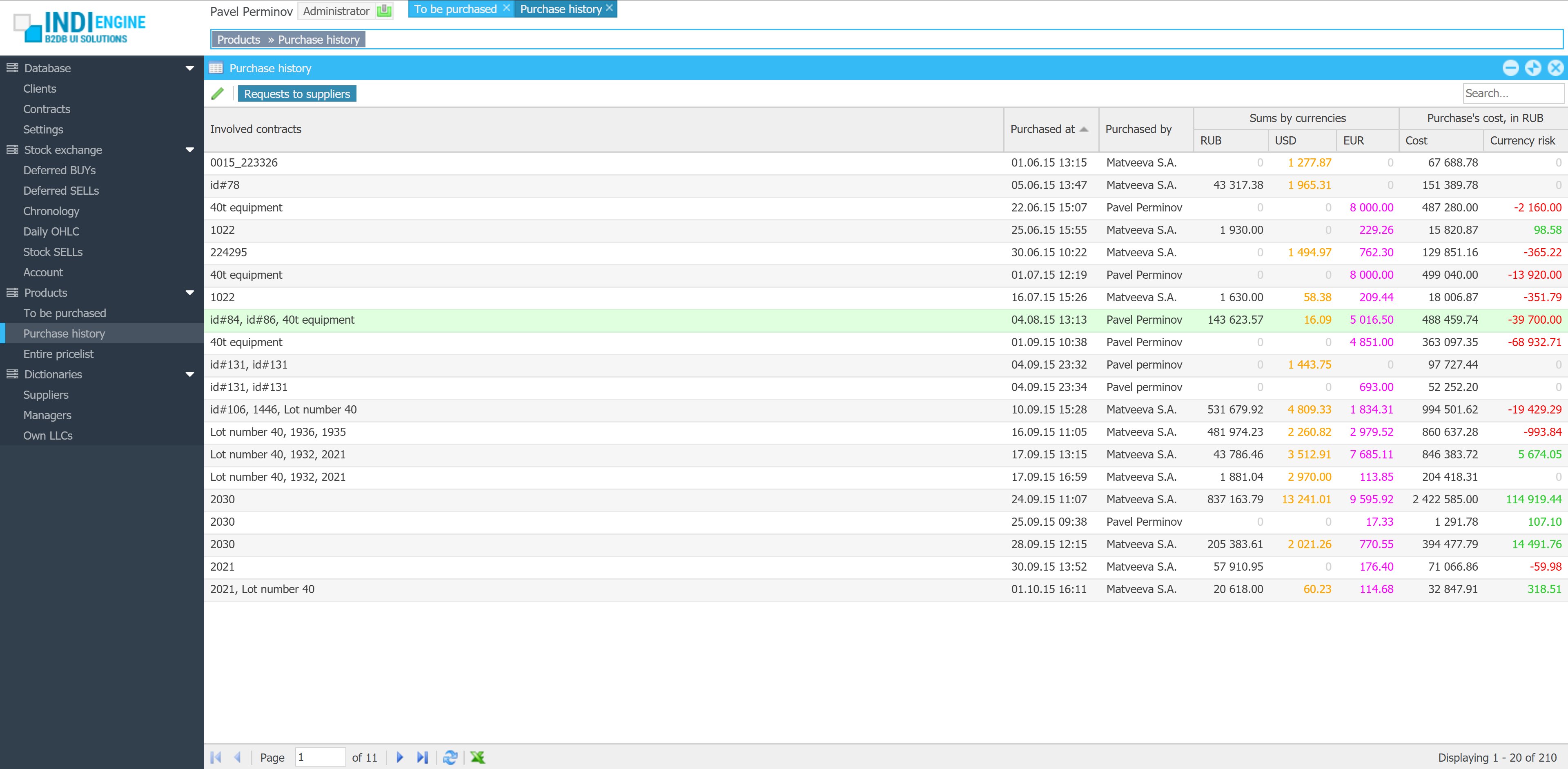
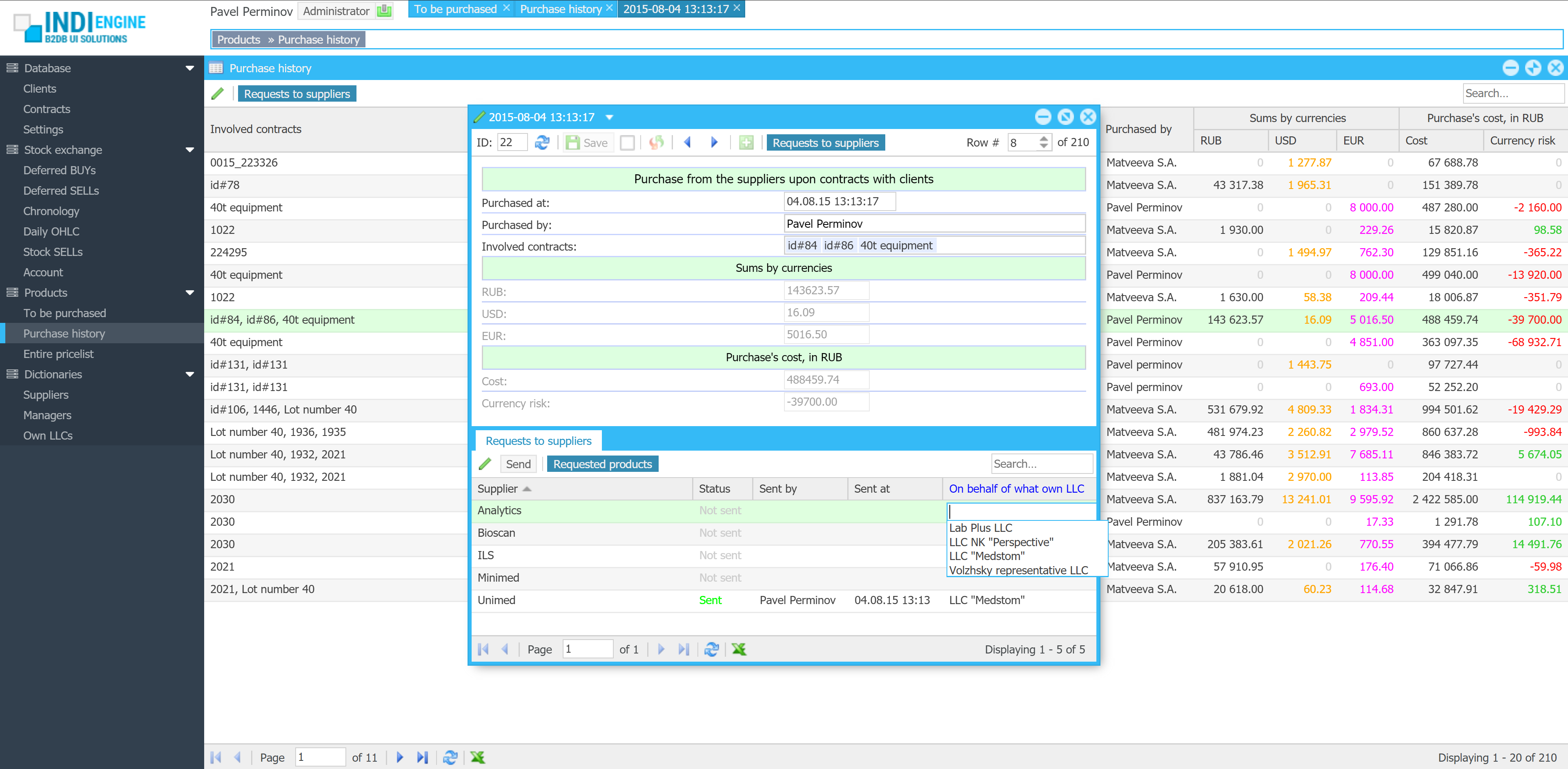
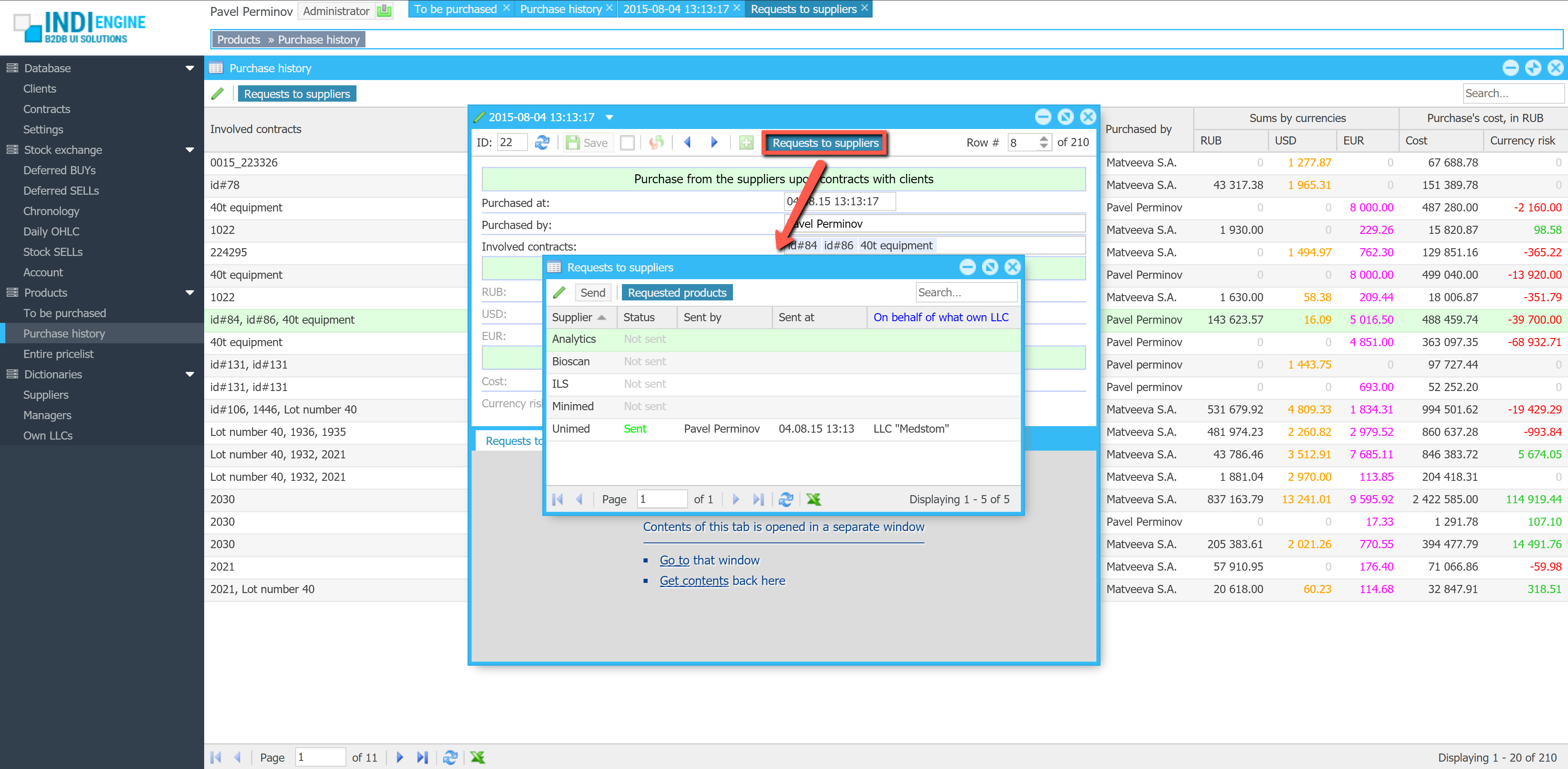
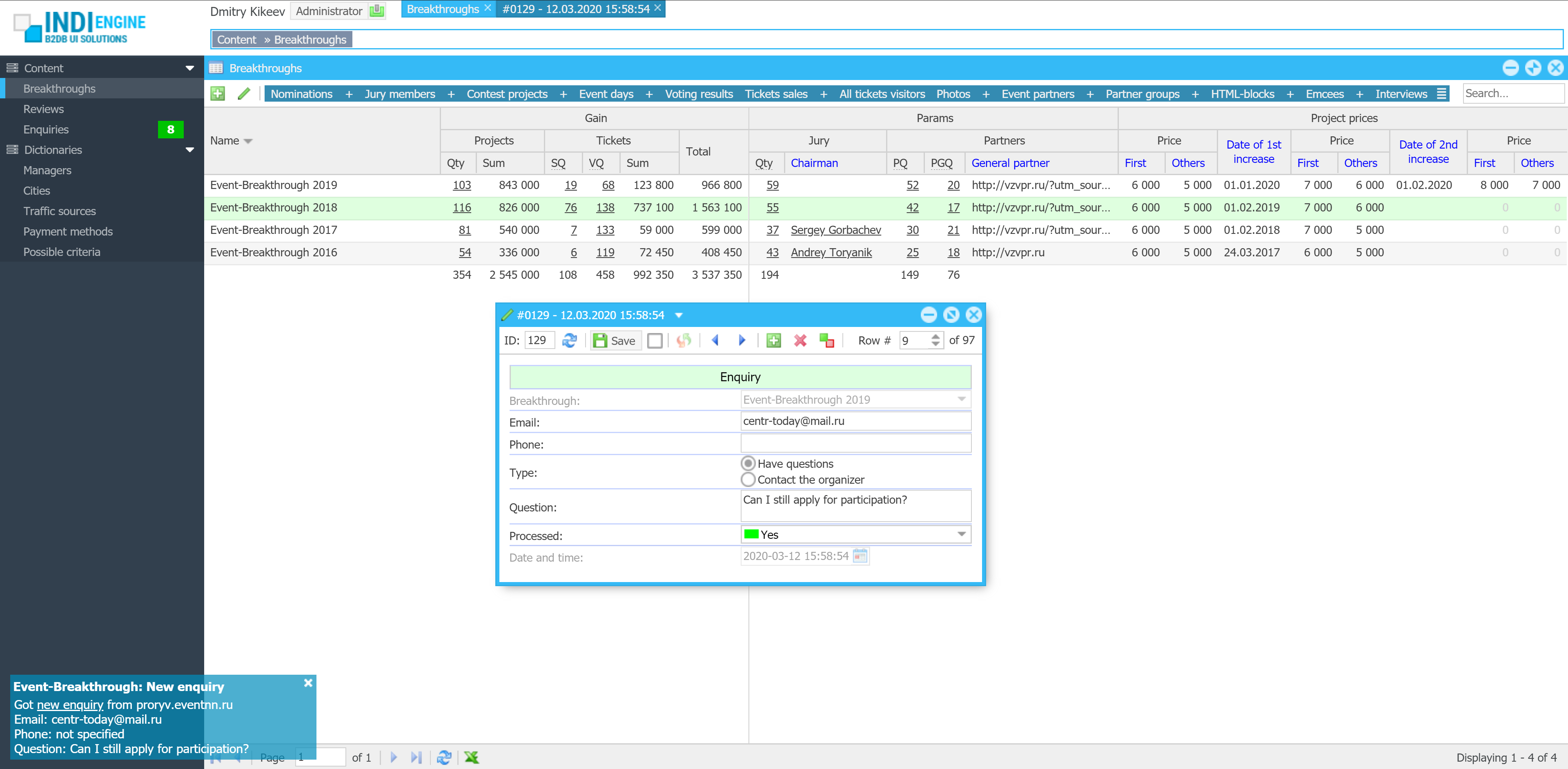
Indi Engine uses Debezium, RabbitMQ and WebSocket for realtime data updates across multi-window UI that feels like a native desktop application, so data changes made by any user, script or pure SQL query are immediately reflected in all relevant grids and forms for all users in all currently opened browser tabs — enhancing collaboration and efficiency.
So, unlike traditional single-page web apps, Indi Engine’s multi-window interface brings the power of desktop software into a modern web app. Users can open and arrange multiple floating (or maximized) windows at once, each neatly auto-sized and connected to live data that updates in realtime. This means no more losing focus, navigating back and forth or reloading pages when switching between todos.
Desktop-style: windows and taskbar
Just like in any modern desktop environment, Indi Engine has a taskbar — at the very top of the UI, so that each floating, maximized or minimized window currently opened in the Indi Engine has the corresponding button in this taskbar. It provides a quick overview of all currently opened windows, allowing users to easily switch between them or close unnecessary ones with a single click.
Batch opening / cascading windows
Indi Engine allows you to open multiple windows at once. For example, when several records are selected and the Details-action is triggered — each record opens in its own floating window with a slight offset on the X and Y axes, forming a cascading layout. This behavior not only feels natural for multitasking but also helps you visually distinguish between multiple opened records without losing context.

Change data capture
This mechanism continuously monitors the database for insert, update, and delete operations and streams those changes for further format conversion and delivery.
For being able to deliver changes only to the relevant data-views, Indi Engine keeps track on users’ sessions, browser tabs, data-views each with filtering, sorting, paging, data-fields and records shown.
With that info, Indi Engine consumes the stream, makes it to be compatible with UI components and delivers the changes into the relevant browser tabs opened by the users — via WebSocket connections.
WebSocket connections
From a user perspective, ‘realtime’ means that any data changes made by no matter who and for whatever reason – are immediately reflected in the UI.
However, these changes need to be somehow delivered to the browser tabs opened by users, and in Indi Engine this is done with RabbitMQ Web STOMP plugin, which has a built-in WebSocket server.
It delivers realtime updates to the browser tabs over standard WebSocket connections – to make the communication channel persistent, so the UI stays in sync with the backend as soon as data changes occur.
Auto-sizing to stay fit
Whenever records are changed, added or removed from a grid, Indi Engine recalculates the inner layout and updates the window height and width accordingly.
This dynamic sizing ensures that windows always appear neatly proportioned, without unnecessary empty space or annoying scrollbars.
The system measures the actual vertical and horizontal space usage by every UI element — including grid multi-level column headings and cell values, form field labels and inputs, toolbars and their items — to keep size neat for any floating or maximized window.
Free GitHub backups, up to 1.9TB each
Indi Engine backup/restore system rely on GitHub, which means you’ll have to create your own repo there and create a fine-grained personal access token granted with read-write access to that repo, so Indi Engine will ask you to specify those on attempt to make the very first backup, no matter if your attempt will be made via CLI (i.e. source backup command) or via UI (i.e. Backup-action in Entities-section).
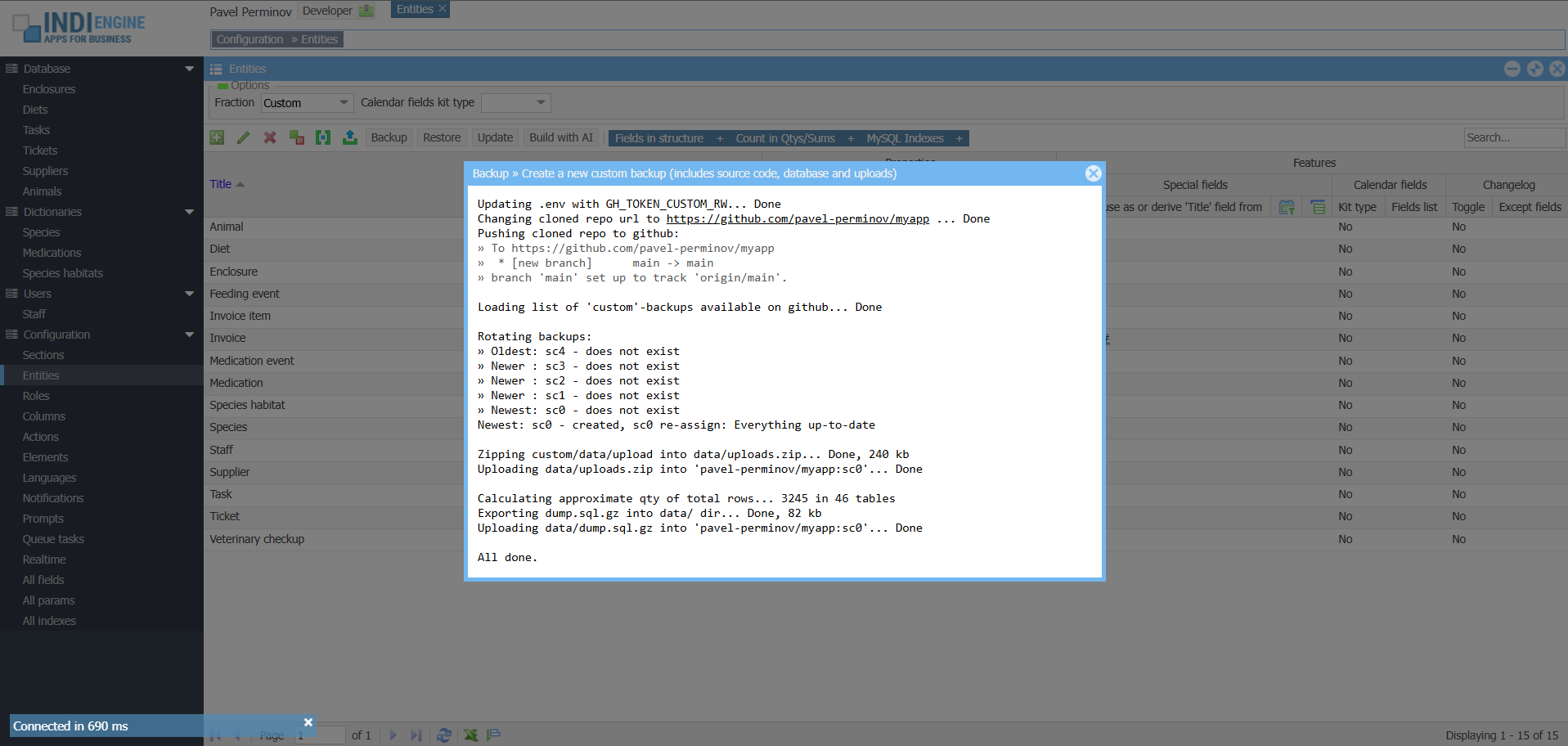 ▶02:07
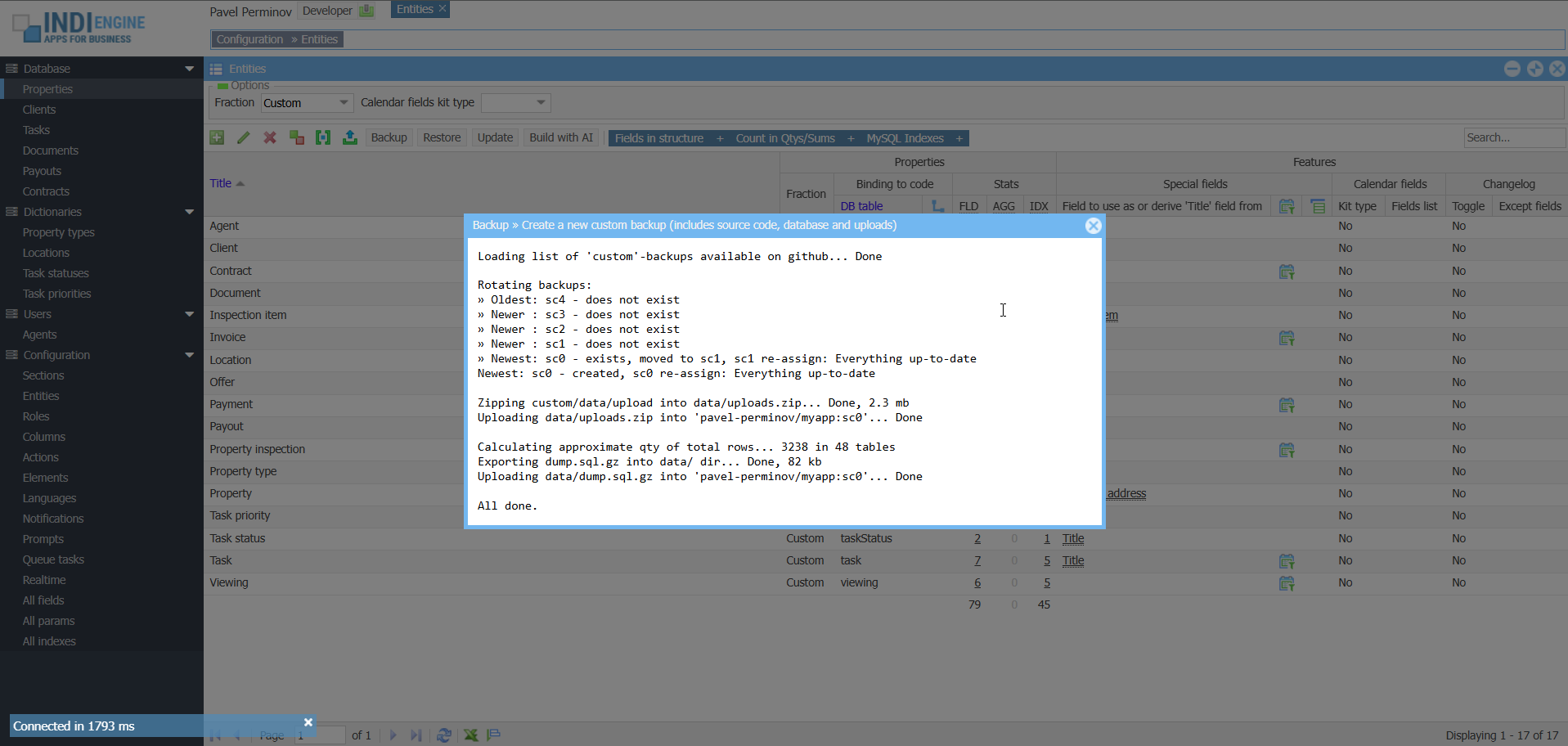 ▶00:44
Backup types and rotation
By default, any Indi Engine app instance uploads on GitHub and keeps there
- 0 hourly
- 7 daily
- 5 weekly
- 12 monthly
- 5 custom
- 5 before
backups, and you might notice that the last two kinds of rotated backup types – are not periodical ones:
Custom – those are the ones that you create by yourself – either via CLI (i.e. source backup command) or via UI (i.e. Backup-action in Entities-section)
Before – those are backups created by Indi Engine each time you commit a restore, to make it possible to get back to the ‘before restore’ version.
Environment isolation
Any Indi Engine app instance can be one of those 3 environment types
- Production
- Staging
- Development
and you must choose one during the initial setup – to prevent collisions between the backups uploaded on GitHub by different instances of your Indi Engine app.
This is crucial in cases when you have a production Indi Engine app instance running somewhere, and at the same time you also have staging and/or local development instances as well, but for sure – you don’t want production backups to be overwritten by others.
Limits and chunking
When a backup is created in Indi Engine, this means that minimum these two files
- data/dump.sql.gz
- data/uploads.zip
are created locally and then uploaded on GitHub as assets of a new release for your app’s repository, and GitHub allows up to 1000 assets per release, with an individual asset filesize up to 2000MB.
So, the individual release (i.e. backup) can be up to 1.9TB, and any of the above mentioned two files – will be split by 2000MB chunks, if exceeds that filesize.
Therefore, you have terabyte-scale backups powered by a globally available infrastructure – completely for free!
Progress tracking
To outline realistic timing expectations, below are the results for a VPS host with
- 1×3 GHz CPU Core
- 6 GB RAM
- 60 GB disk space
- 250Mbps bandwidth
A 21 GB database with ~13 mln records was exported to a 428 MB dump.sql.gz file in ~7 minutes, and then uploaded to GitHub in 23 seconds.
Also, 27 k files with total size of 11 GB were copied into a uploads.zip file (split into 6 chunks) in 2 minutes, and then uploaded to GitHub in 22 minutes.
Sure, any step for backup / restore have a progress bar – to track where you are.
Patching existing backups
additional backup scenarios
Indi Engine supports 3 backup scenarios, which are shown when Backup-action is clicked in Entities-section, and apart from the full backup which is itself pretty clear and has been already demonstrated by the screencaptures above, it is also possible to patch some already existing backup with database dump or uploads from your current Indi Engine app instance.
Patch with the current database state
This is useful in cases when you want to apply some fix or improvement for a database dump within a backup already existing on GitHub, but you don’t want to create a new backup due to, let’s say, you don’t want to wait for zipping and uploading on GitHub a big-sized contents of your local custom/data/upload directory which will be exactly the same as you already have there.

Patch with the current uploads
This is useful in cases when you want to apply some fix or improvement for the zipped uploads within a backup already existing on GitHub, but you don’t want to create a new backup because of, for example, you don’t want to wait for exporting and gzipping of an SQL dump for a big database which will be exactly the same as you already have there.

However, when triggering either of those patch-scenarios via UI – for security reasons it’s only possible to patch the most recent backup created by your current instance, so backups created by other instances, if any – won’t be affected due to environment isolation. If there are no patchable backups yet – a very first full backup from your current instance will be created instead. Also, you can do a patch via CLI by executing source backup dump or source backup uploads commands, and in that case Indi Engine will ask you to choose the backup to be patched.
Restore scenarios

Similar to backups, Indi Engine supports 3 restore scenarios, which are shown when Restore-action is clicked in Entities-section, so you can trigger a needed scenario for any backup already existing on GitHub, and the list of backups shown underneath the scenario choices – is fetched via GitHub API and is reflecting backups you currently have for your repository there.
Full restore
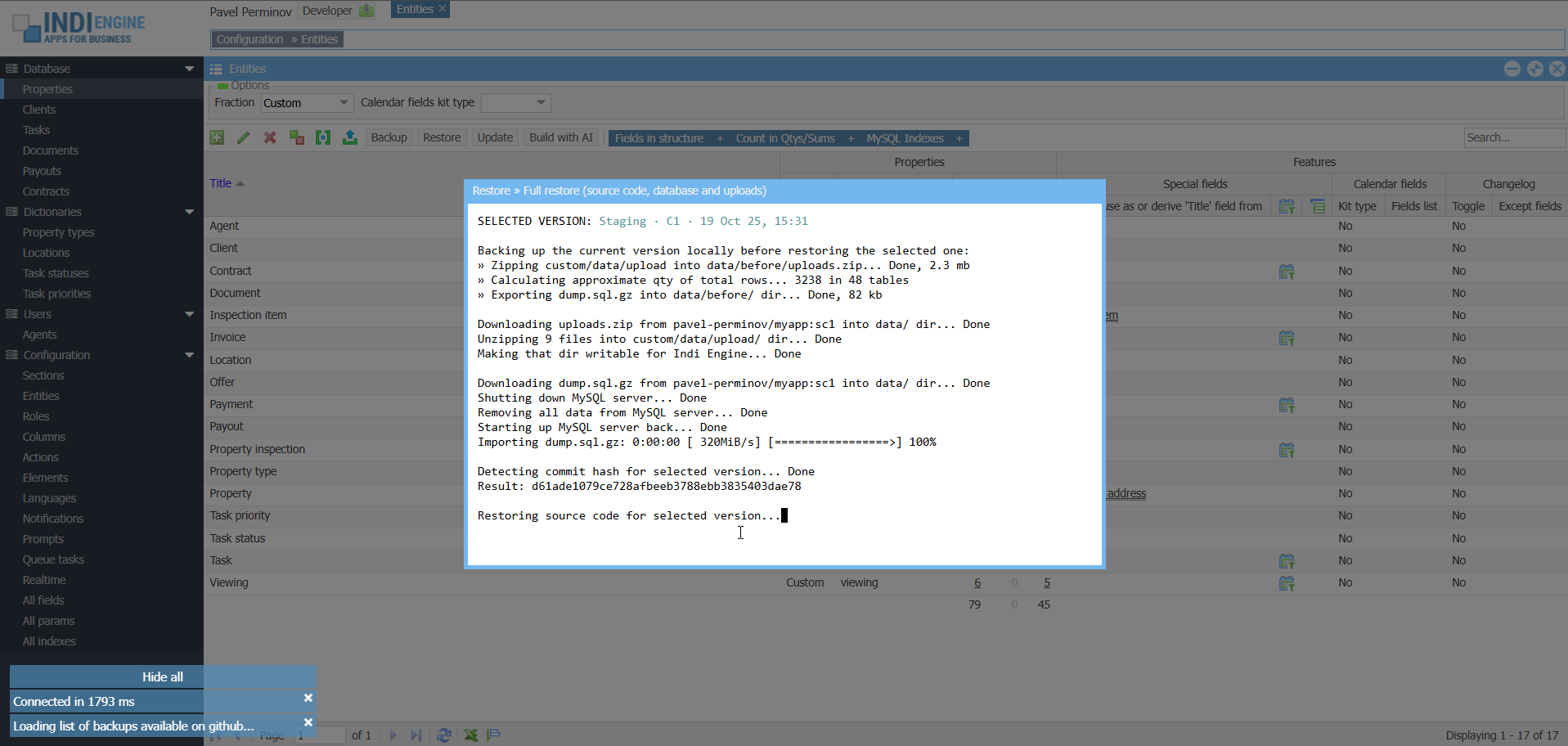
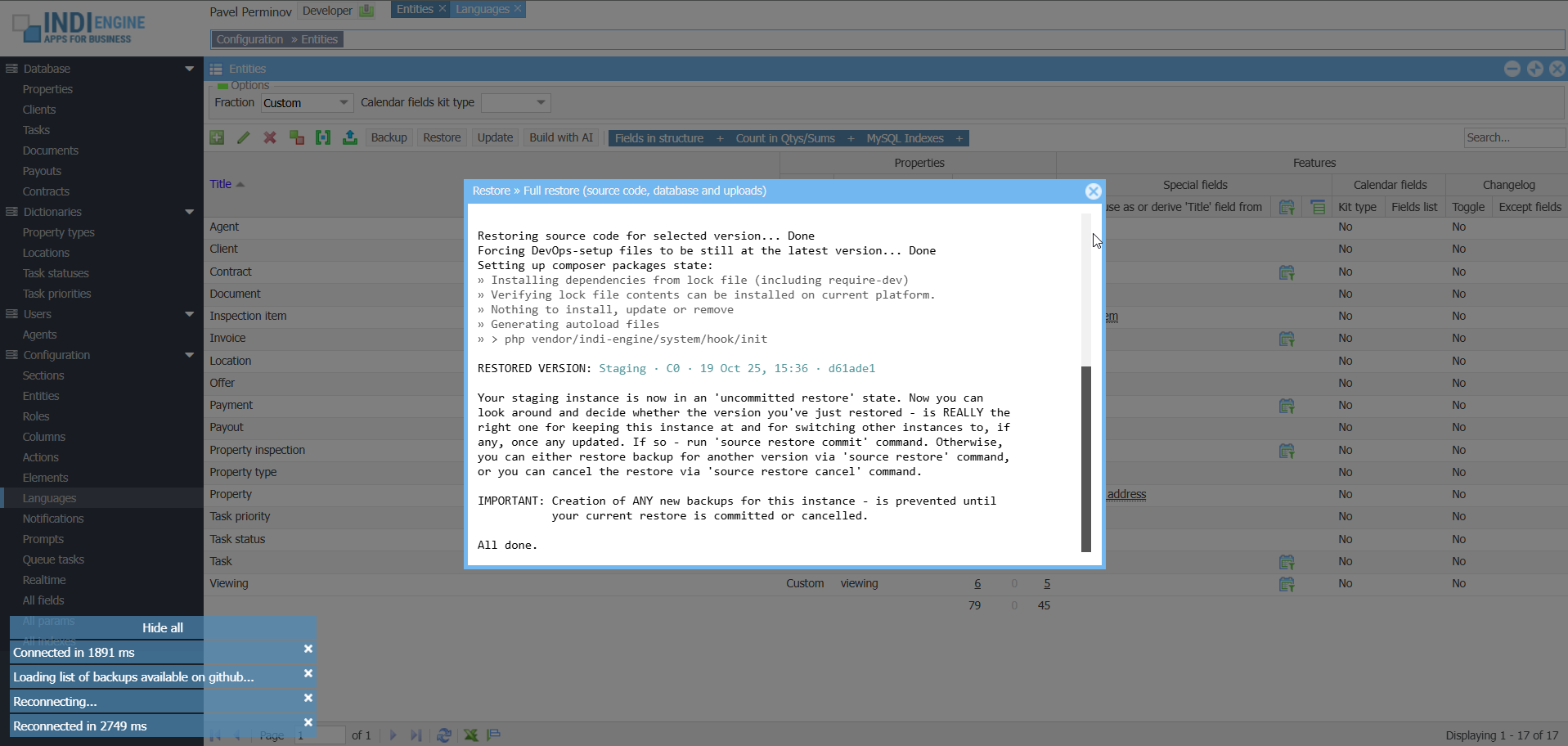
This restore scenario assumes that not only database and uploads, but also the source code will be restored at the version you choose. However, the DevOps-files will still be at the latest version, ensuring you have the freshest Docker Compose setup and Bash scripts, so that only the contents of custom/ directory (where your app-specific source code resides, if any) will be really restored at the version you select.
Before restore
Click to enlarge
EXAMPLE 1
Full restore from the state representing one app (real estate app) to the state representing another app (zoo app)
 ▶01:32
EXAMPLE 2
Full restore from the app state with Chinese UI translations to the app state without these translations
 ▶01:28
after restore
Click to enlarge, compare with before

When you do a full restore, your Indi Engine app instance will enter into an ‘uncommitted restore’ state, so you can look around and decide whether the version you’ve just restored – is REALLY the right one for keeping your instance at and for auto-restoring (not yet implemented) other instances to, if any, once any updated. If so – you can commit the current restore, else you can either restore (i.e. switch to) another version, or cancel the restore to get back to the original version that Indi Engine saved locally before restore.
Cancel the restore
In this specific example, the full restore from the above Example 1 – is used for cancellation demonstration. The cancellation itself is switching the Indi Engine instance back to the ‘before restore’ state, which was backed up locally within the Indi Engine instance’s filesystem, as otherwise the restore cancellation wouldn’t be possible.
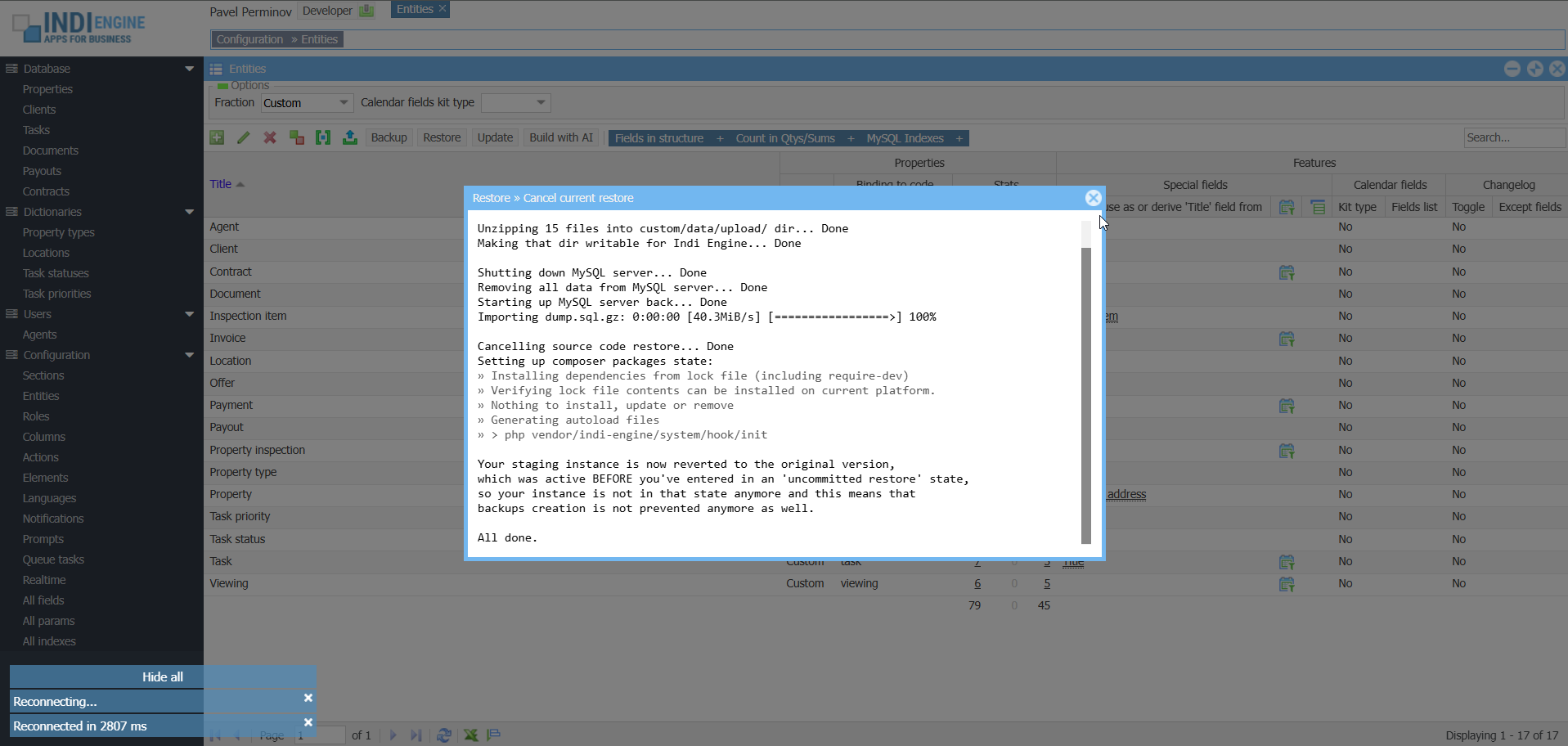 ▶01:10
Commit the restore
In this specific example, the full restore from the above Example 2 – is used for demonstration of full restore commit, so the restore to the app state where no Chinese translations are there yet – will be committed. At the same time, the locally created ‘before restore’ version with Chinese translations – will now be backed up on GitHub for being also restorable, if needed further.
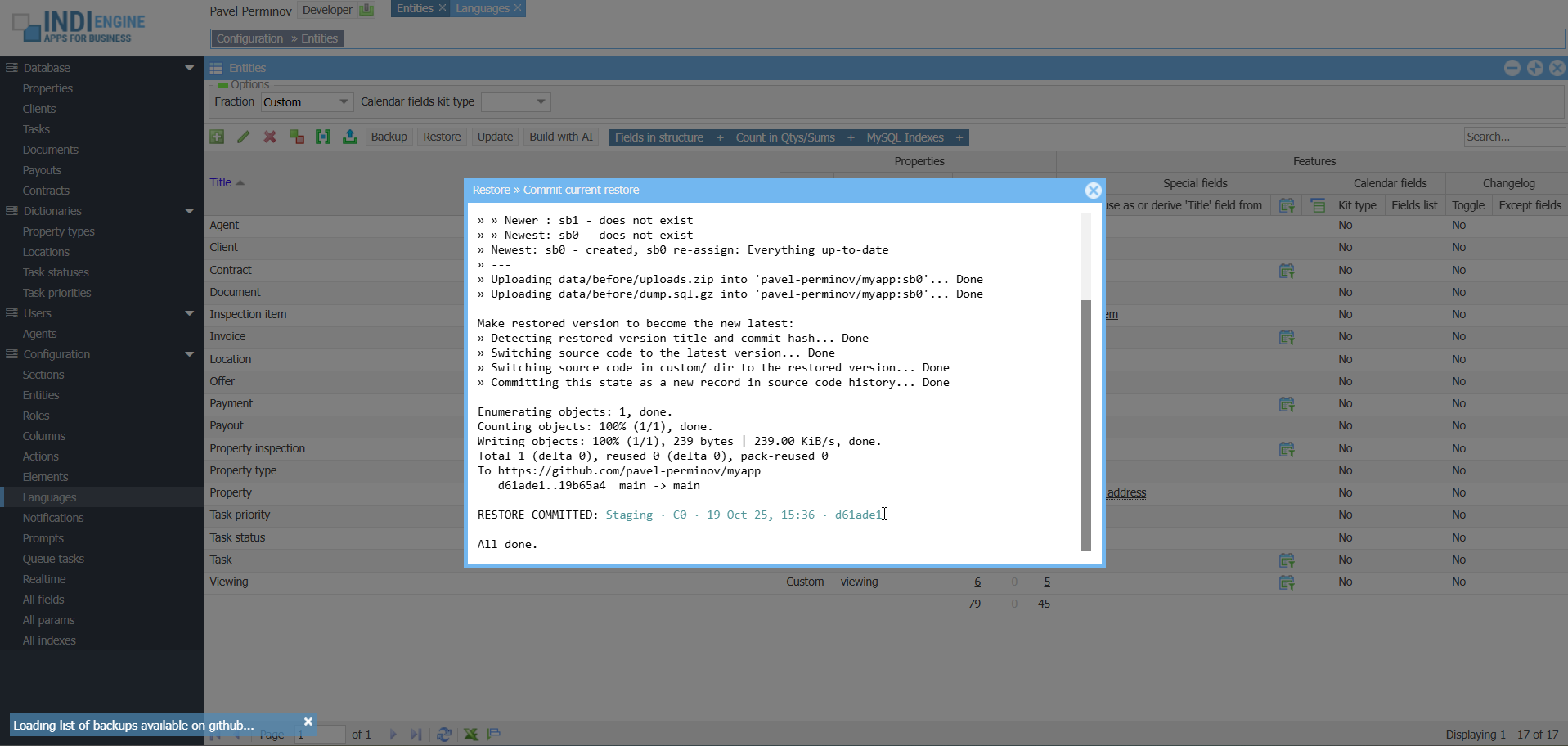 ▶01:29
Patching from existing backups
additional restore scenarios
Another two restore scenarios, supported by Indi Engine – allows you to patch you Indi Engine app instance with only the database state or only the file uploads from a backup you choose among the ones already existing on GitHub, so everything else in your instance will remain intact, and for sure your instance will not enter into an ‘uncommitted restore’ state as it’s only applicable to full restore scenario.
Restore only database state
This can be useful in cases when there are no differences in source code and/or file uploads between your current instance and the version from which you want to restore, or there are differences but they’re not meaningful for you at the moment.

Restore only file uploads
This can be useful in cases when there are no differences in source code and/or database state between your current instance and the version from which you want to restore, but your instance’s file uploads are outdated and you want to sync them.

Similar to backups, you can trigger any of 3 restore scenarios via CLI by executing different versions of source restore command. No matter which restore scenario you trigger, Indi Engine will ask you to choose the backup version from which you want to restore, unless you specify such a version right in the command itself.
Hot backups with WAL-G
Indi Engine also plans to integrate with WAL-G, which is a high-performance hot backup tool for Postgres, also compatible with MySQL, MariaDB and Percona, and it enables full and incremental backups without slowing down the database.
Unlike pg_dump (or mysqldump / mariadb-dump), WAL-G works directly at the physical file level, making backup and restore operations significantly faster, more efficient, and far more suitable for production environments.
This will be especially valuable for large installations, reducing downtime while minimizing the impact on running applications, as this approach will improve the backup / restore timing drastically, but may increase upload / download durations, since physical backups are generally less compressible compared to logical ones.
Backups encryption
Hybrid model: backups will be encrypted with a random AES key, which is then encrypted with the user’s public key and stored alongside these backups. During restore, only the private key can unlock the AES key to decrypt the data.
This design will allow backups to be safely created in any environment using only the public key, while restores remain private-key–restricted. Private keys can then be supplied with local files, interactive prompts, and systems like HashiCorp Vault.
Backup files will be piped through encryption prior written to disk — to protect even if they would be copied then directly from the data/ directory or if GitHub release assets are exposed. This will enhance Indi Engine’s GitHub-based backup system and help businesses meet data protection standards such as GDPR and HIPAA.
Sharding with Citus / Vitess
The next major step in Indi Engine’s evolution is the sharding support, which will be implemented via integration with Citus for Postgres, and Vitess for MySQL:
Citus — for Postgres
extension that transforms Postgres into a database distributed across multiple nodes. It was originally created by Citus Data, later acquired by Microsoft, powering Azure Cosmos DB and trusted by Cloudflare, Heap and others.
Vitess — for MySQL
cloud-native horizontal scaling engine originally built by YouTube to manage MySQL at massive scale. Vitess orchestrates tens of thousands of MySQL nodes today and is trusted by GitHub, Slack, Shopify, and other global platforms.
This means apps built on Indi Engine will be able to scale seamlessly from millions to tens of billions of records without hitting single-database limits. Developers will be able to configure sharding strategies directly inside Indi Engine, unlocking enterprise-grade scalability with zero-code simplicity.
With these integrations, Indi Engine will inherit proven resilience features such as automatic failover, traffic routing, and online schema management, ensuring high availability even under heavy load. Indi Engine will offer not just a zero-code experience but also the same backend scalability techniques trusted in the cloud-native ecosystem.
Modern UI for legacy databases
Many businesses still rely on legacy databases that may have obsolete look and feel but are expensive to replace or upgrade, and here is where Indi Engine will be able to help — scan the legacy database and generate a bright modern multi-window UI on top, with either keeping the existing enterprise Oracle, Microsoft SQL Server or other database engine intact, or with migration to Vitess as an optional further step of modernization.
So, instead of being locked into outdated admin tools or being required to plan risky migrations right away, organizations will be able to get a clean, intuitive UI automatically generated from their existing database schema — as a safe first step, at least. Developers can refine data-view hierarchies and layouts, if needed, but the heavy lifting will be done by Indi Engine’s zero-code system.
Pricing plans
free
attachments
- 10 AI requests / month ⓘ
- Up to 5 MB of context files ⓘ
- Models: Gemini AI
- Databases: MySQL
- Up to 2000 MB GitHub backups ⓘ
- Public docs, 146 pages
stargazer
free limits doubled
- 20 AI requests / month
- Up to 10 MB of context files
- Models: + Claude AI
- Databases: + MariaDB
- Up to 1.9 TB GitHub backups
- Support via GitHub Discussions
one-time
For solo professionals.
- Unlimited AI requests ⓘ
- Unlimited context files ⓘ
- Models: + Grok, ChatGPT
- Databases: + Postgres, Percona
- Up to 1.9 TB GitHub backups
- Priority handling of GitHub Issues
agency
Scale what your team can deliver.
- Everything in One-time plan
- Hands-on onboarding / guidance
- Direct support from core team
- Branded login screen + UI theme
- Early access + roadmap influence
- Dedicated issue handling
Professional services
Indi Engine AI transforms complex business workflows into modern
multi-window web applications tailored precisely to your
operational needs and data-stream geometry
project start & briefing
development & coding
deployment and feedback
See portfolio
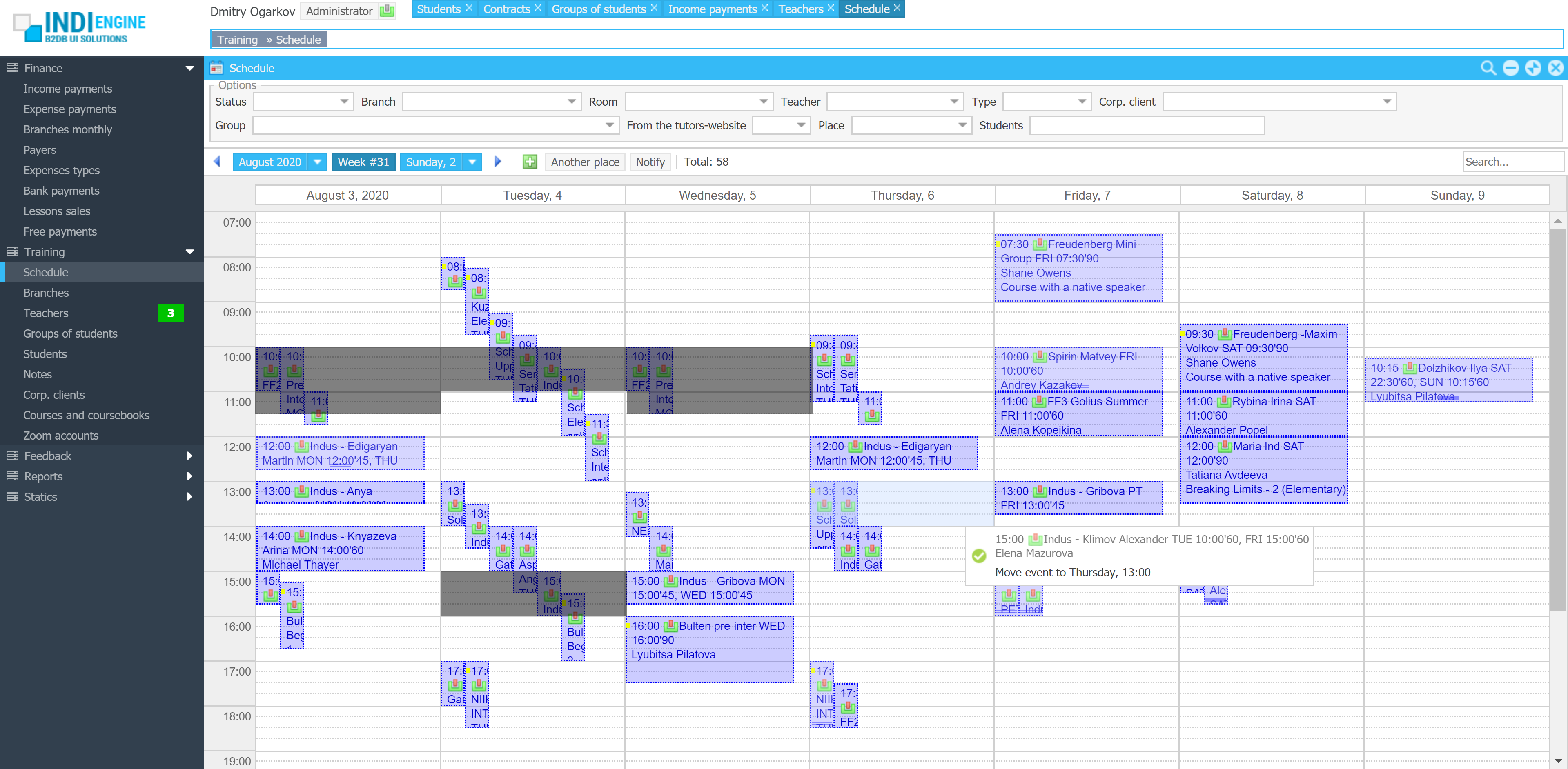
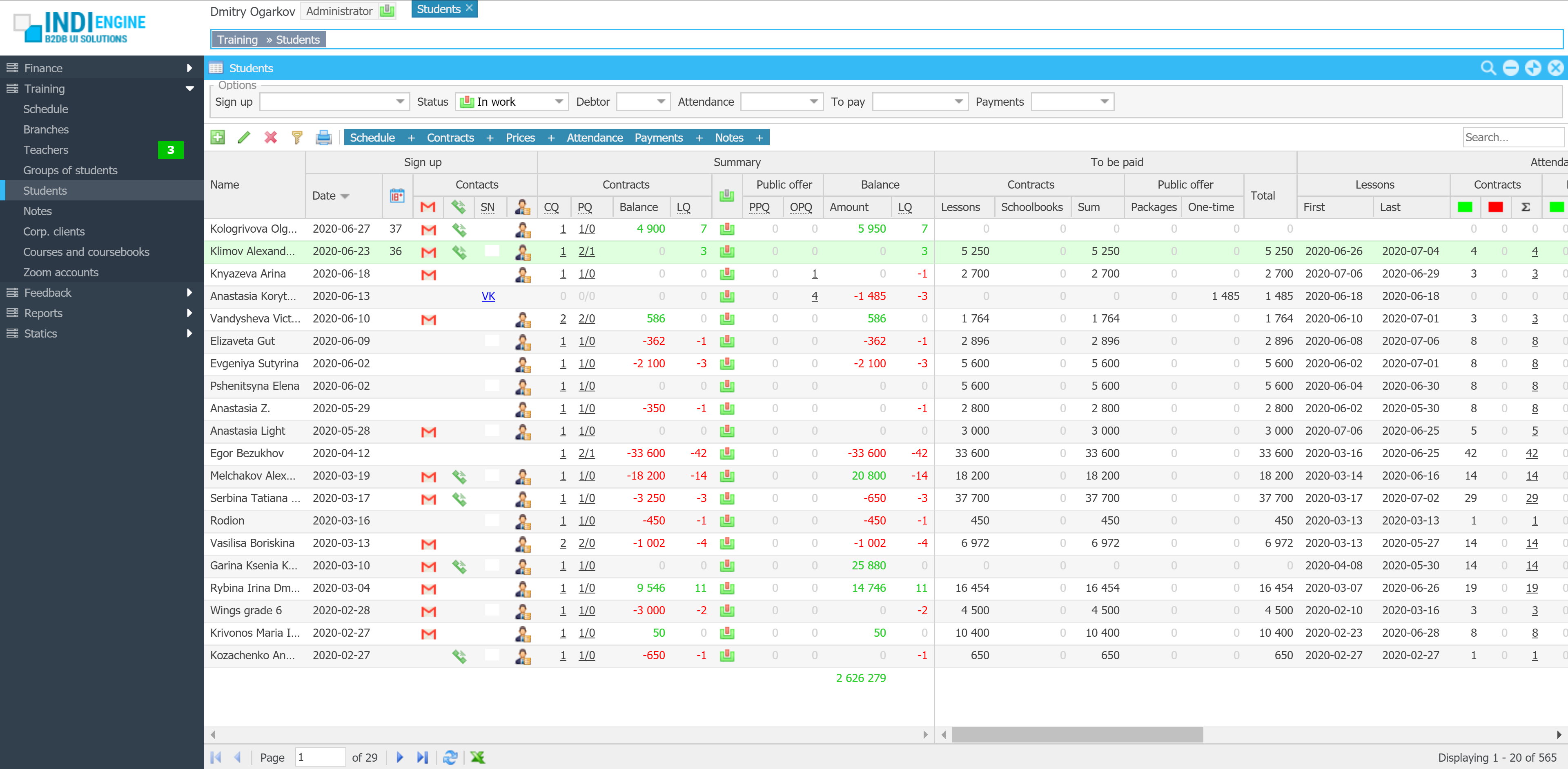
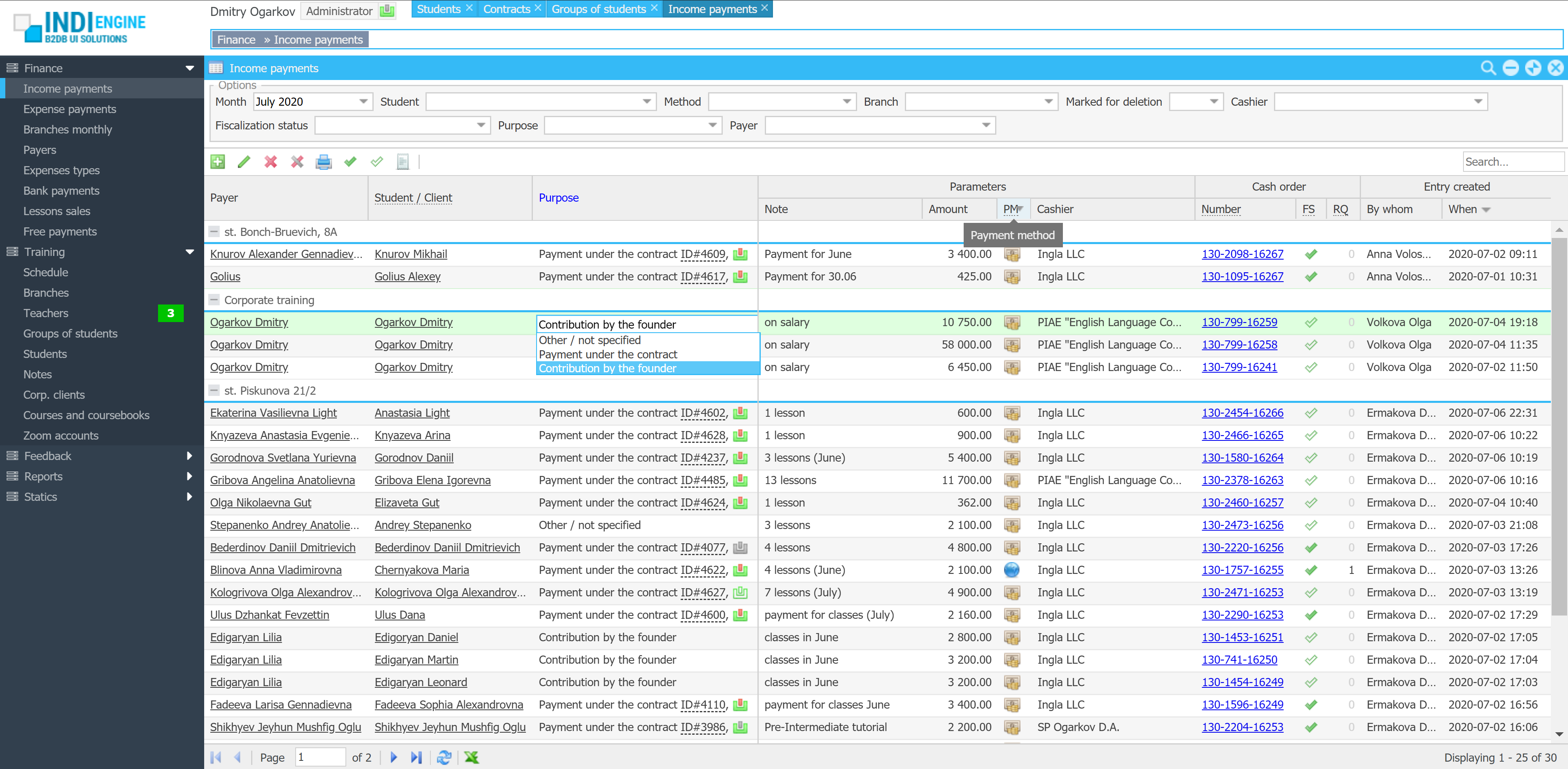
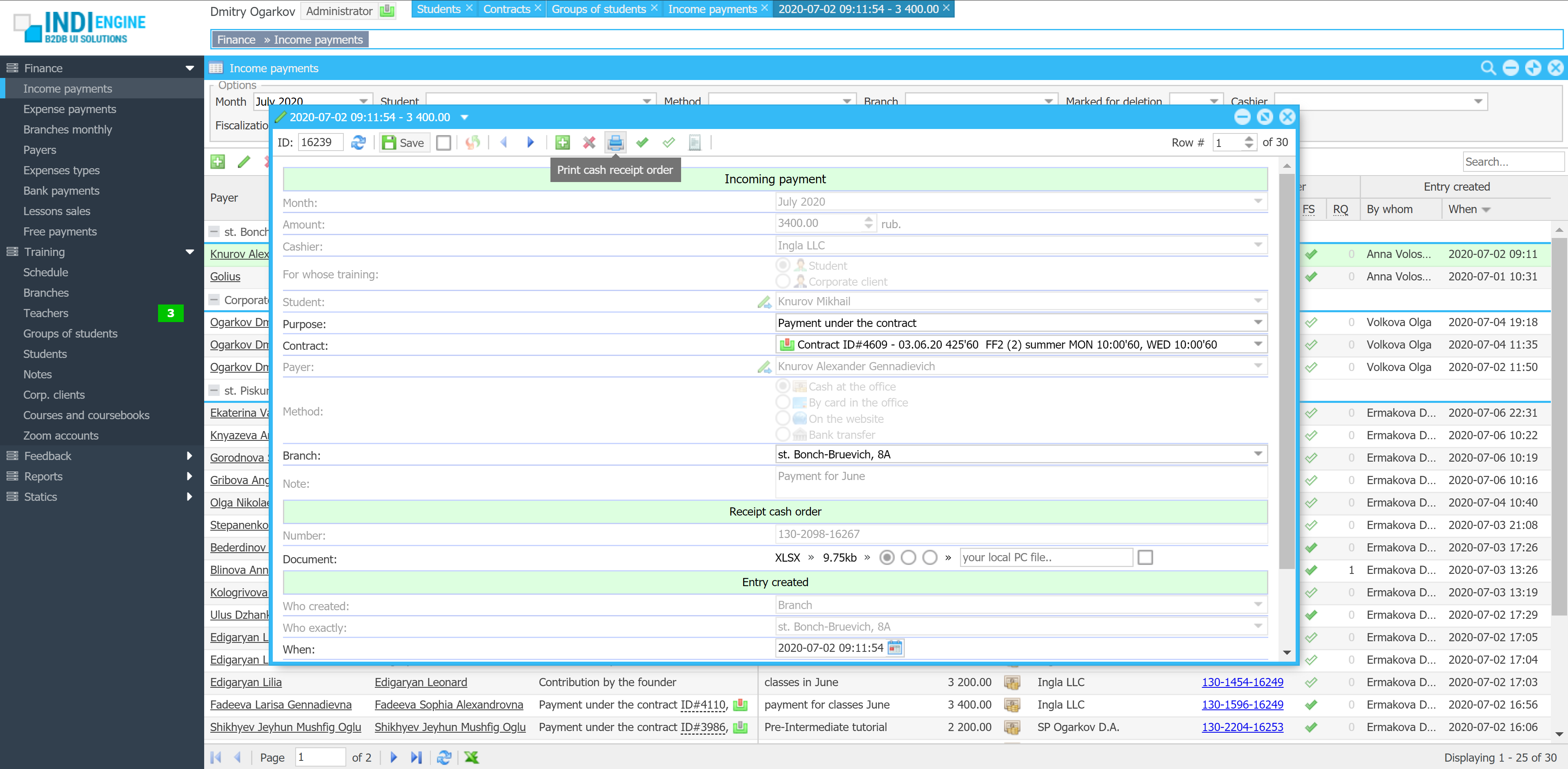
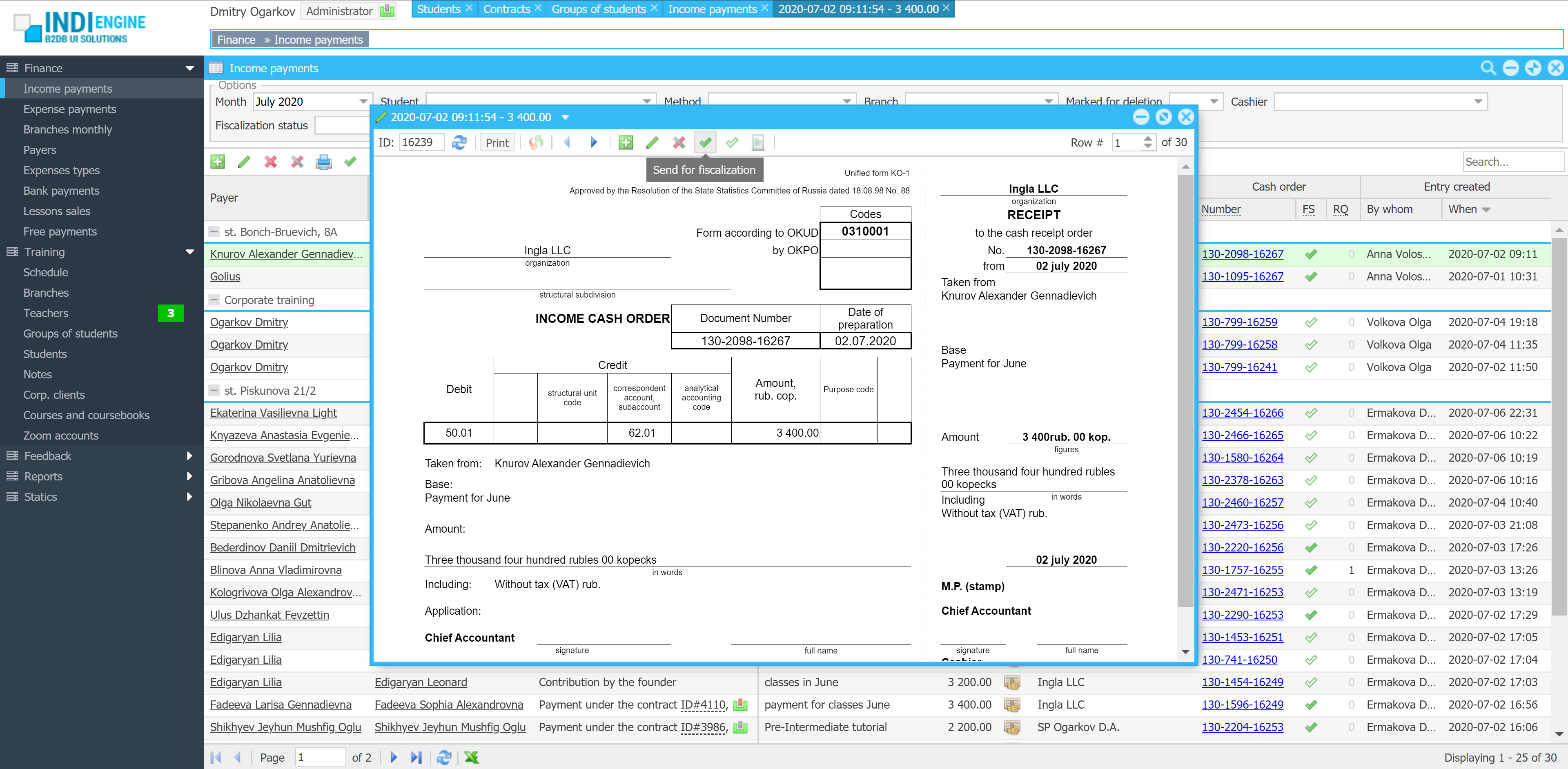
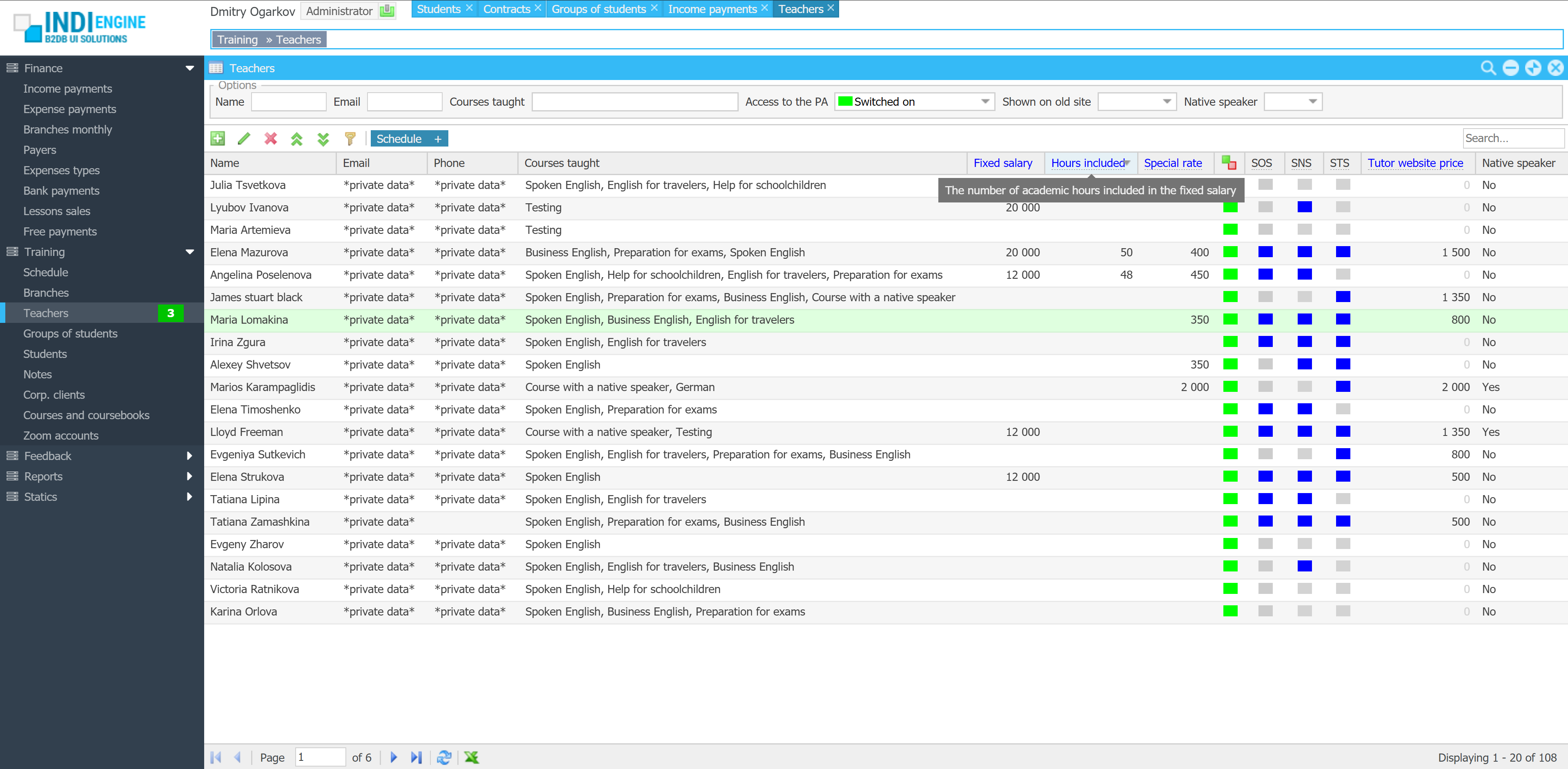
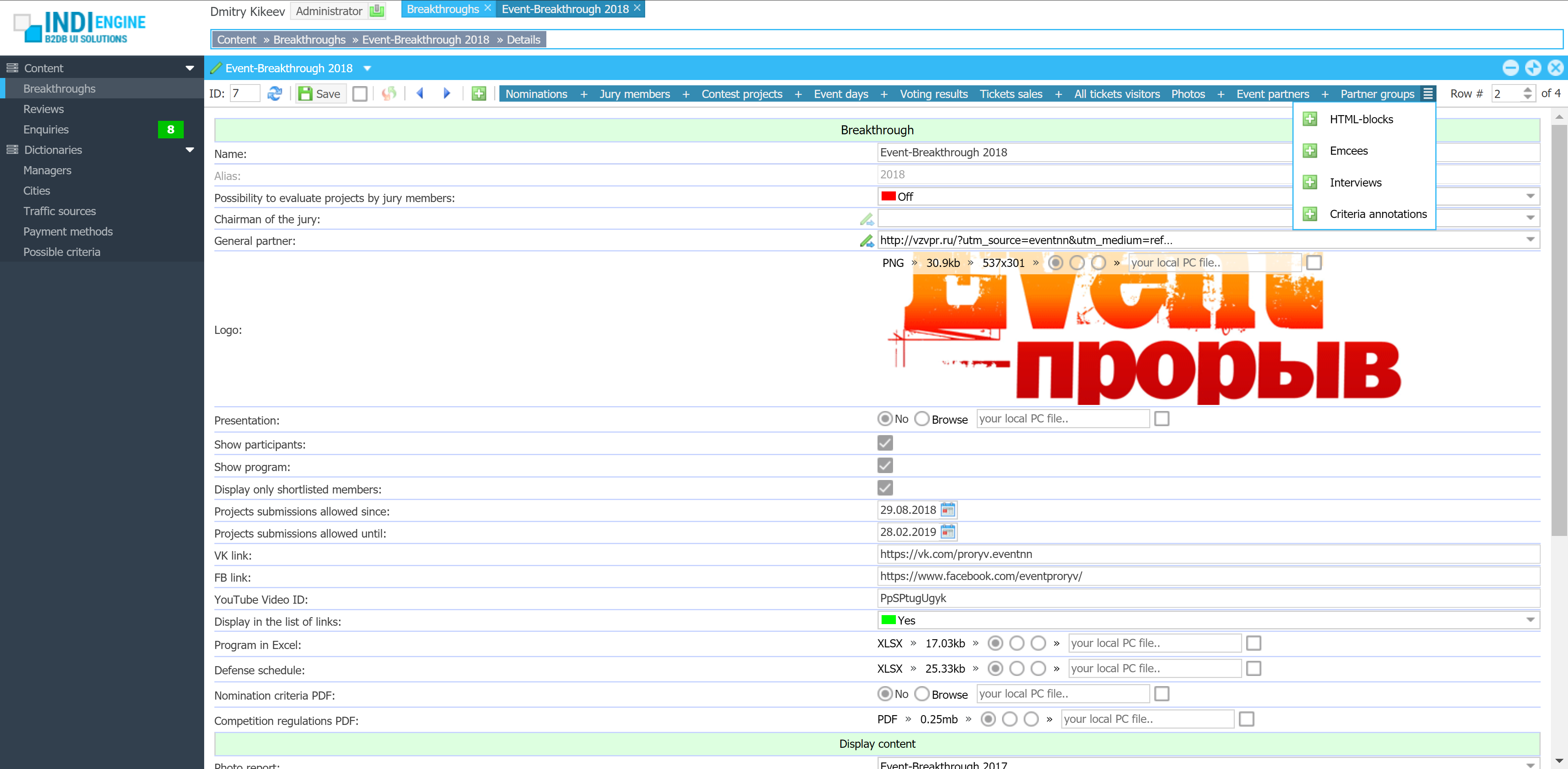
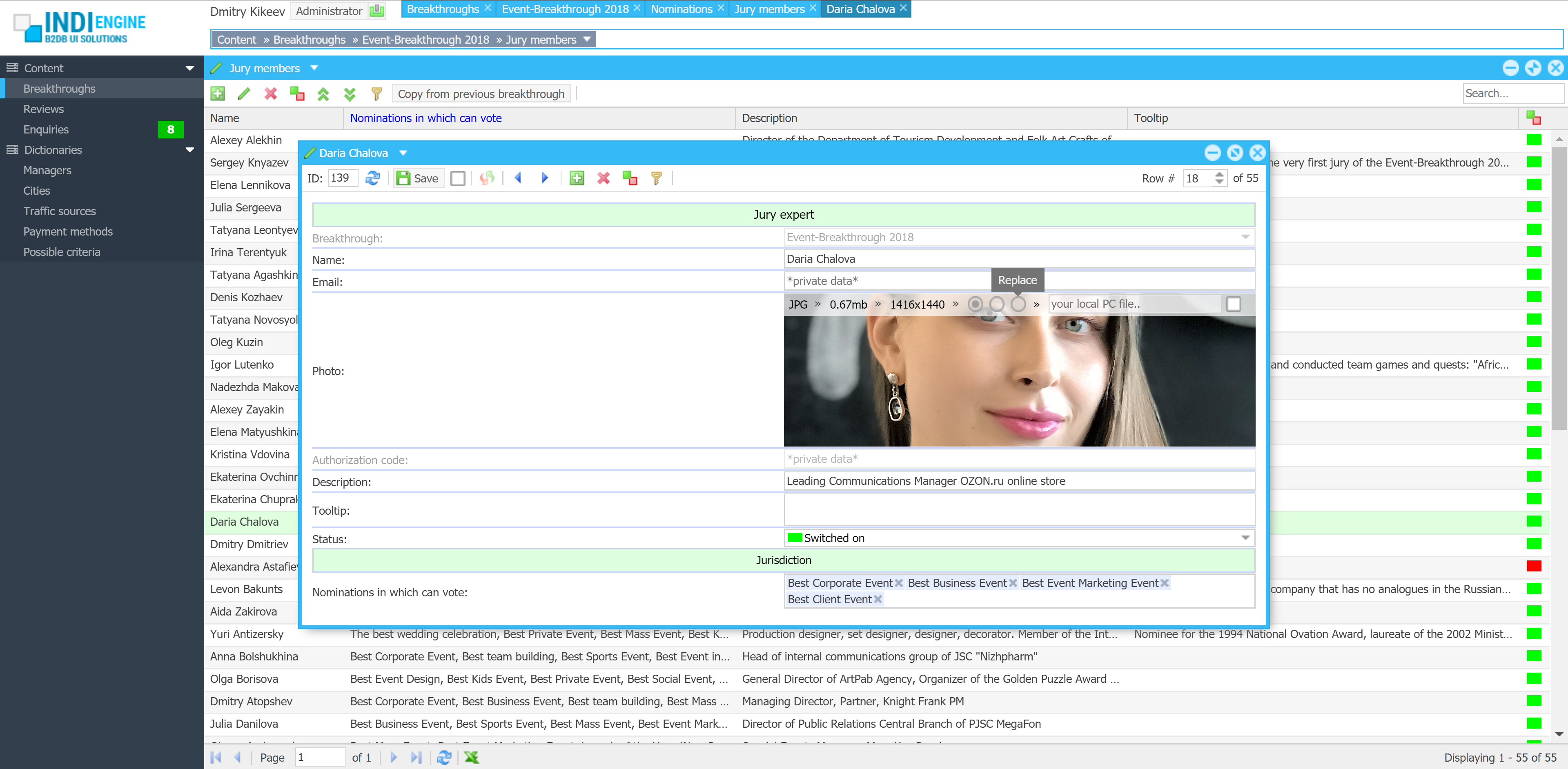
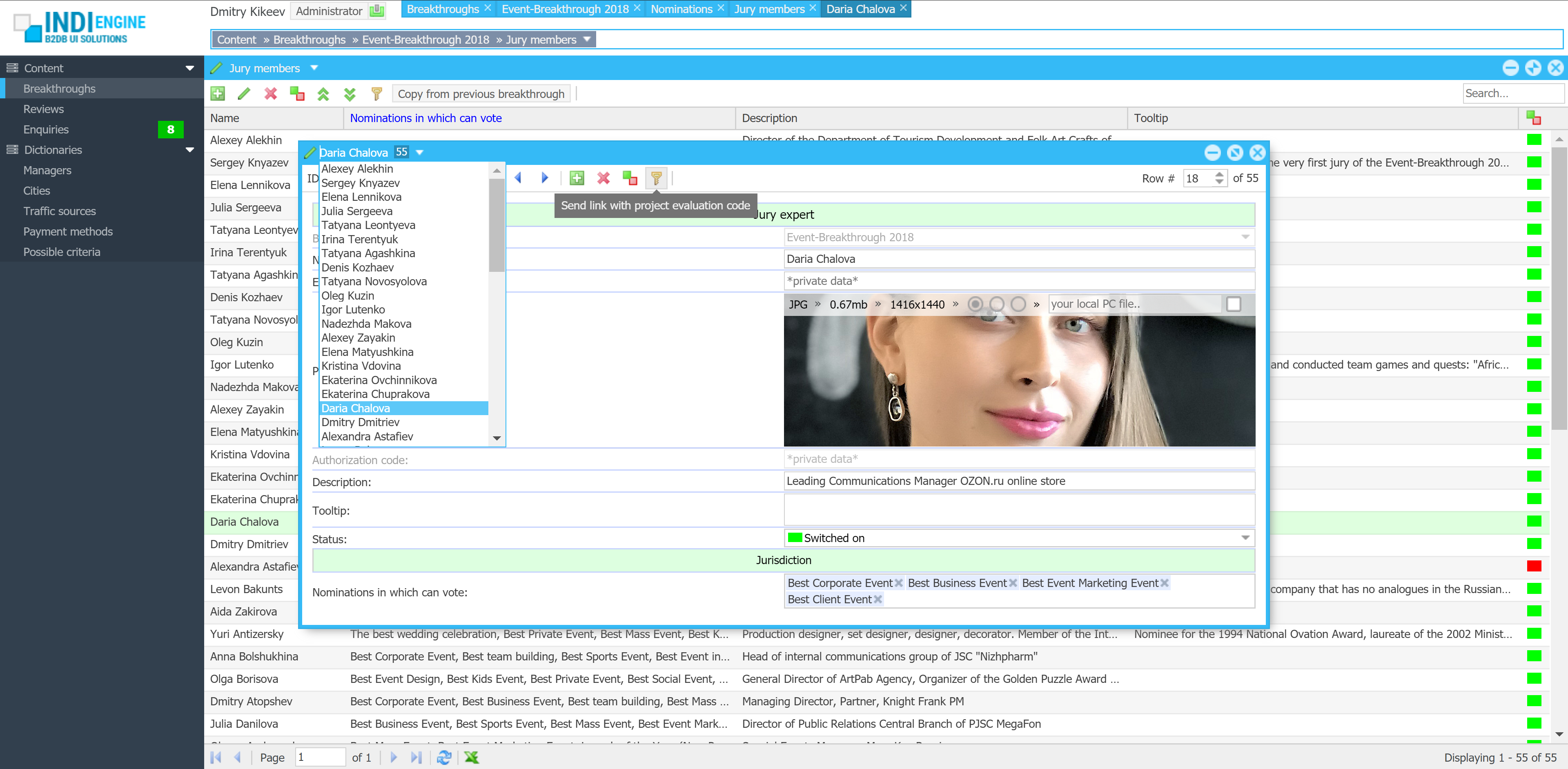
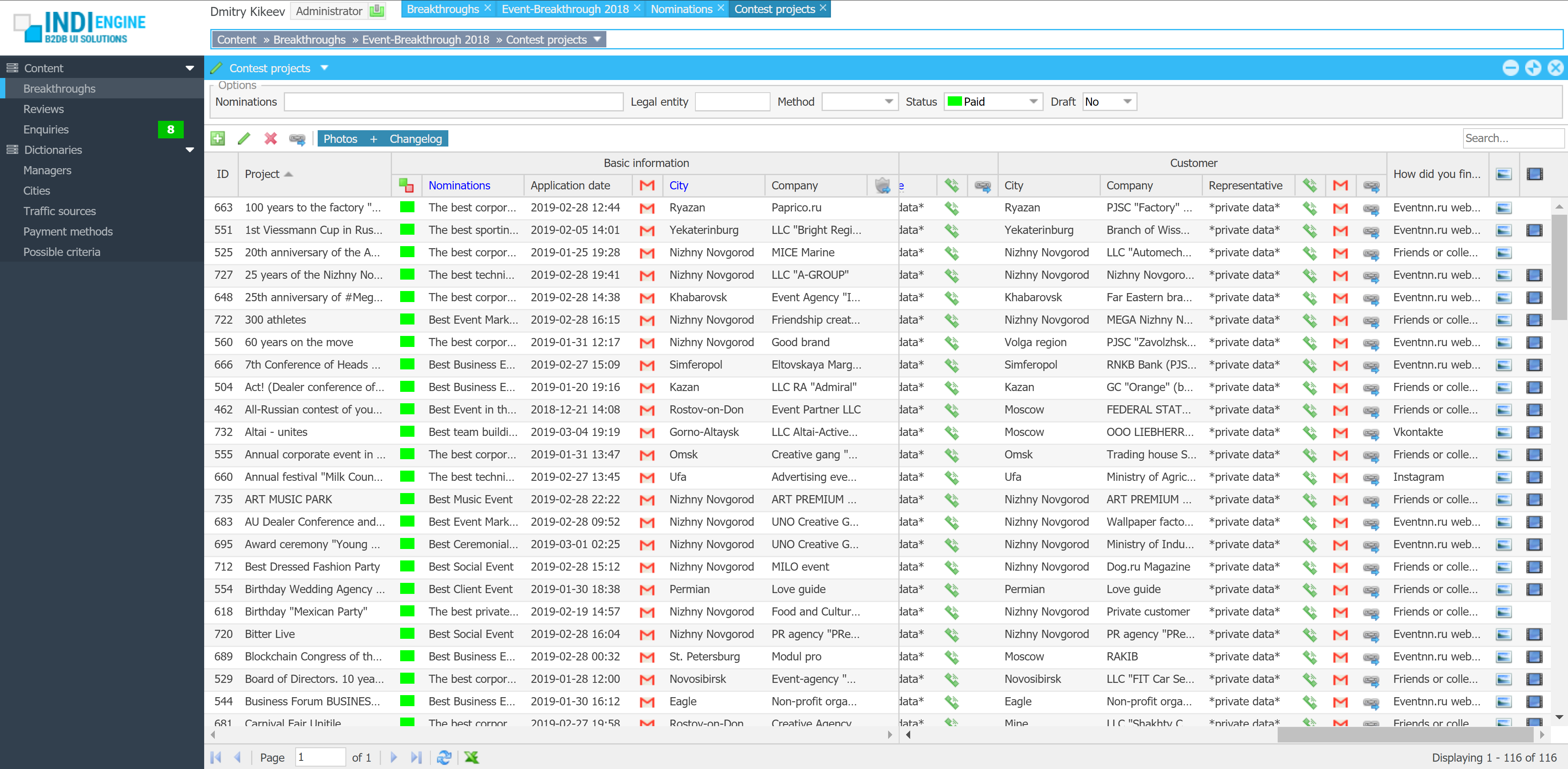
| User roles / Levels of access: | 4 |
| Basic entities / Database tables: | 67 |
| Total fields: | 989 |
| Sections (grids, calendars, charts): | 128 |
| Relationships / Foreign-key fields: | 314 |
| Localized fields: | 175 |
| File upload fields: | 33 |
| Languages: | 2 |
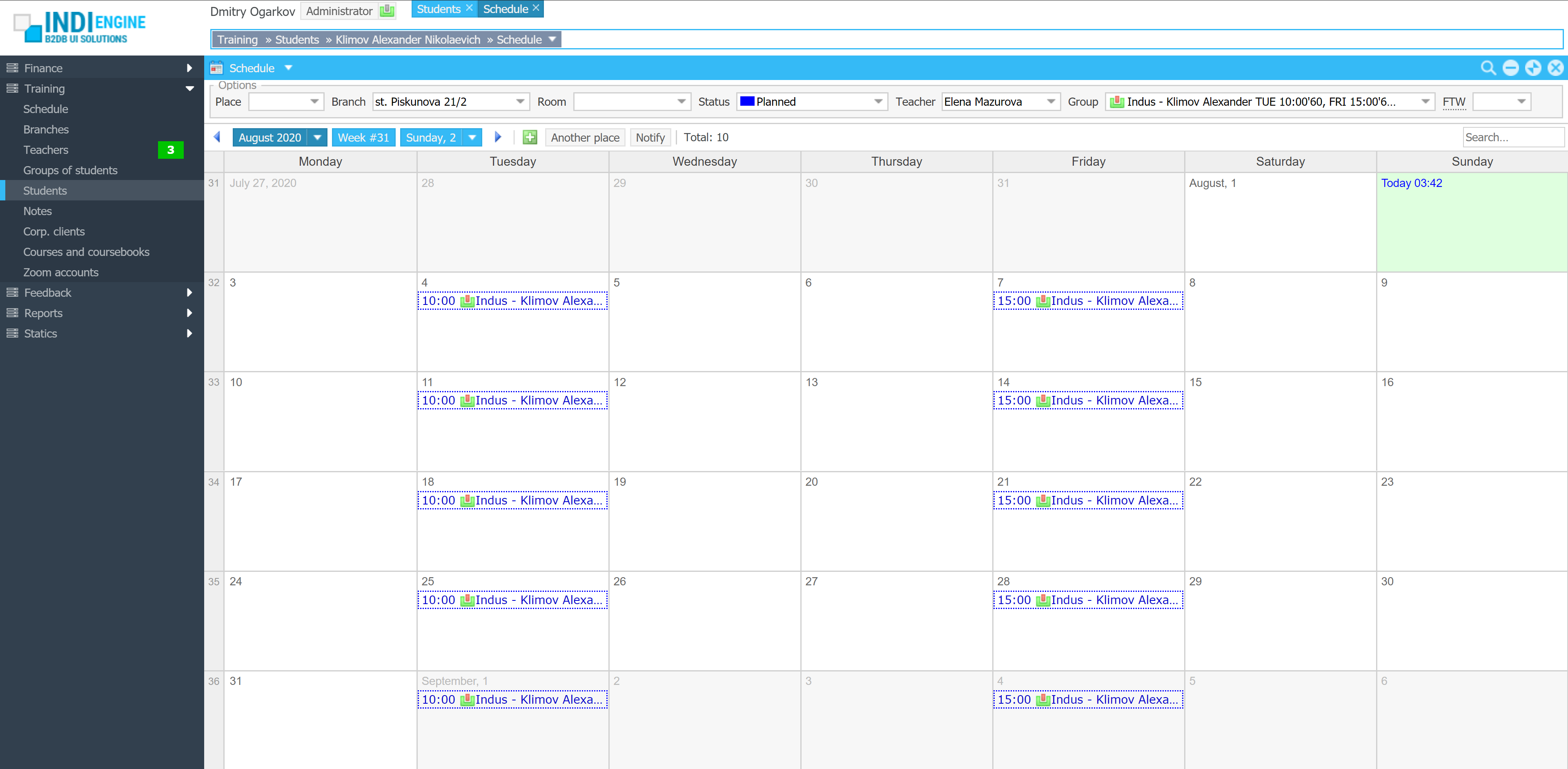
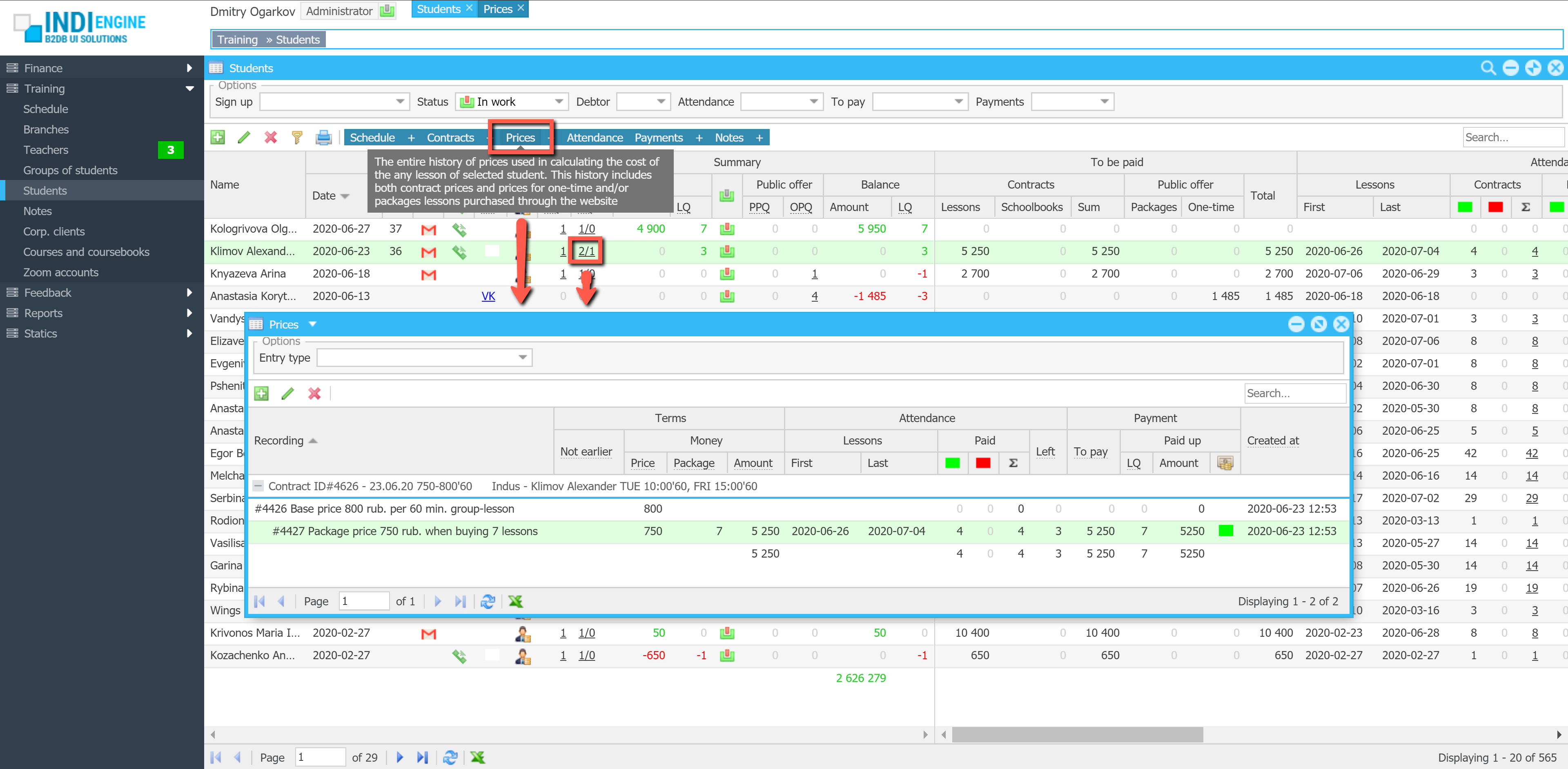
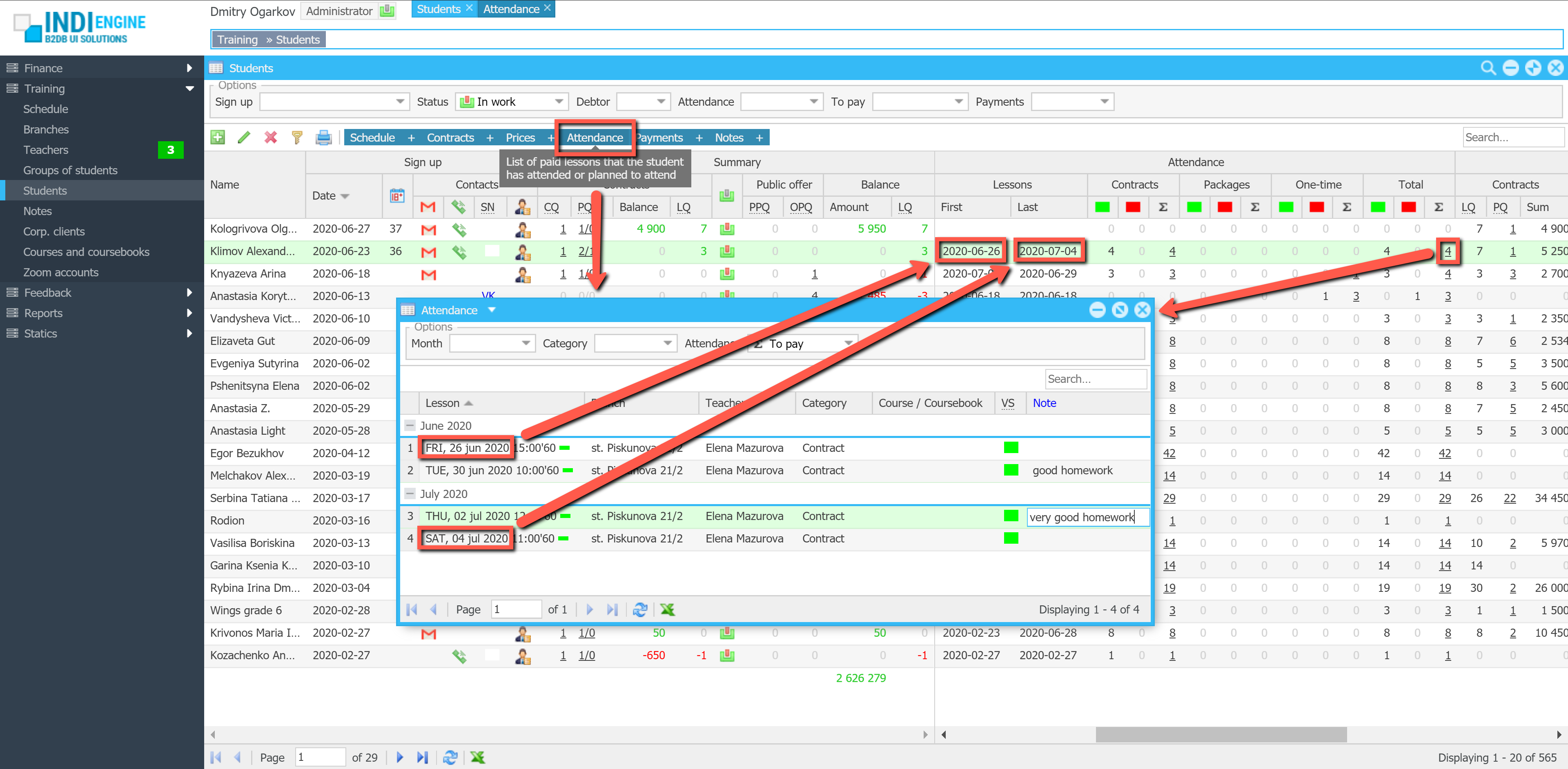
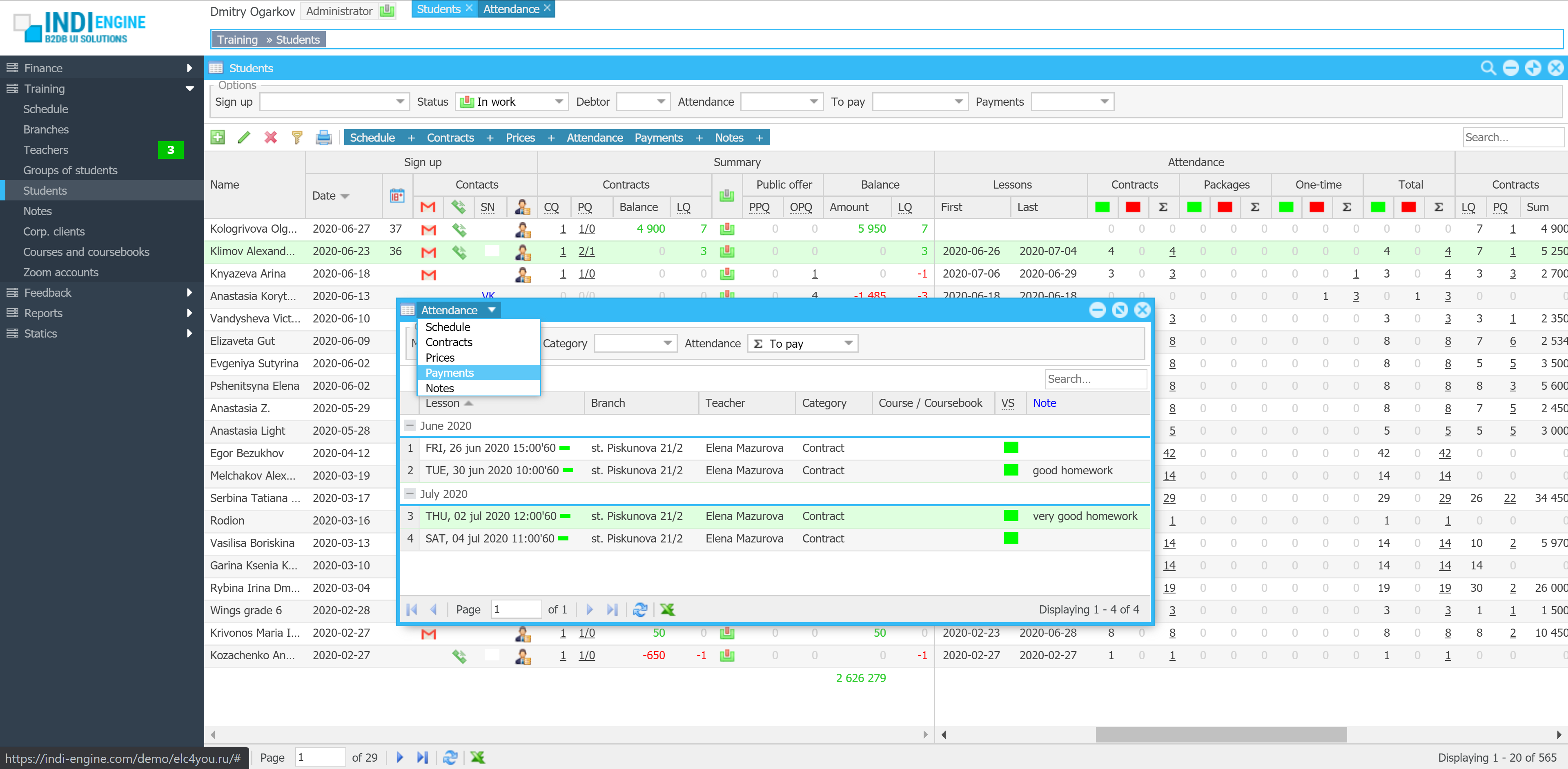
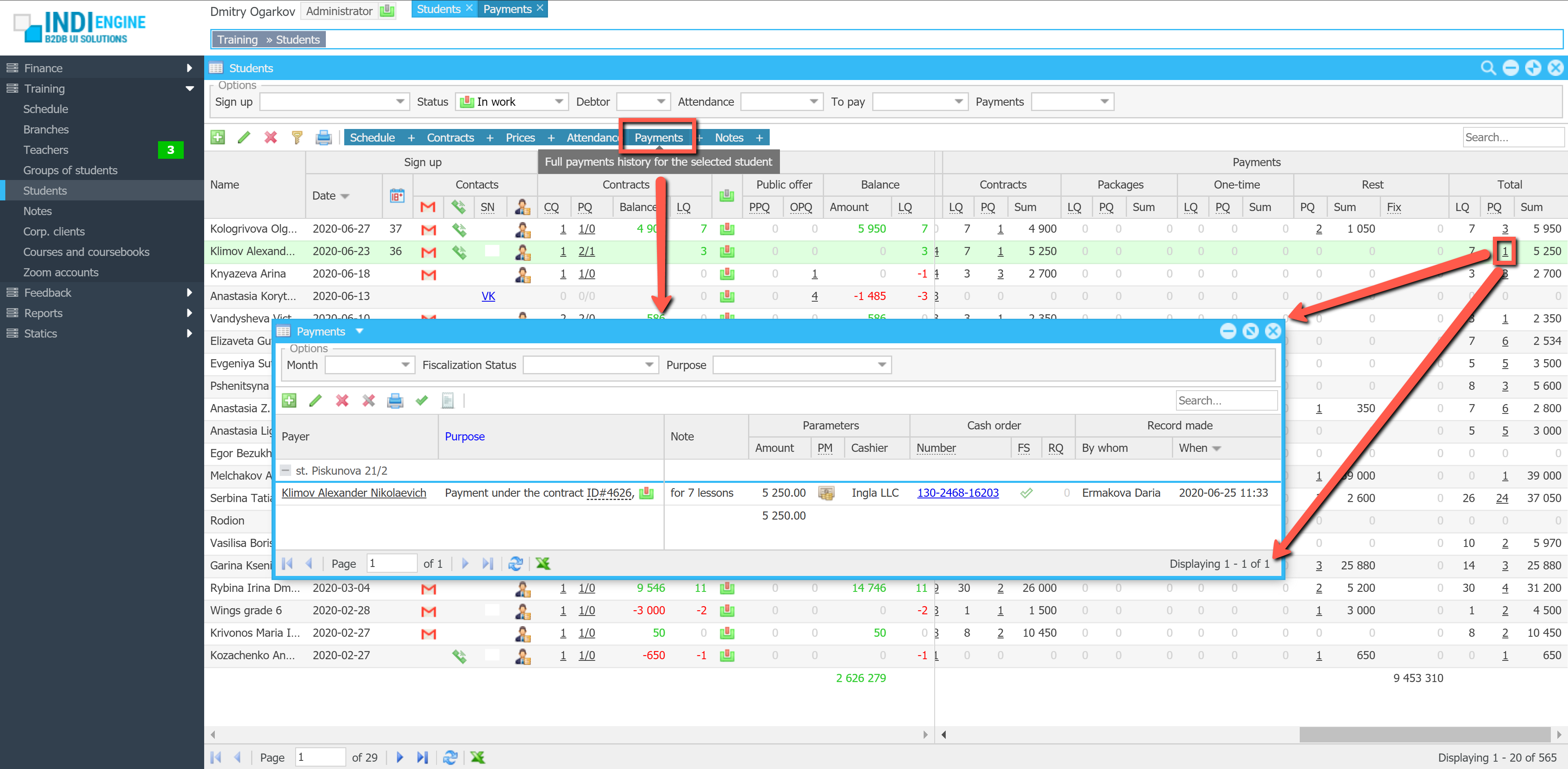
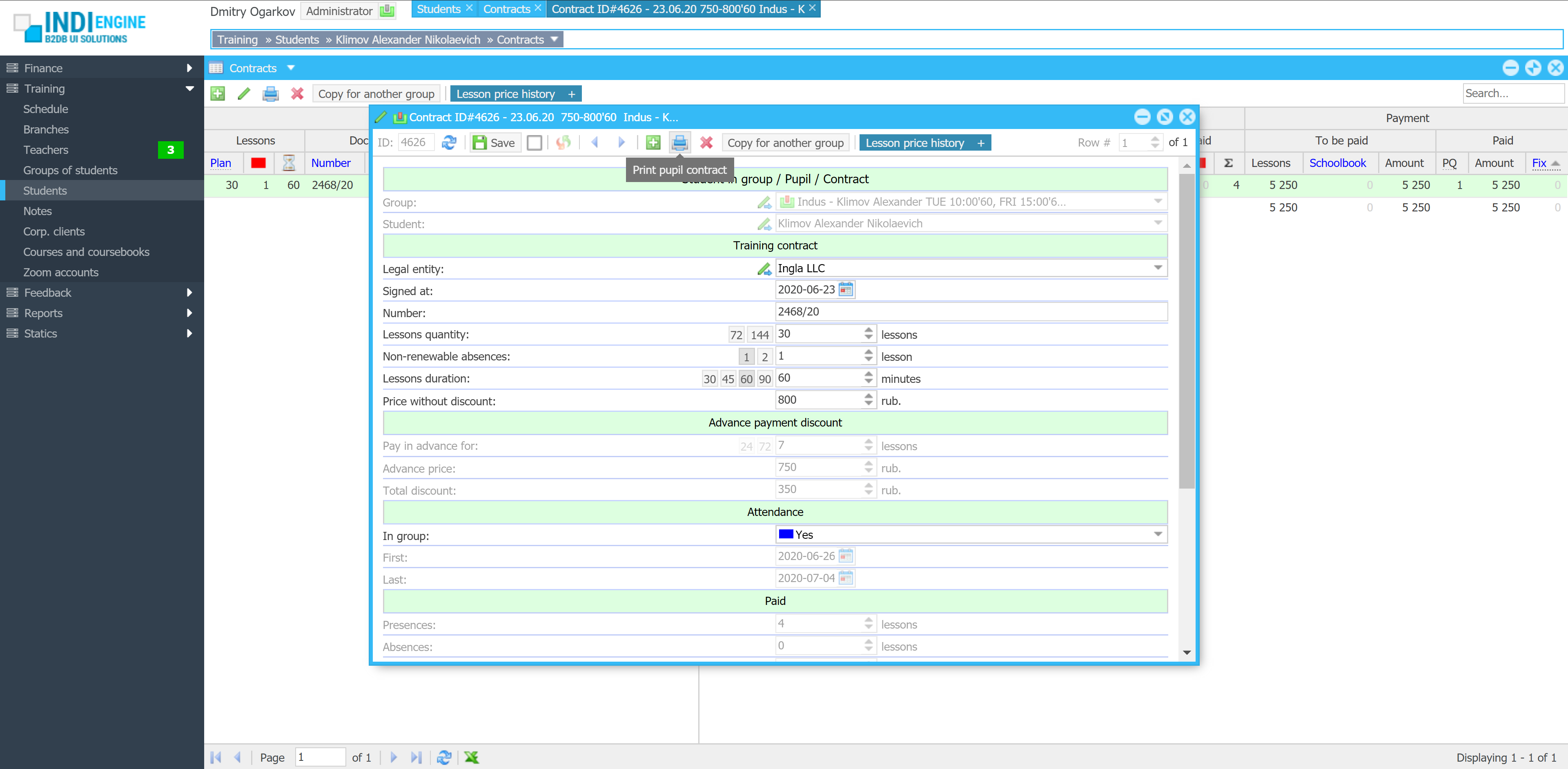
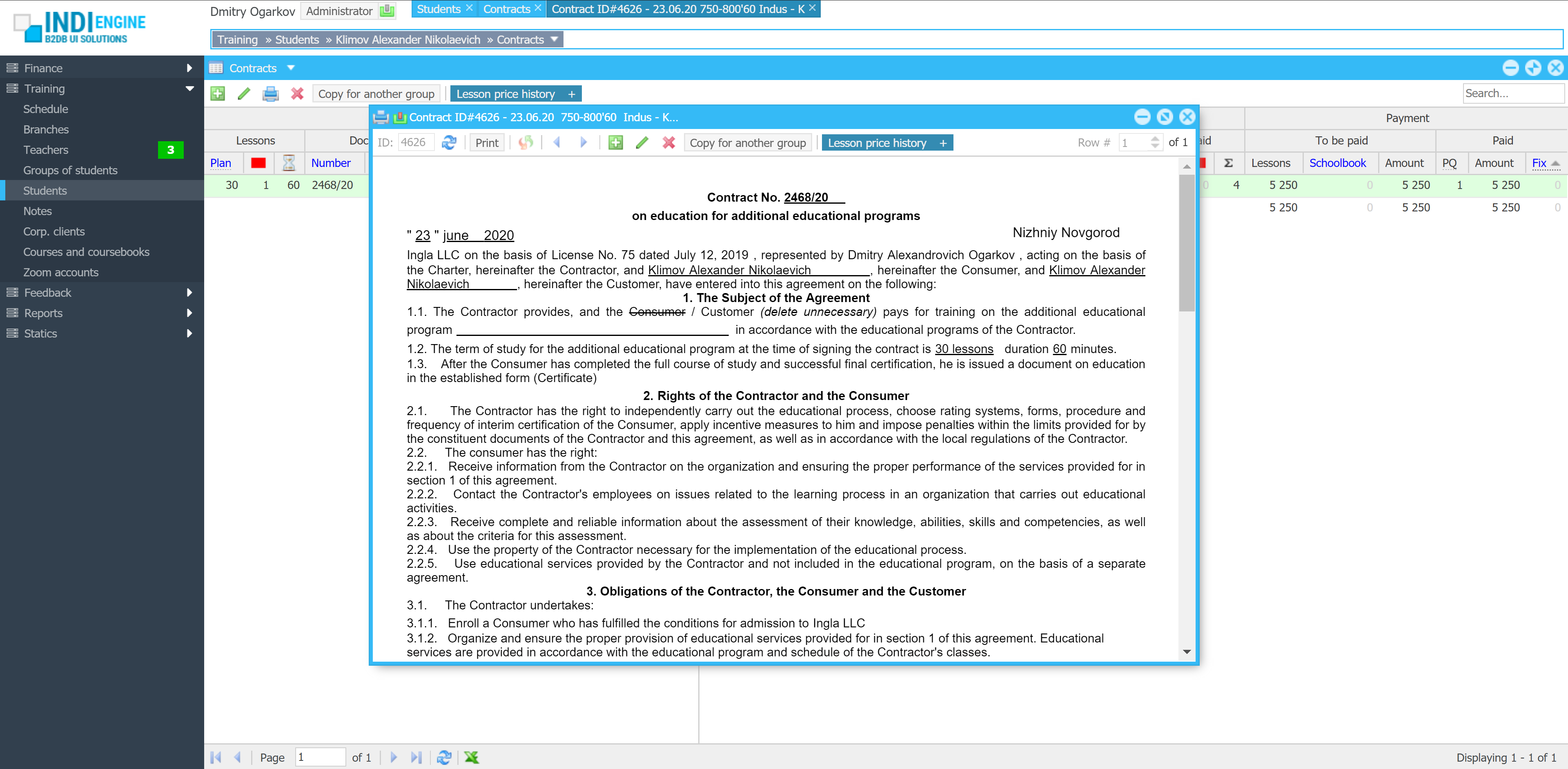
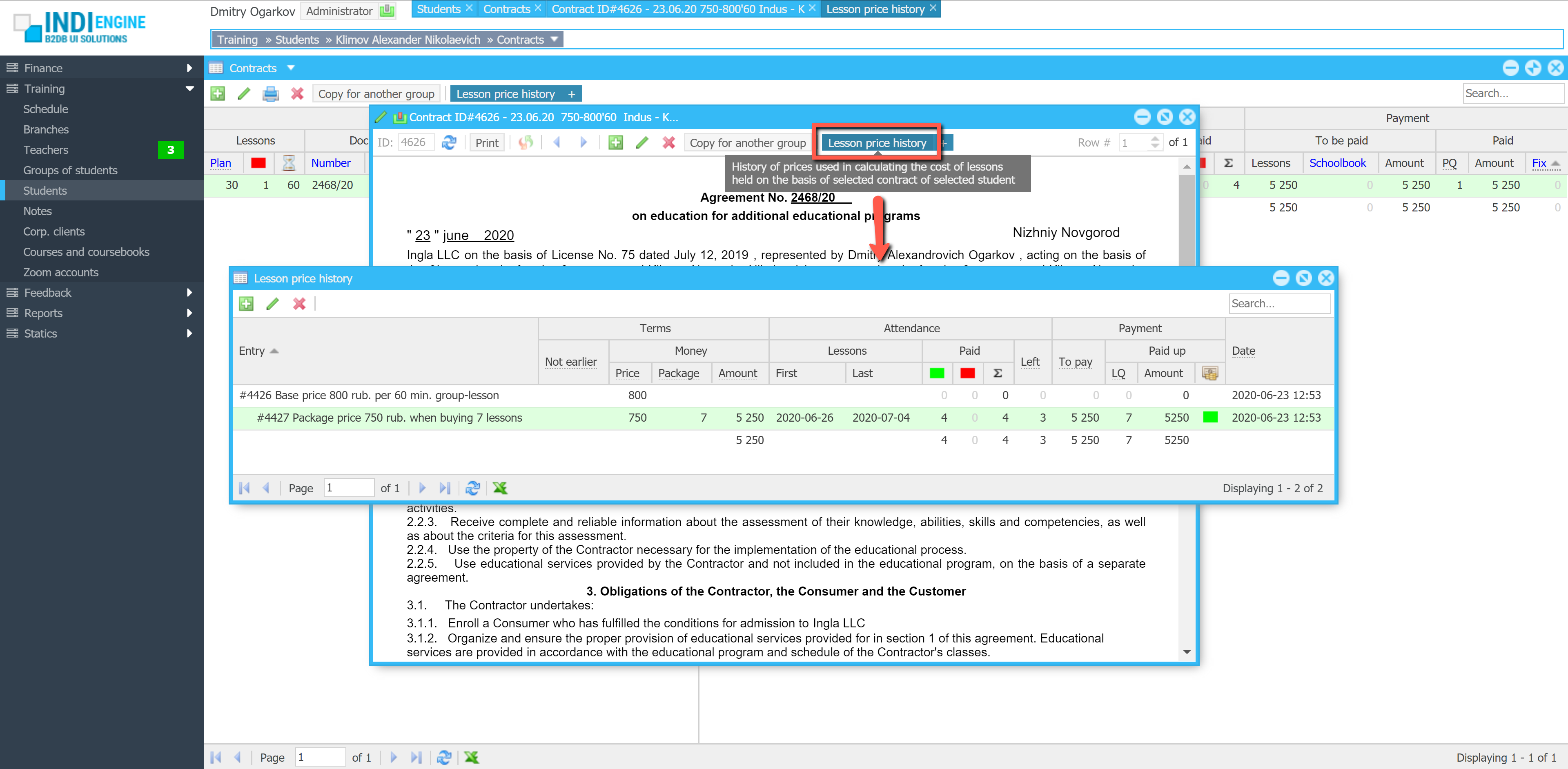
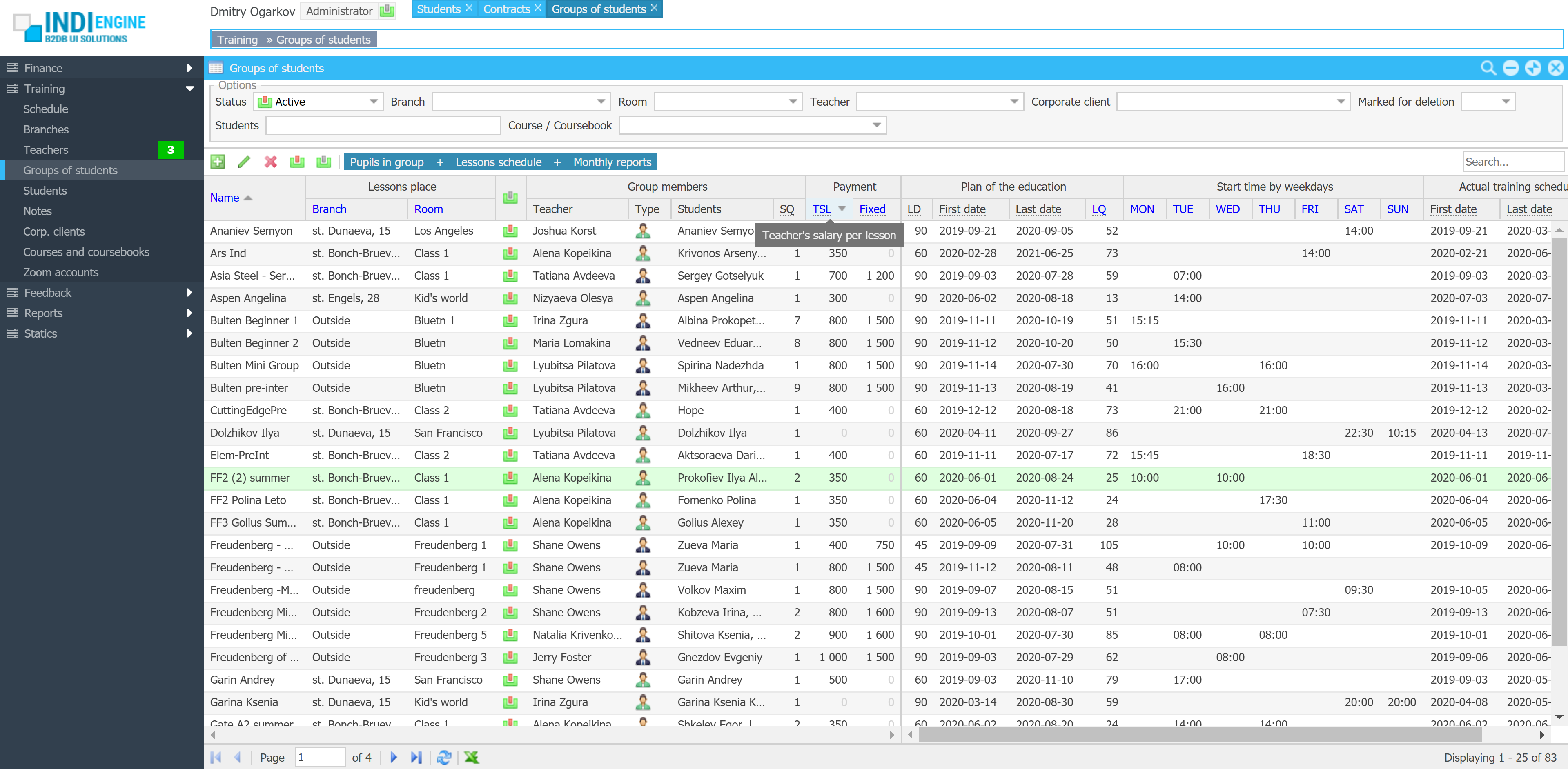
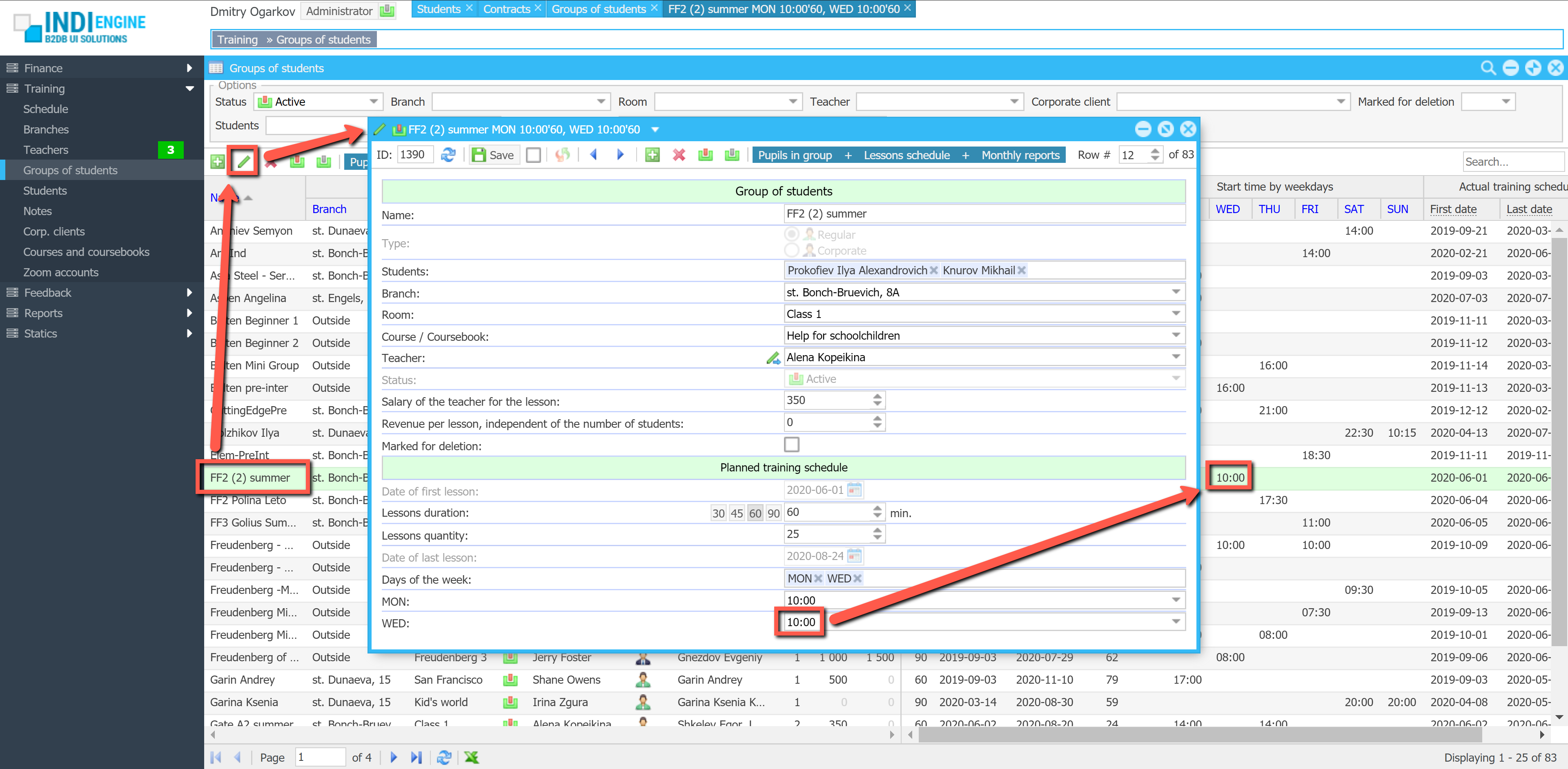
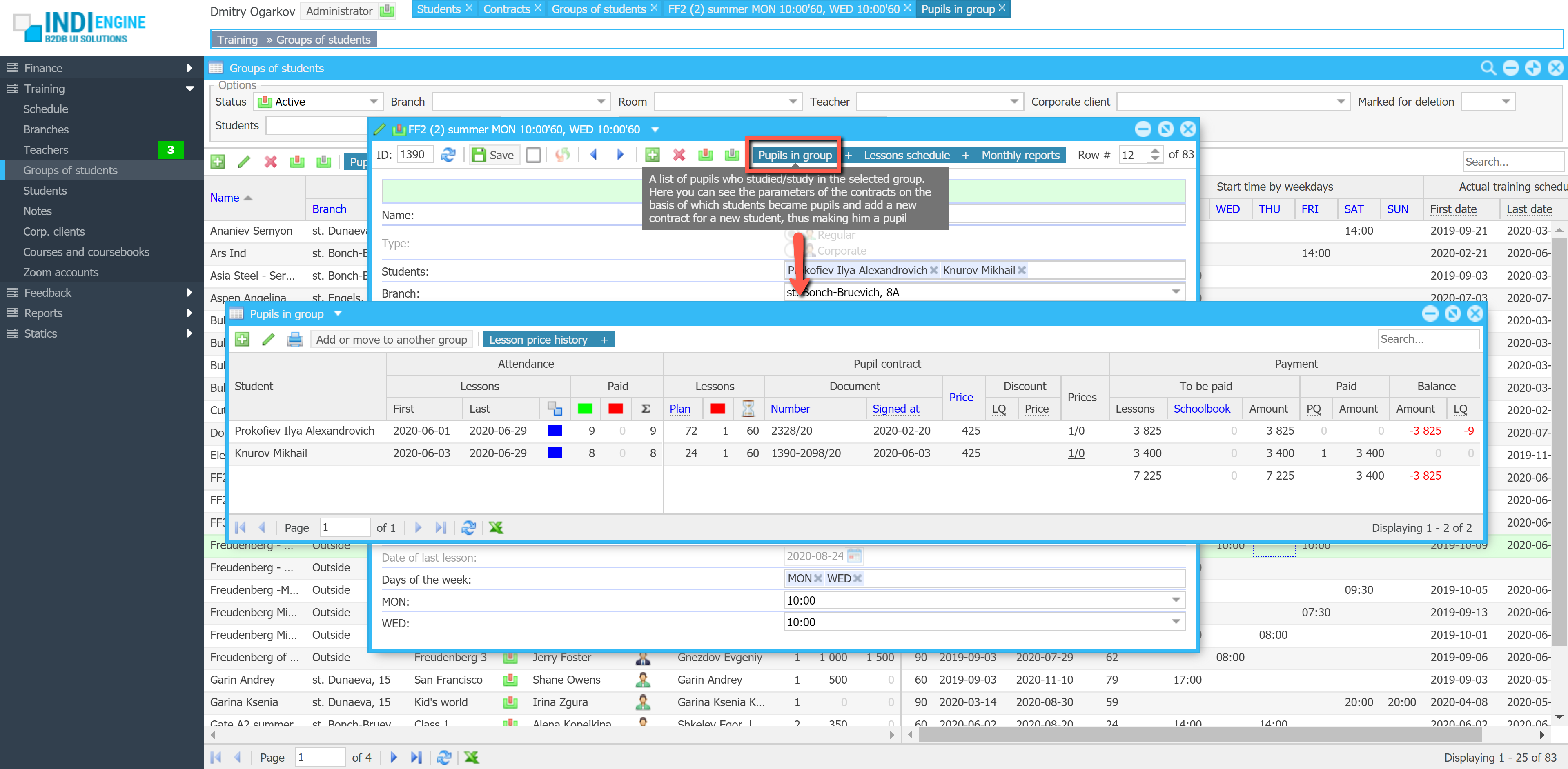
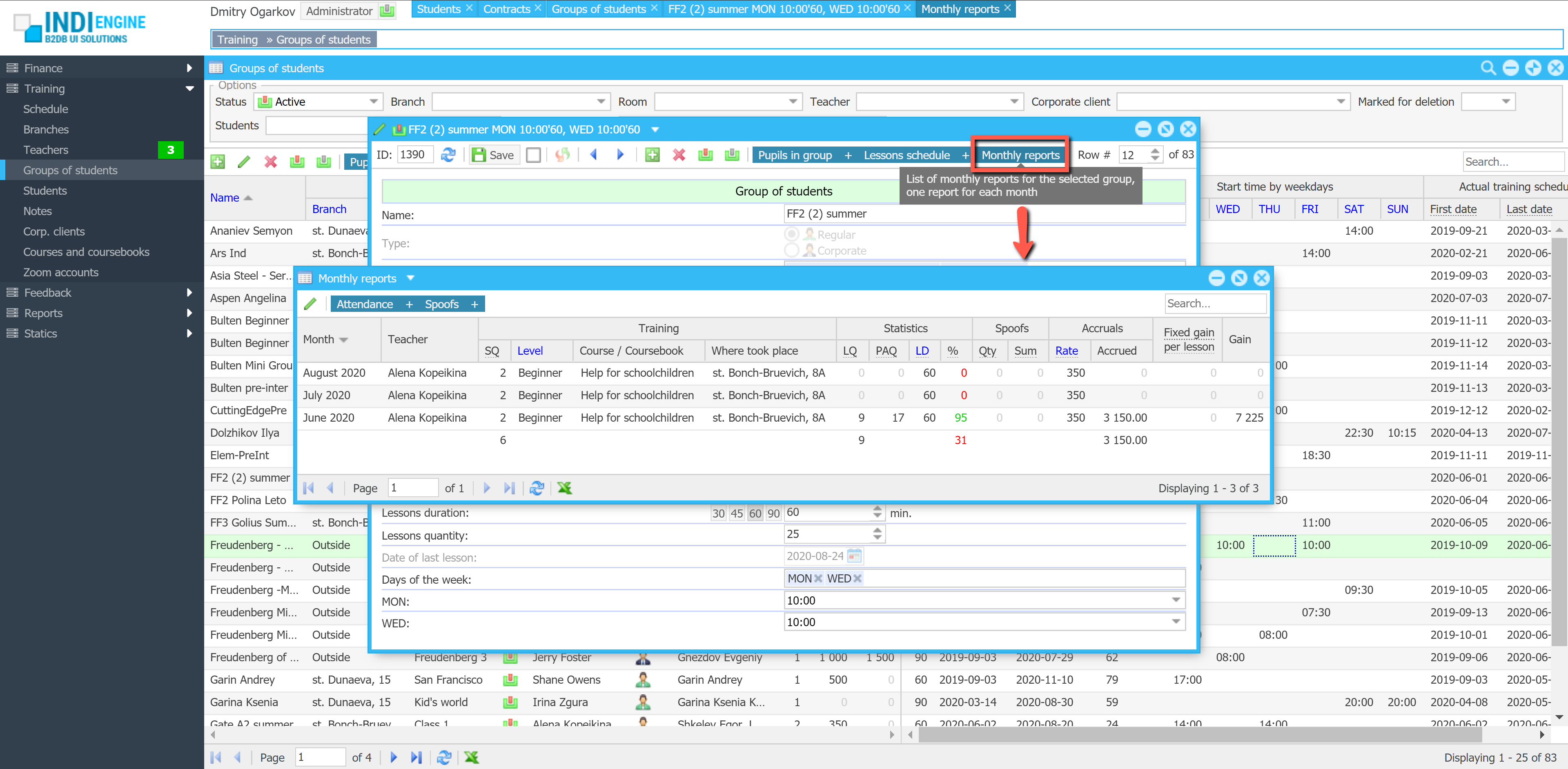
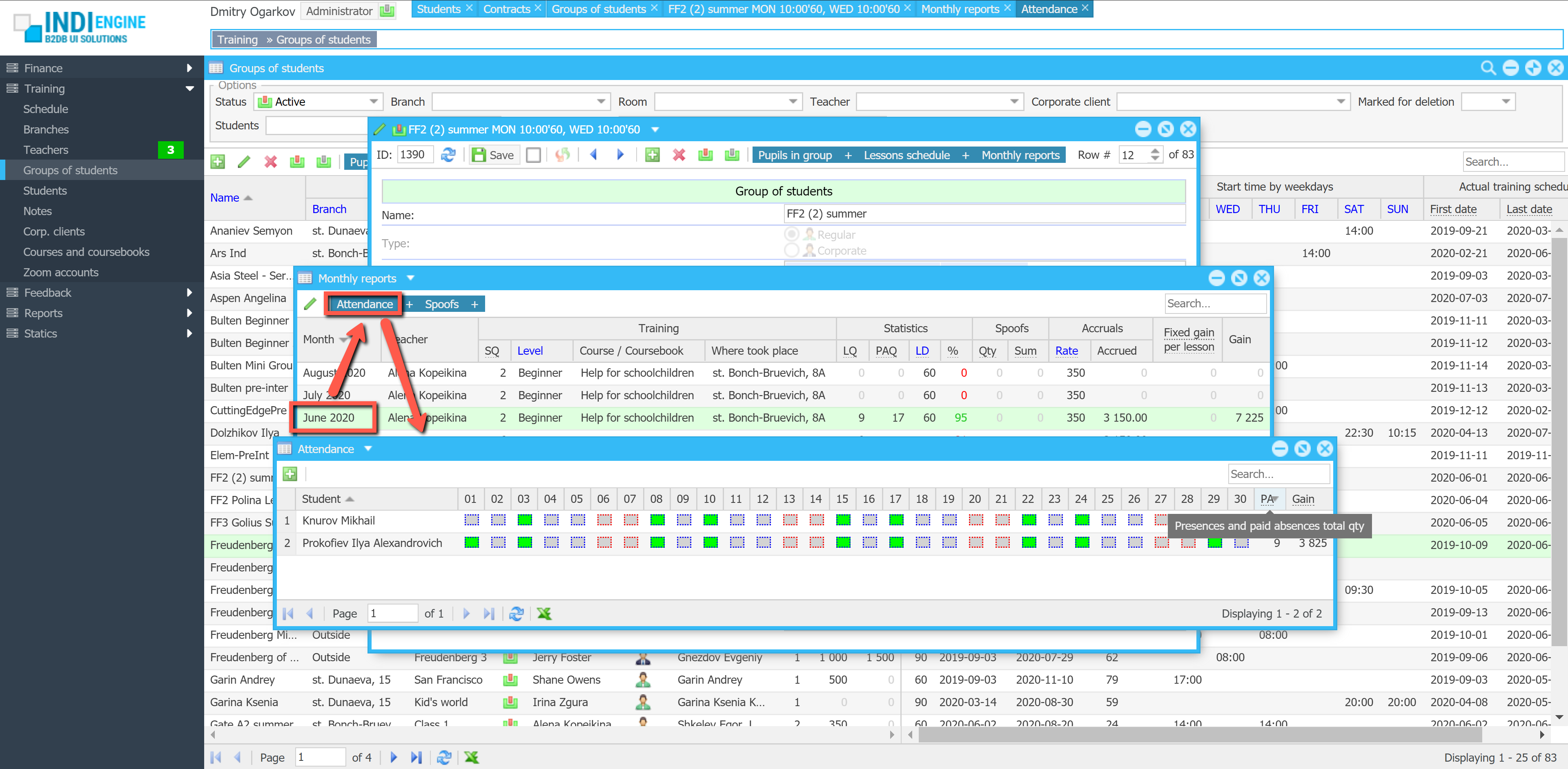
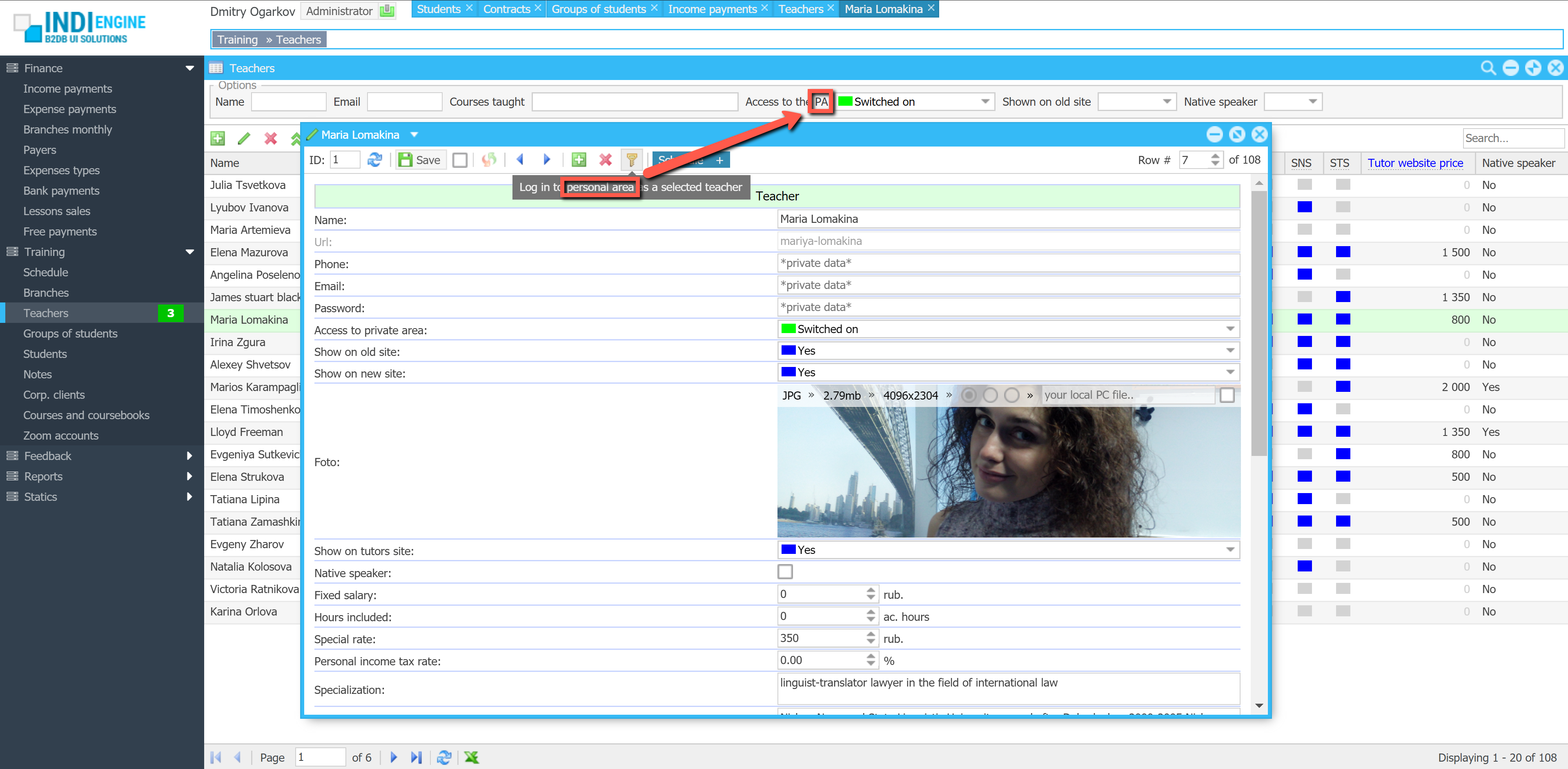
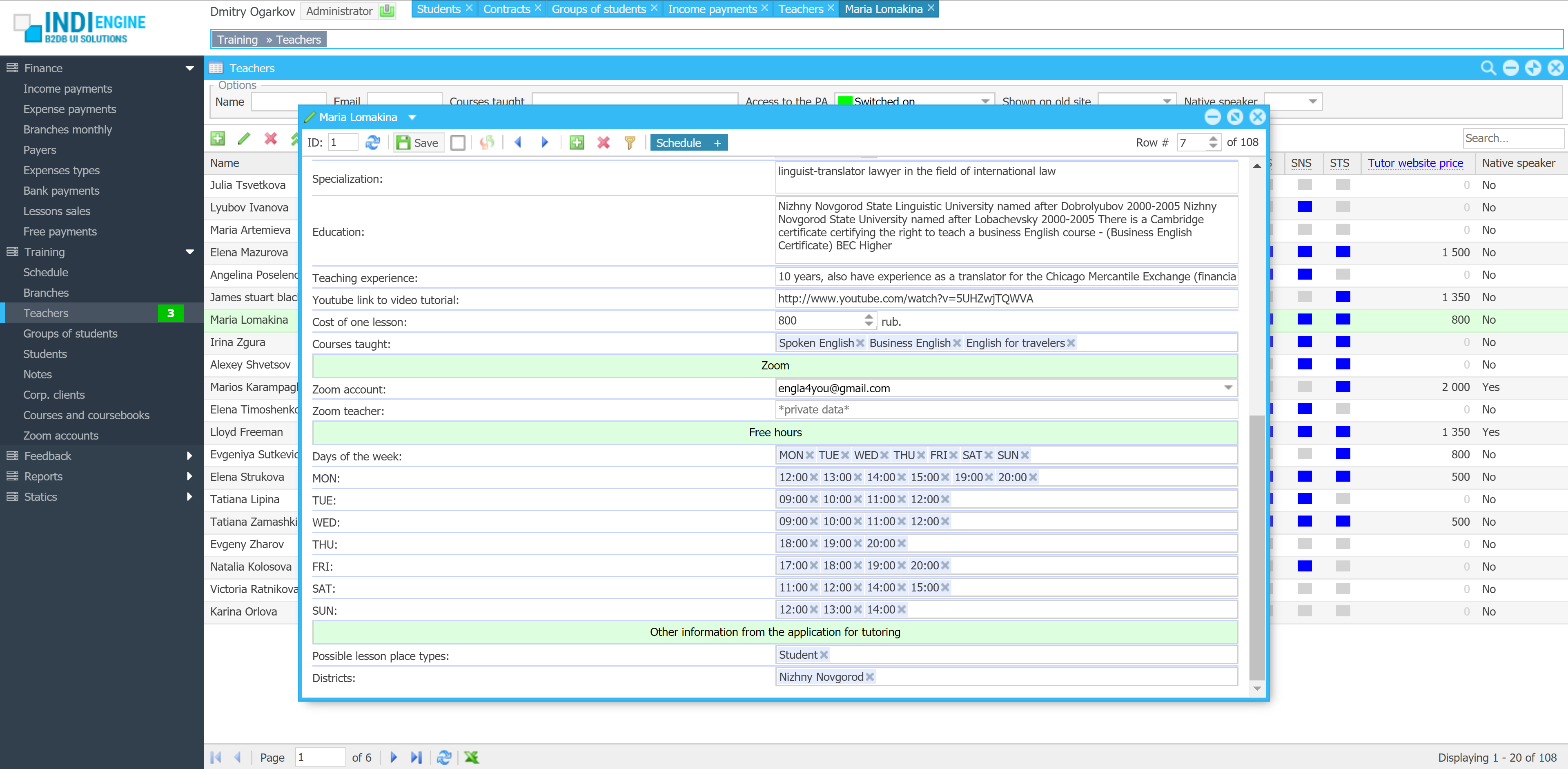
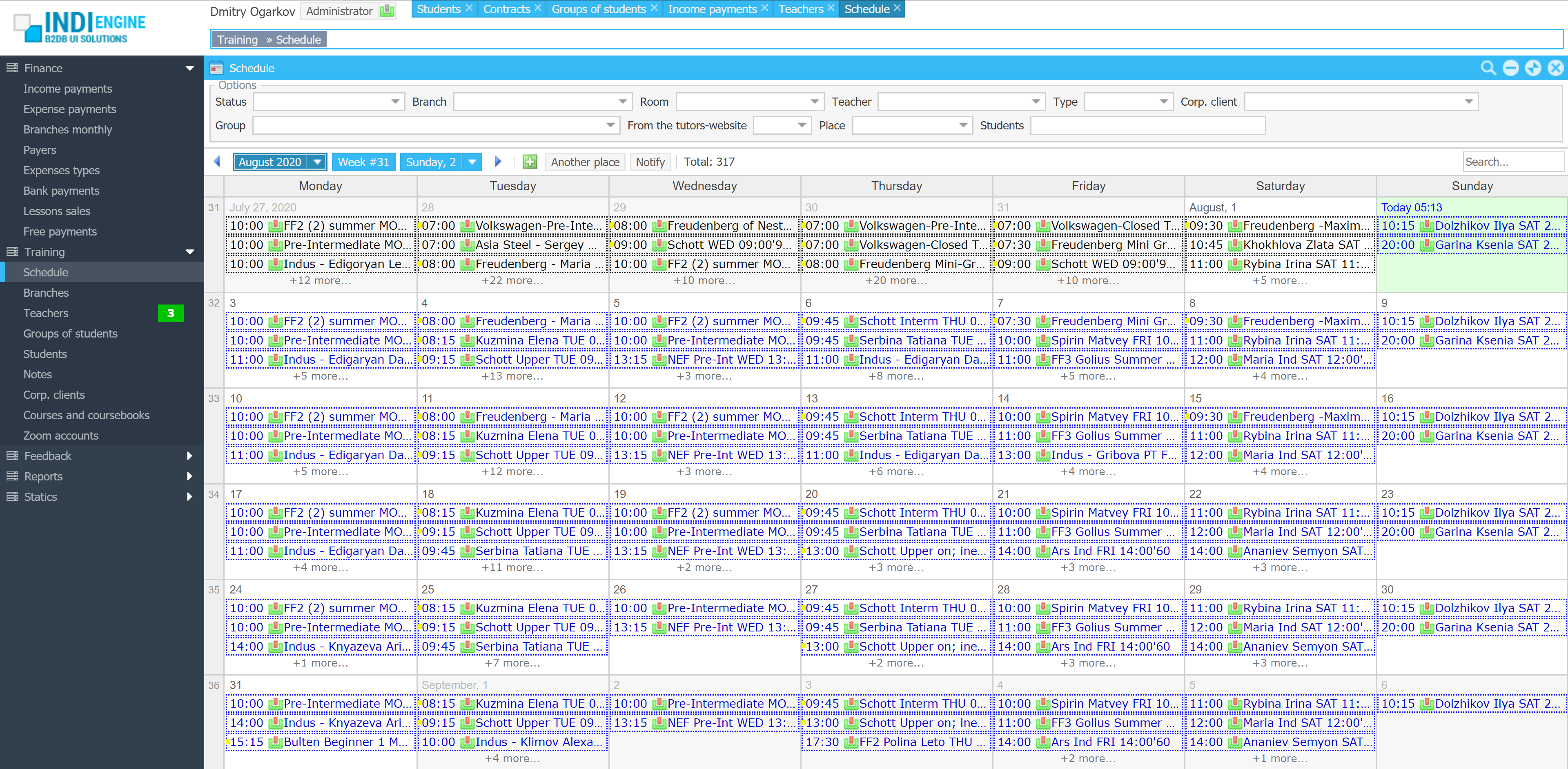
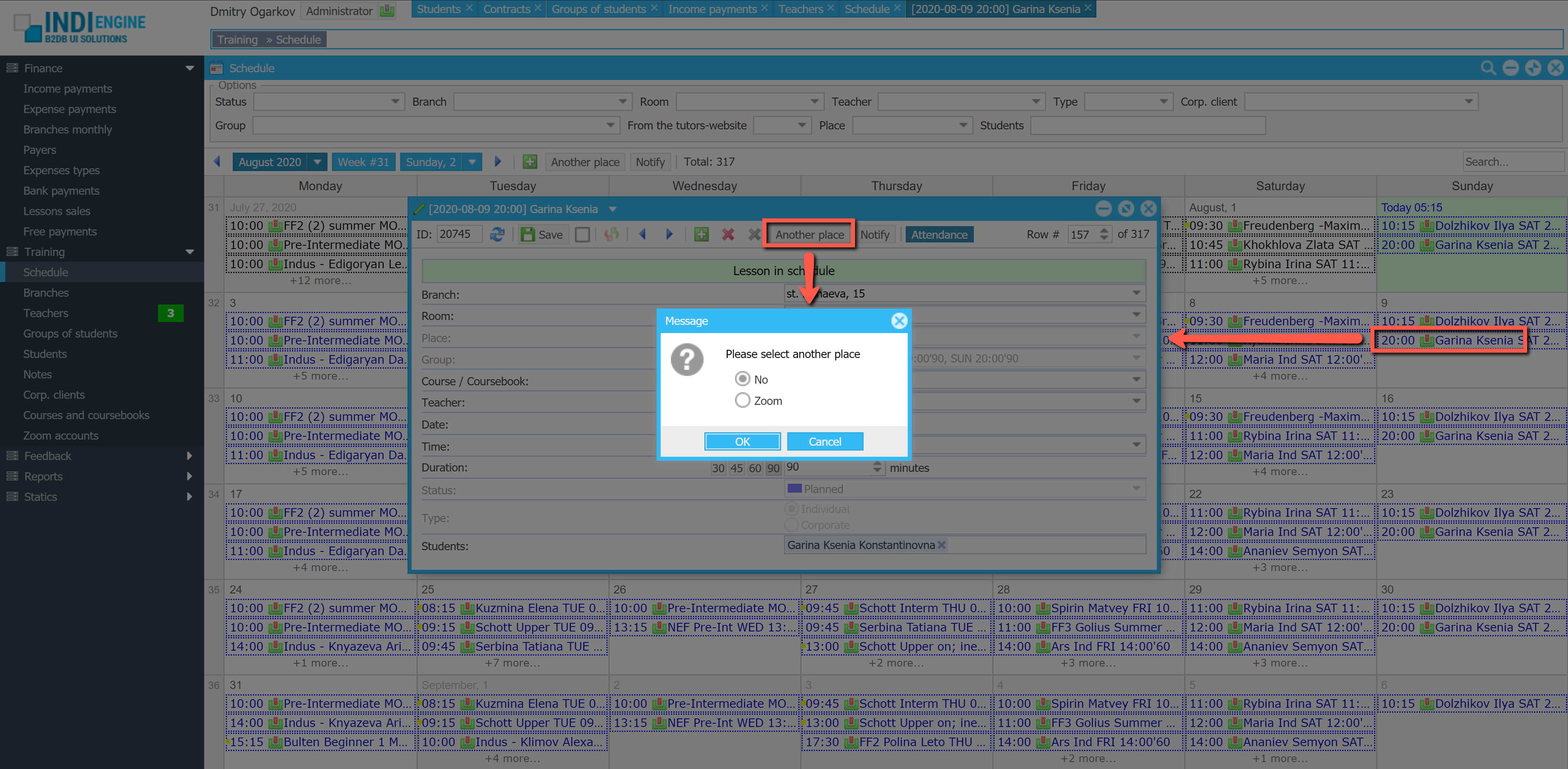
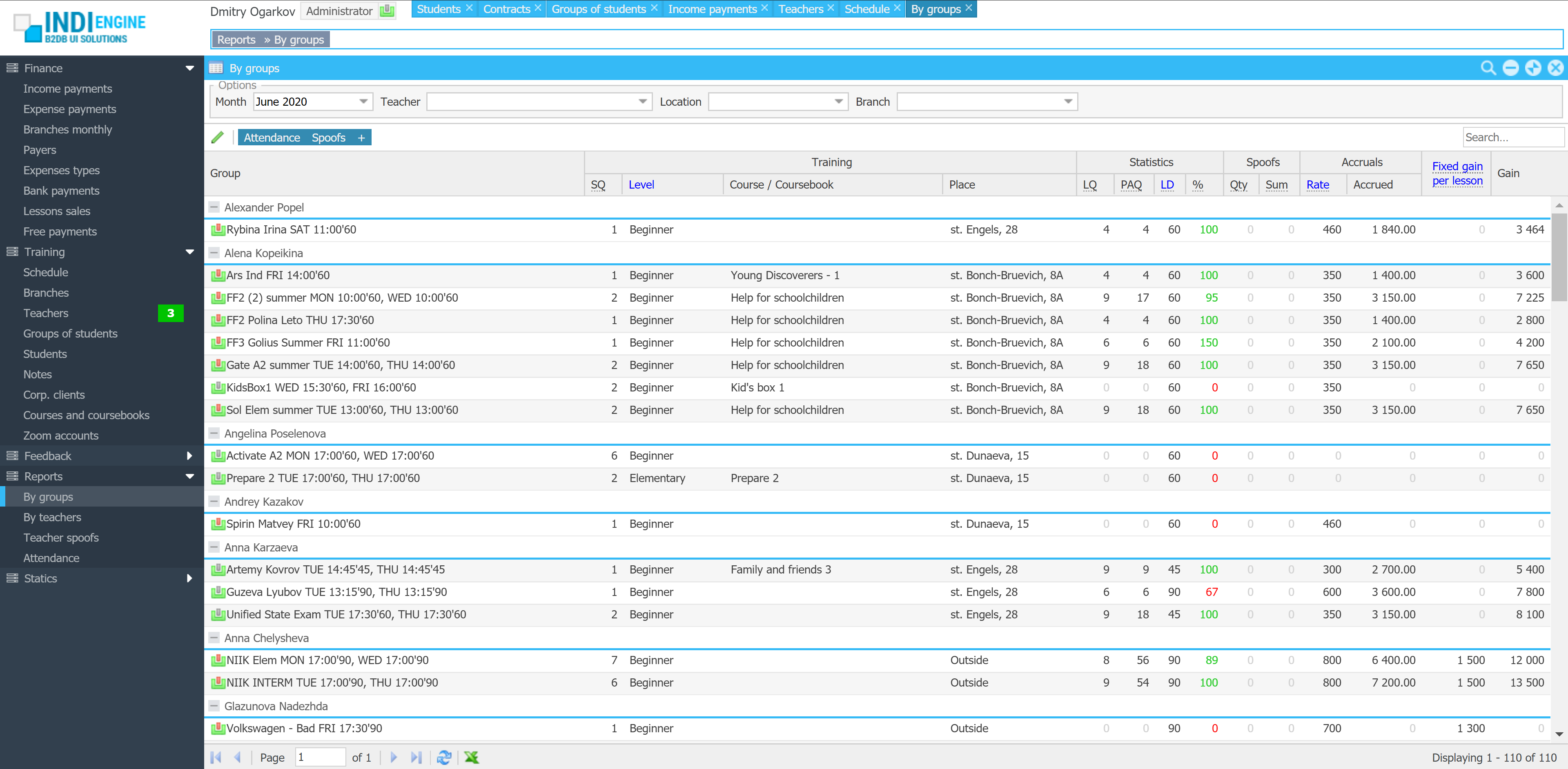
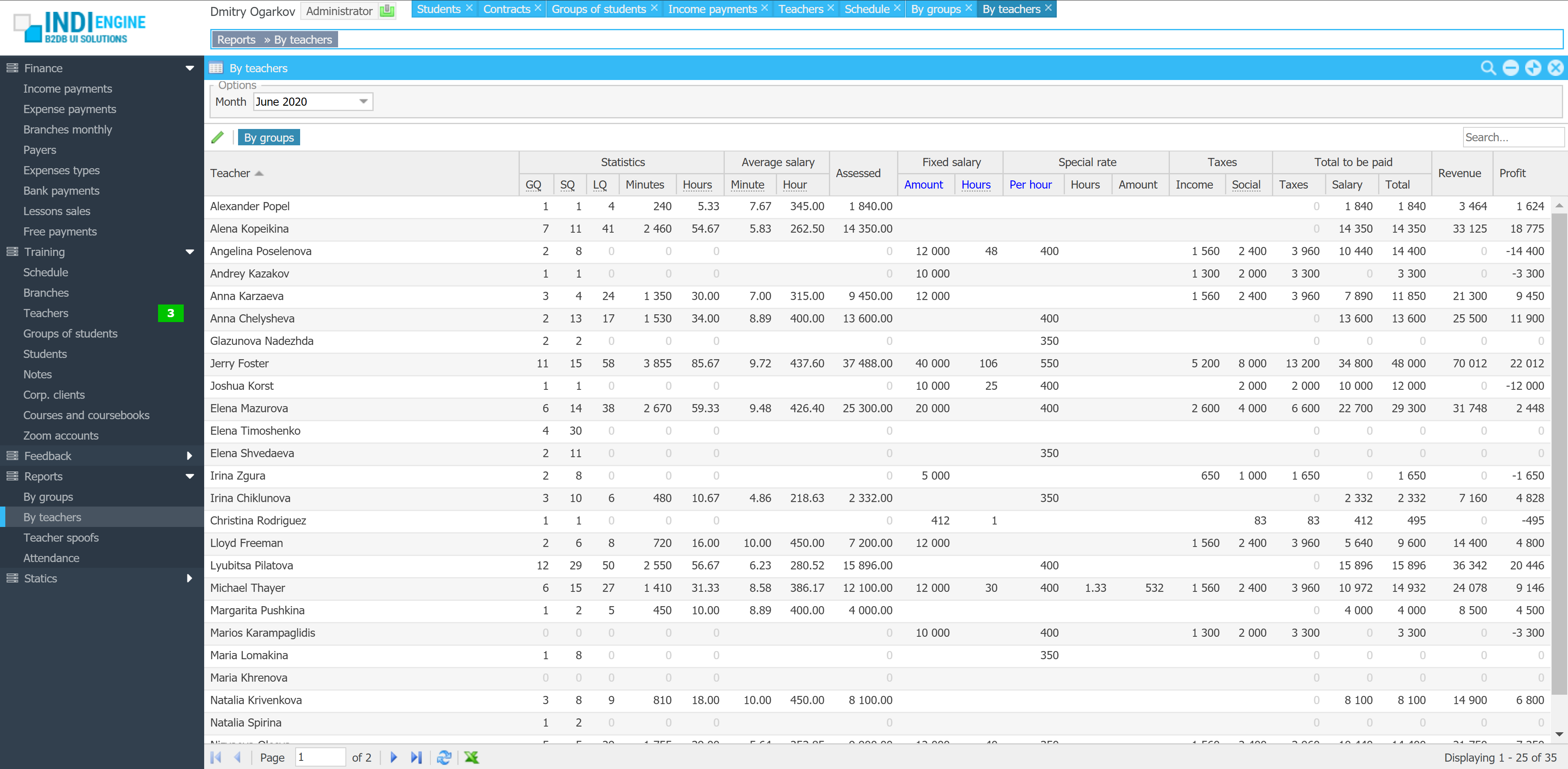
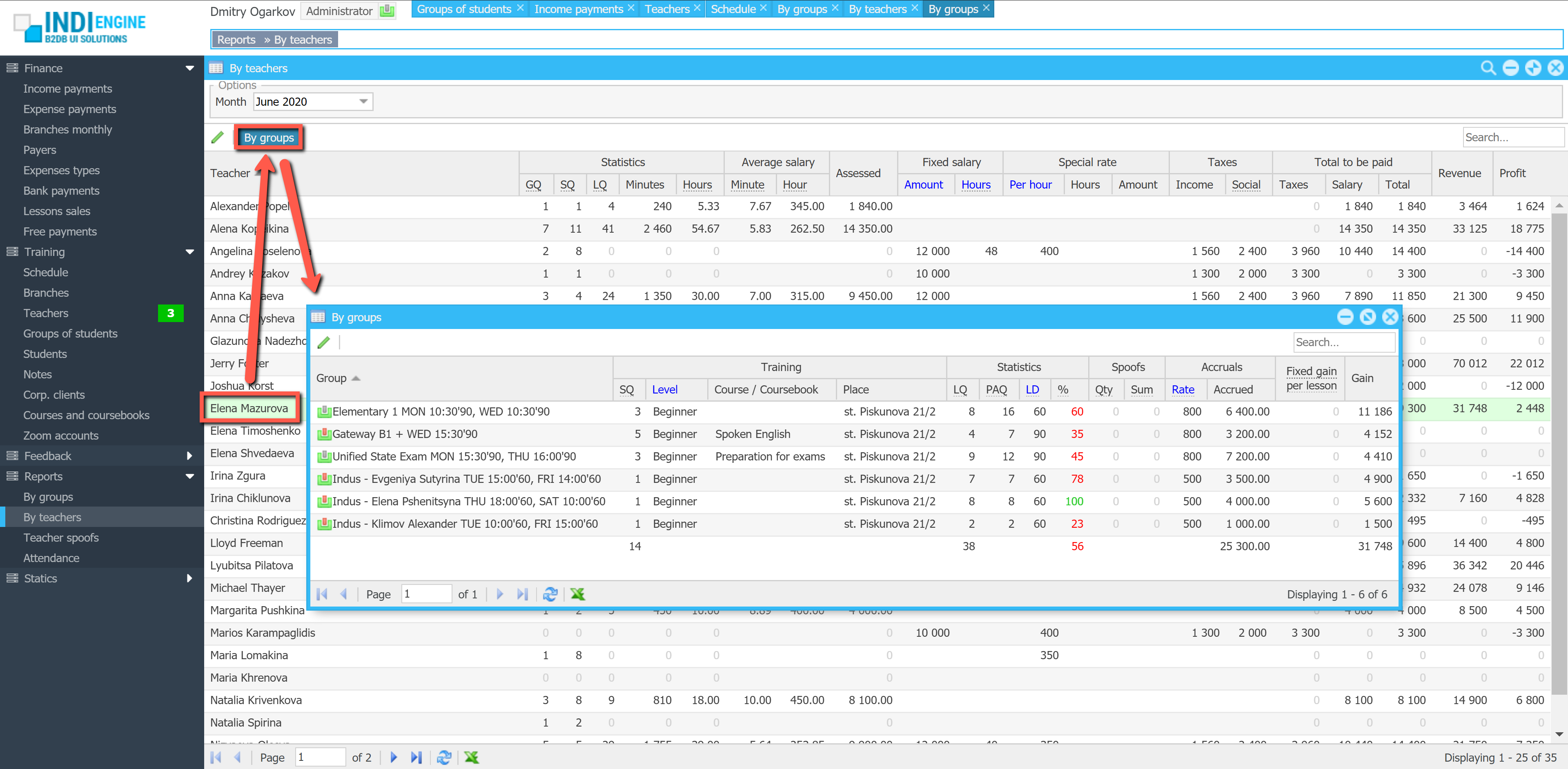
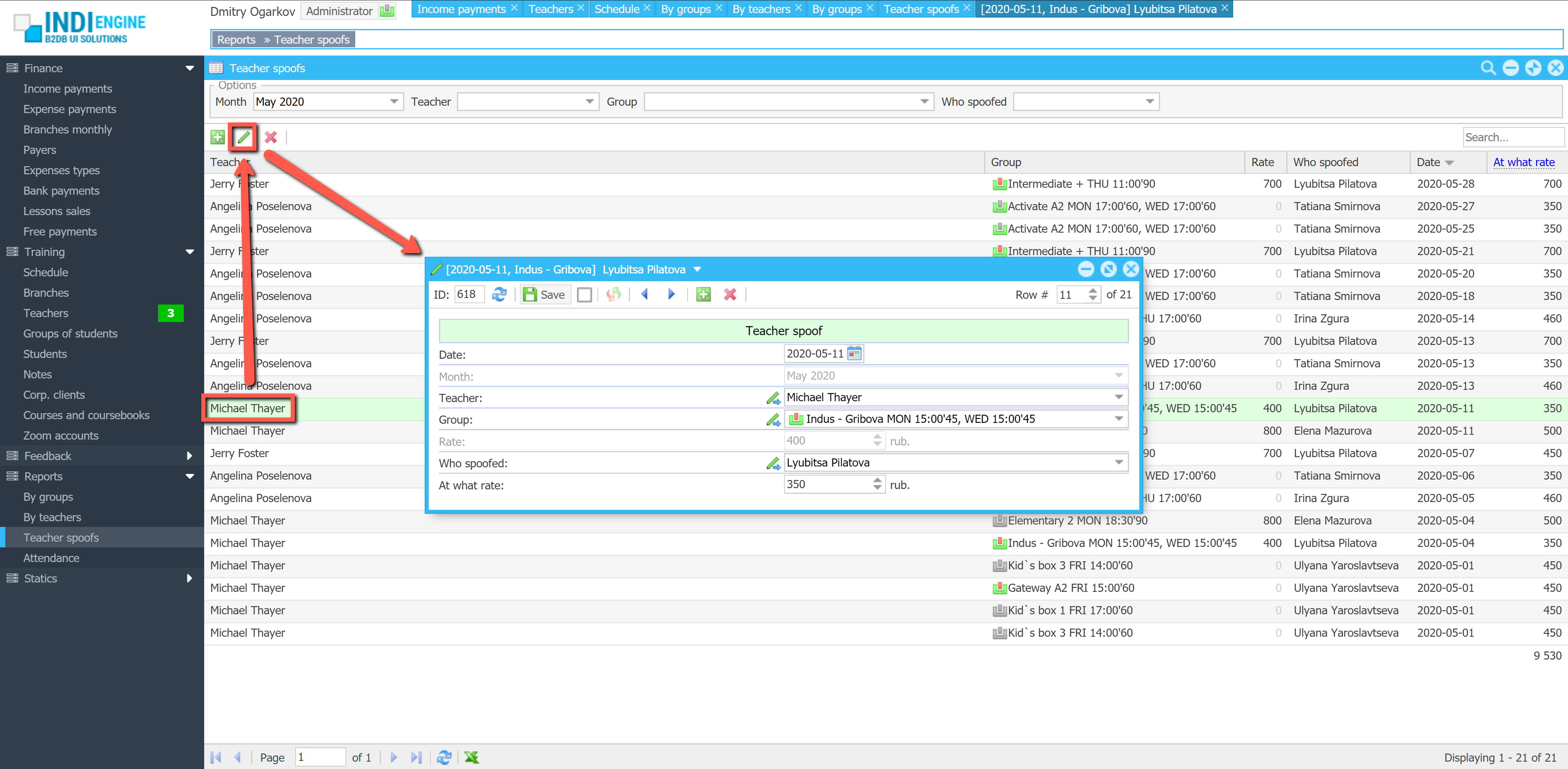
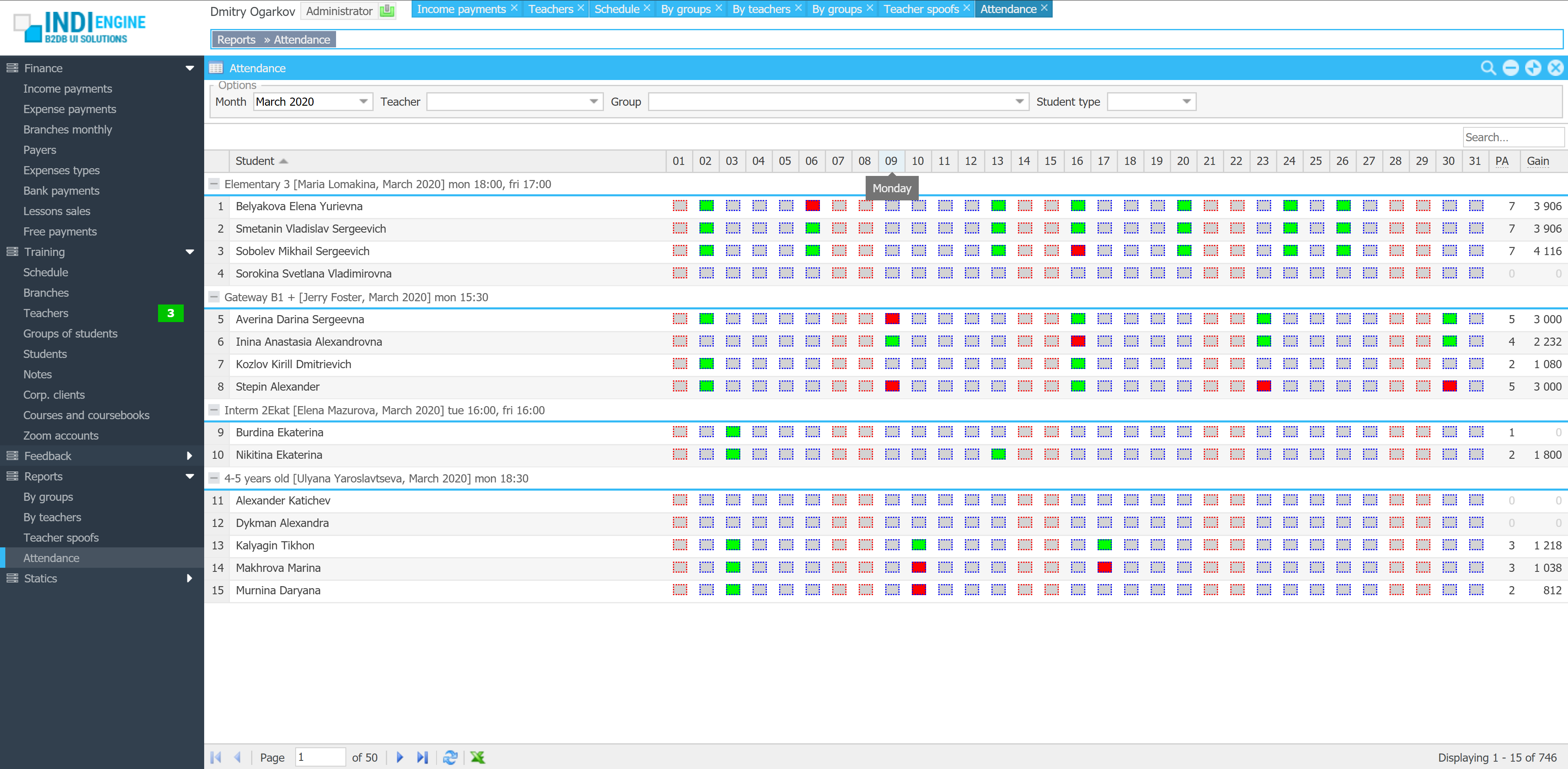
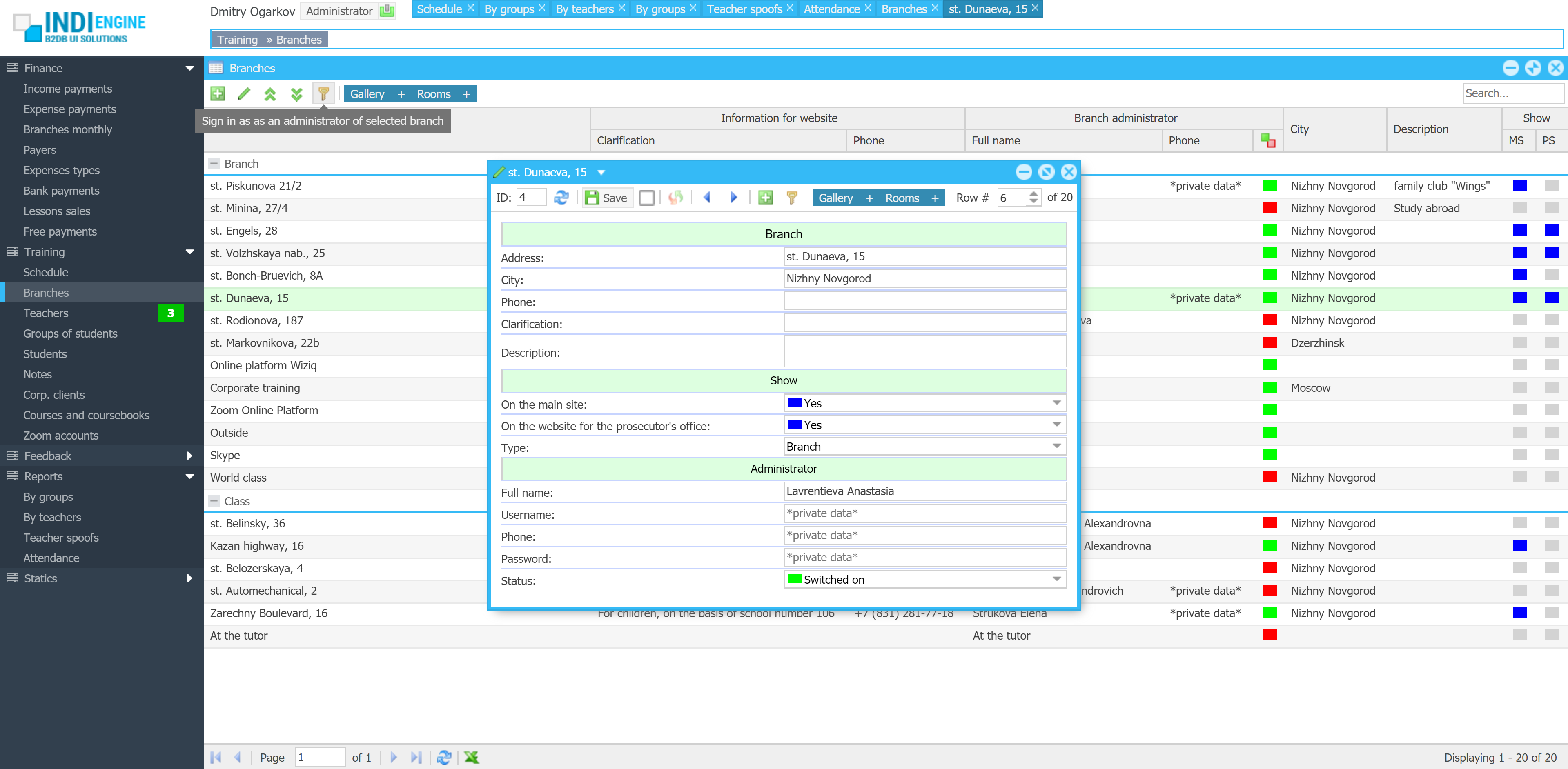
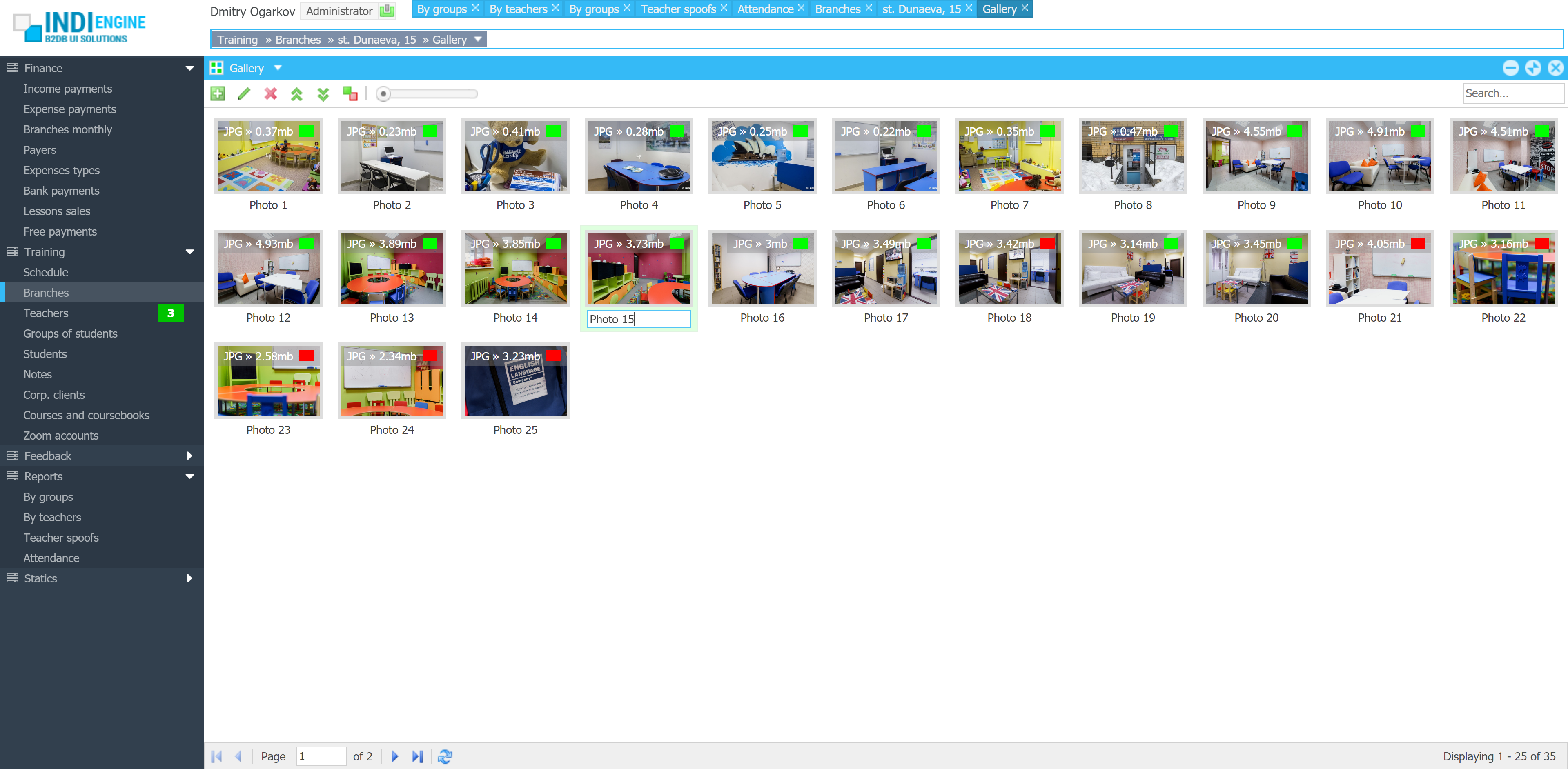
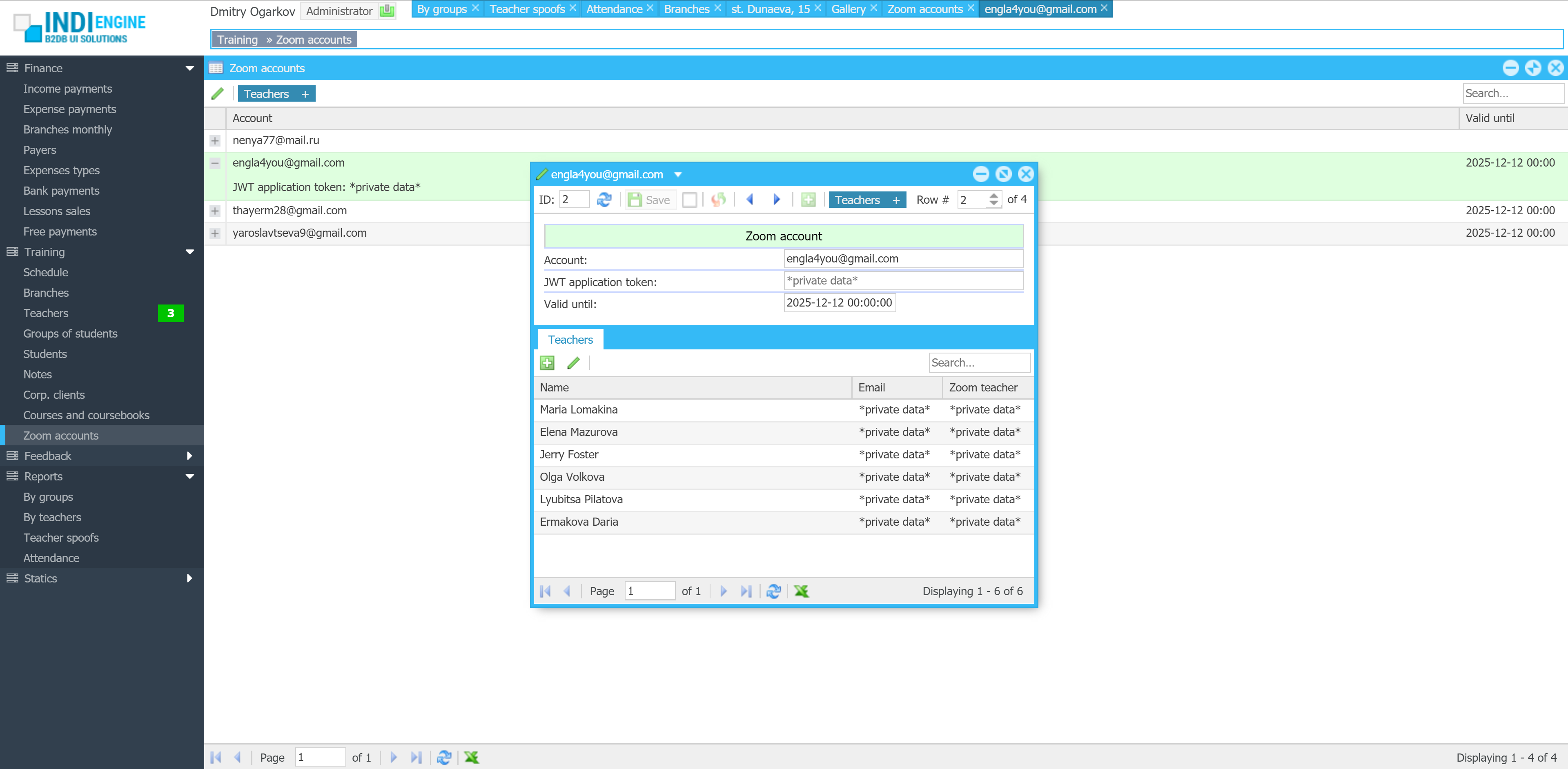
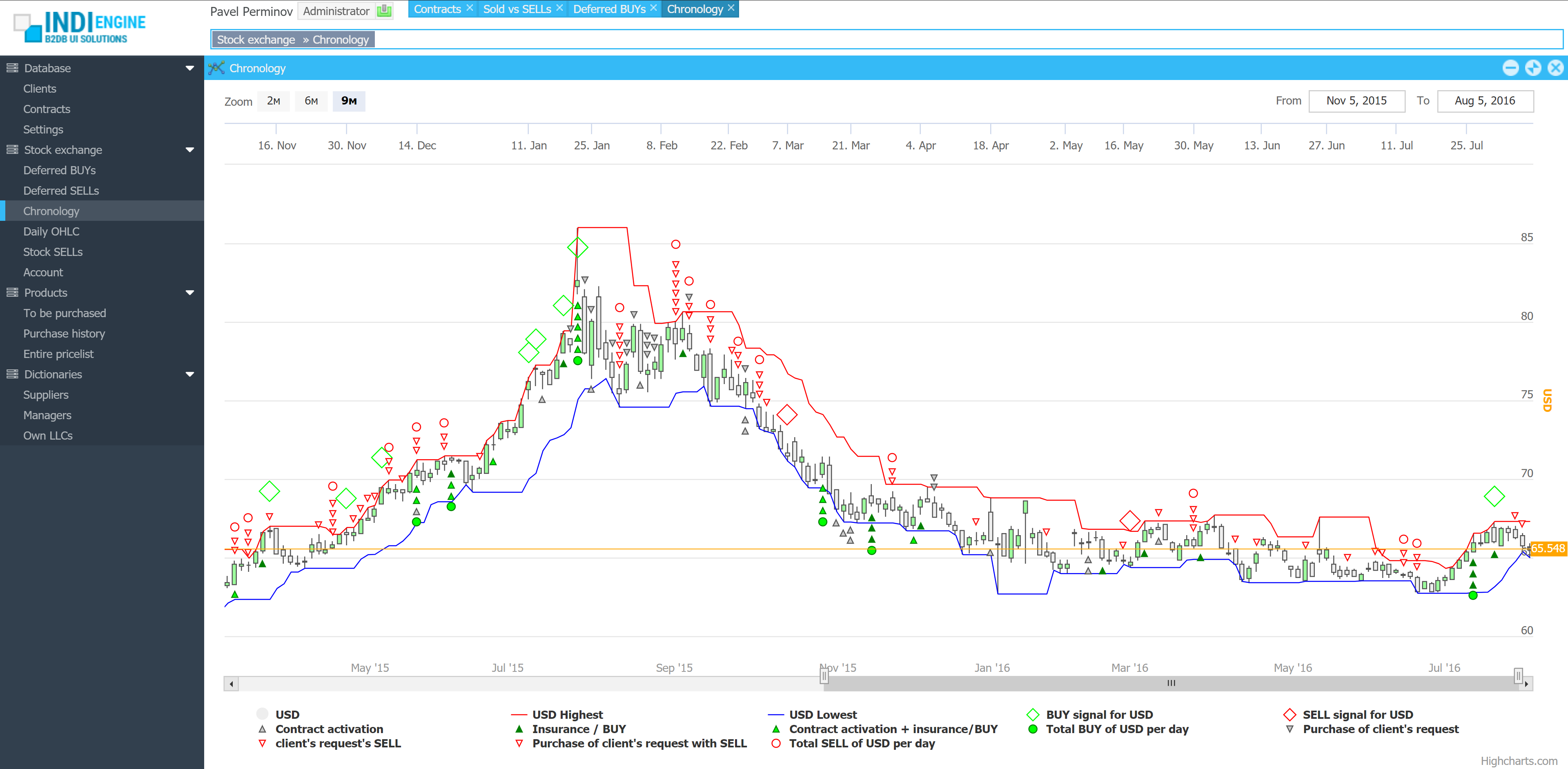
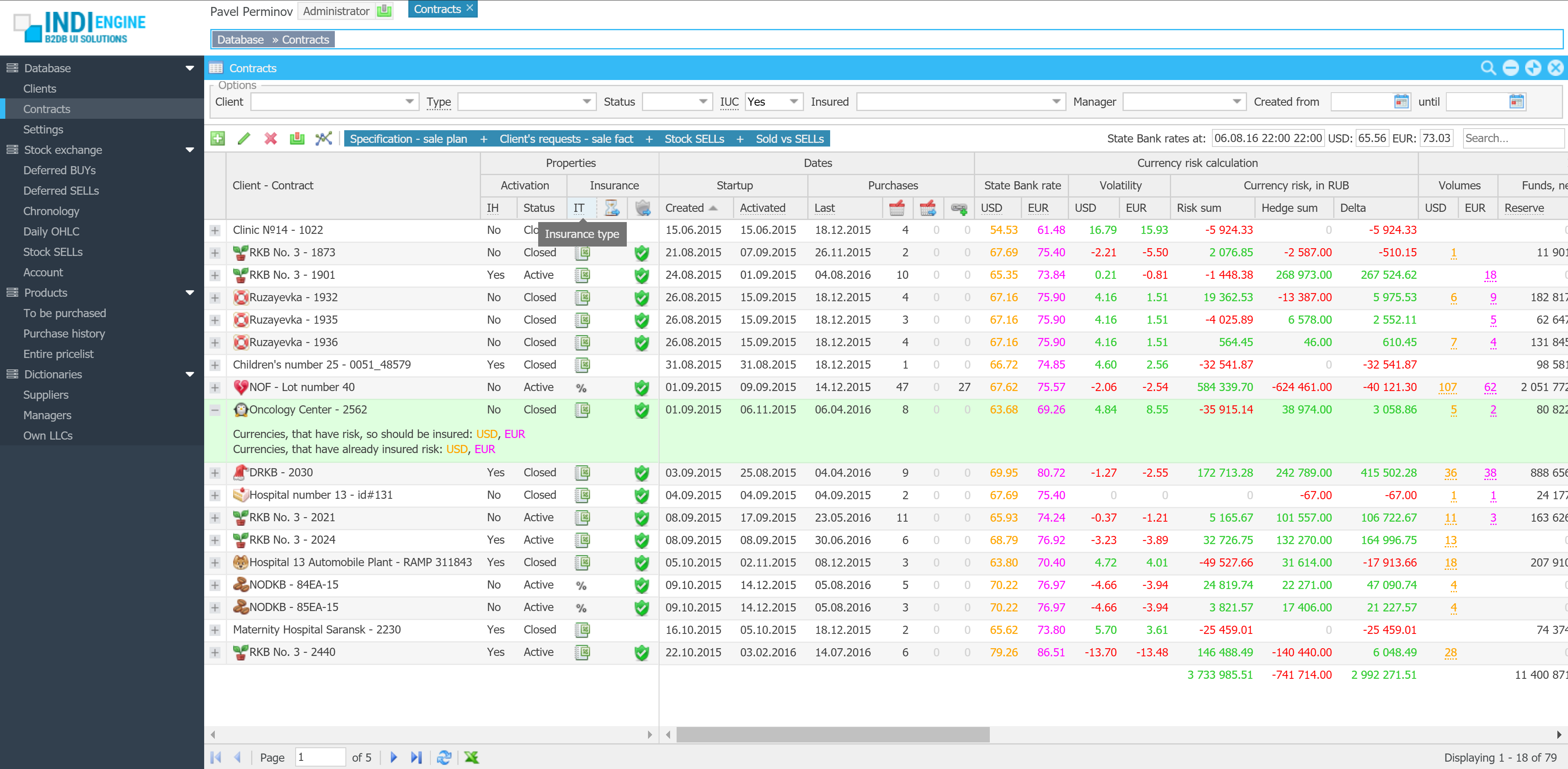
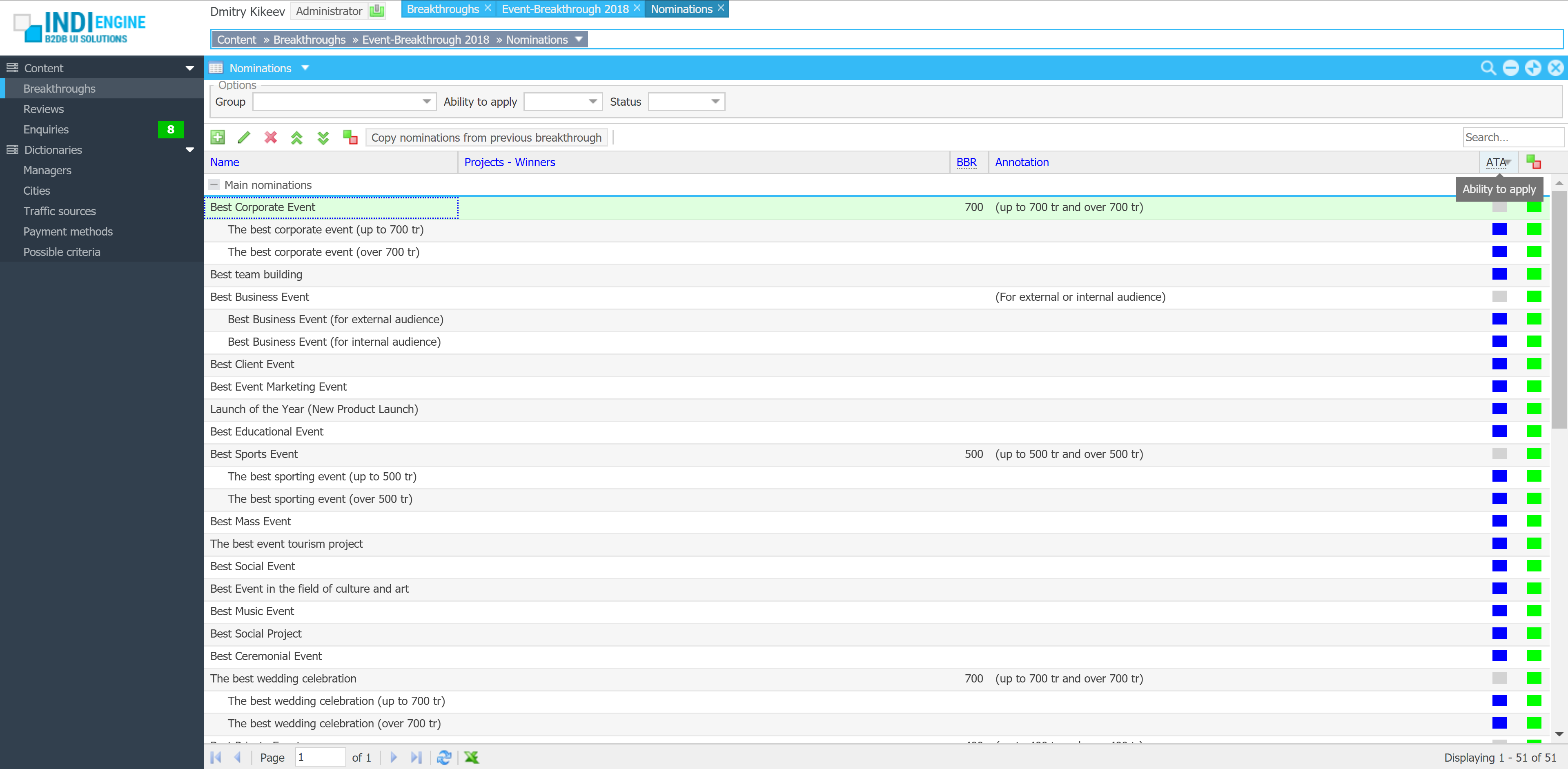
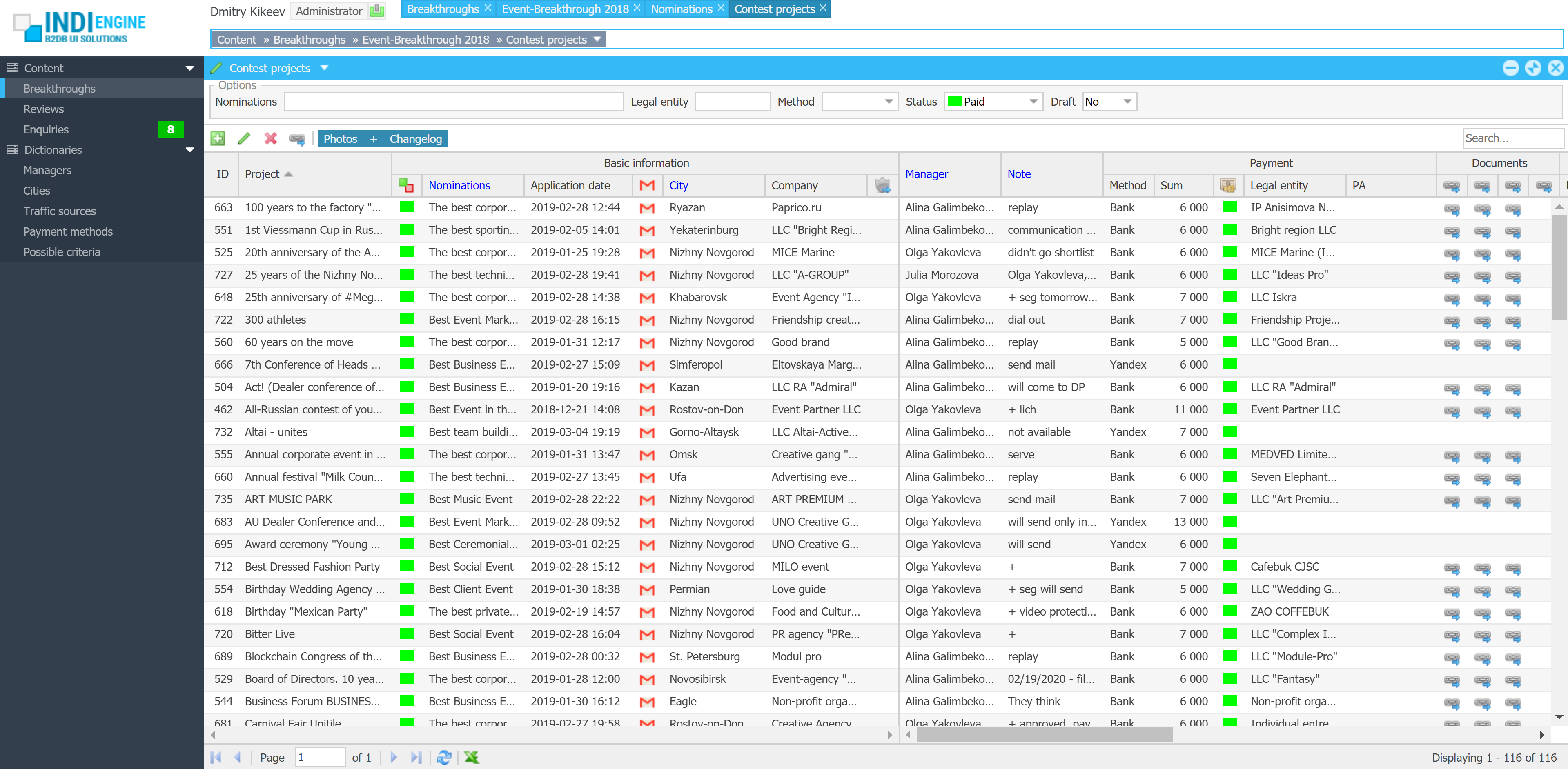
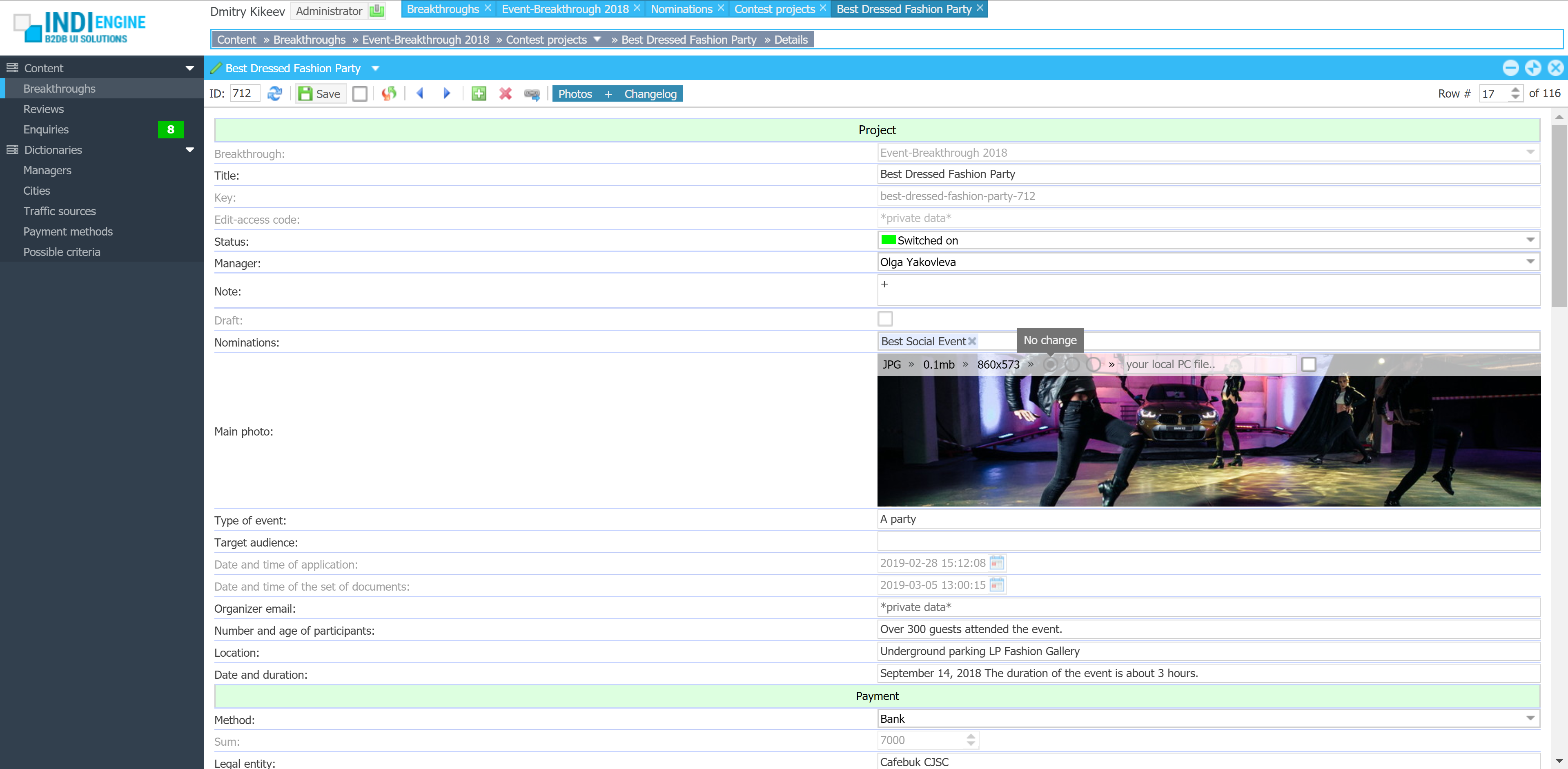
| User roles / Levels of access: | 2 |
| Basic entities / Database tables: | 25 |
| Total fields: | 457 |
| Sections (grids, calendars, charts): | 39 |
| Relationships / Foreign-key fields: | 83 |
| Localized fields: | 35 |
| File upload fields: | 3 |
| Languages: | 7 |
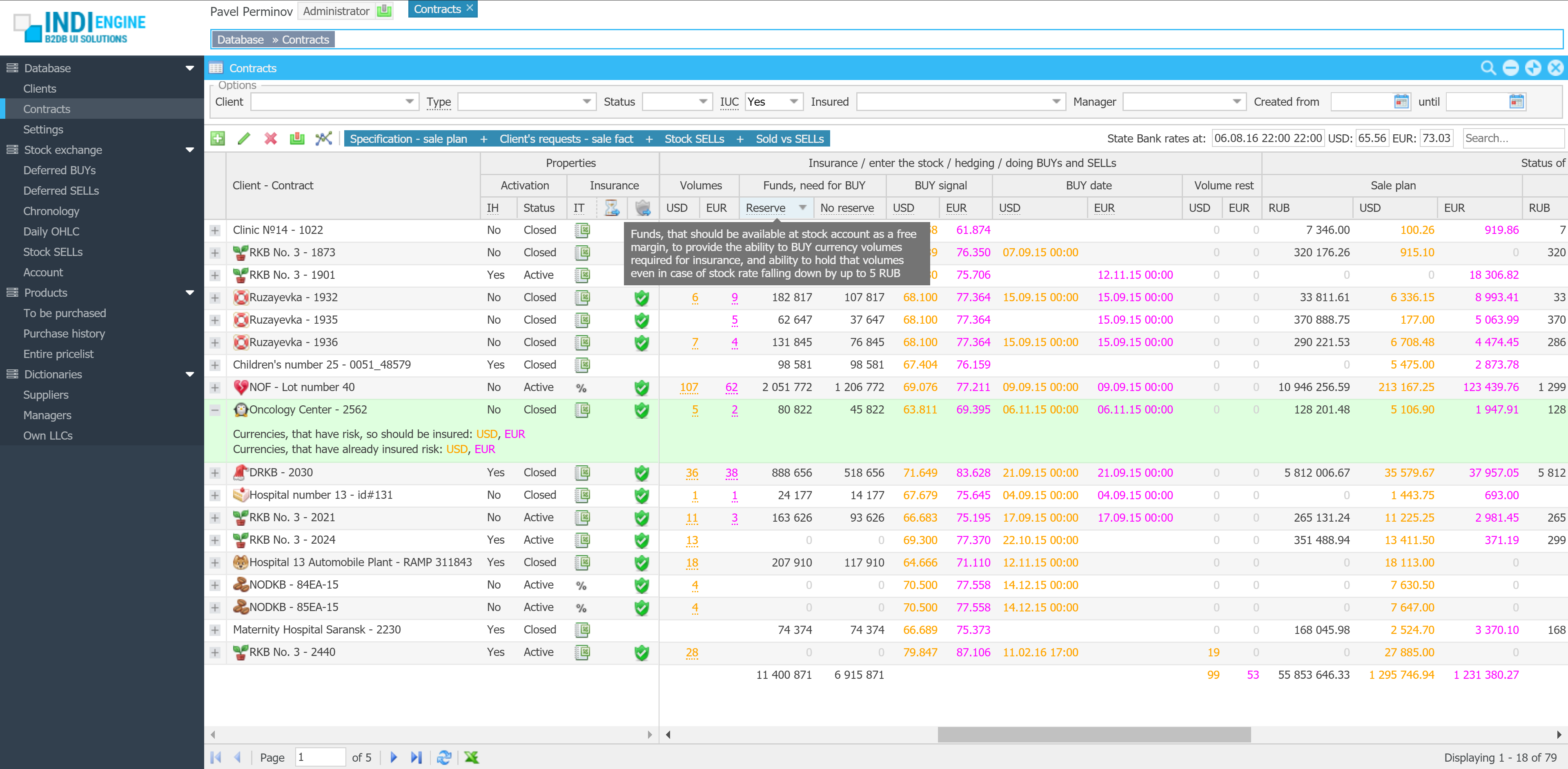
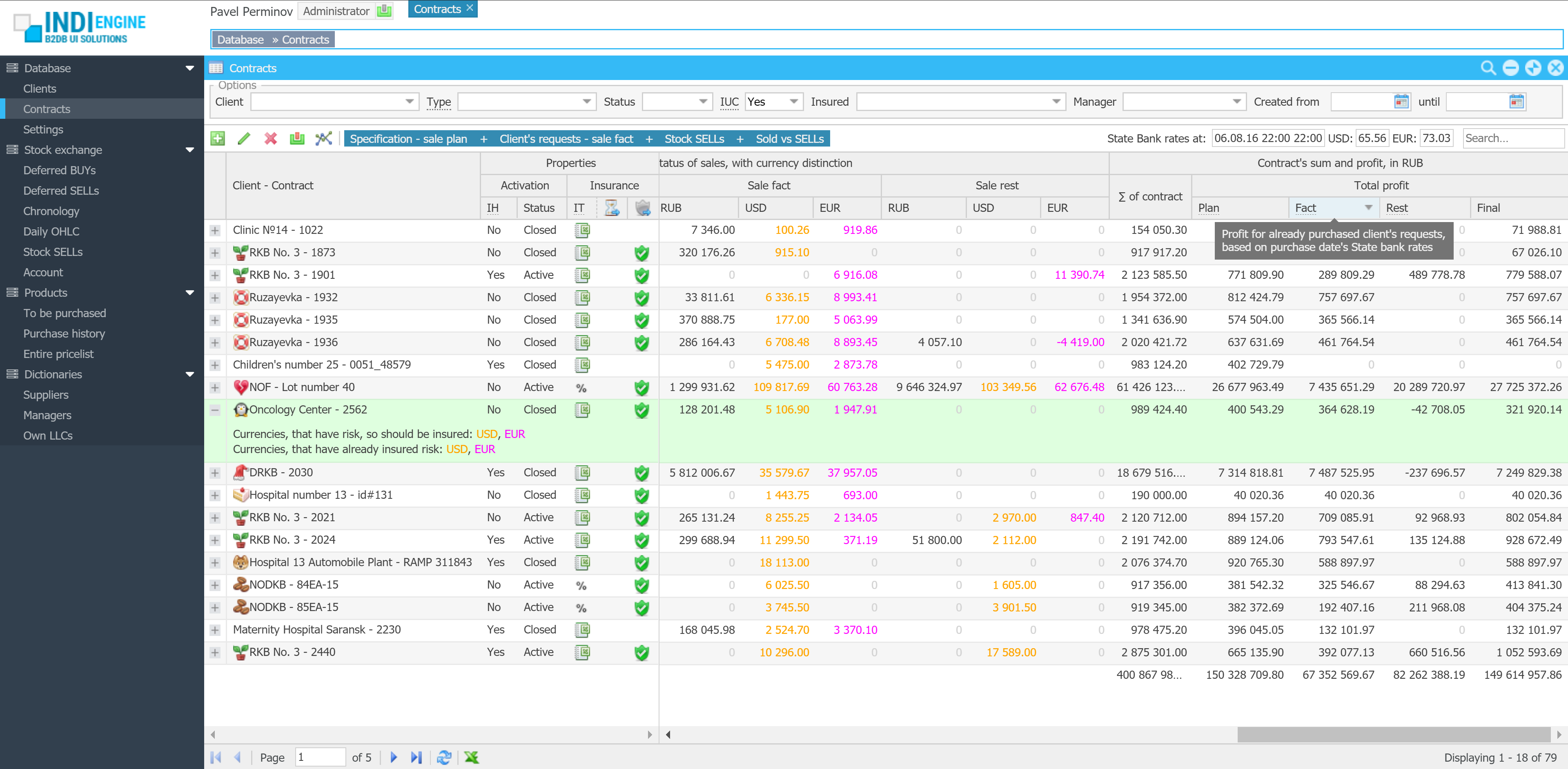
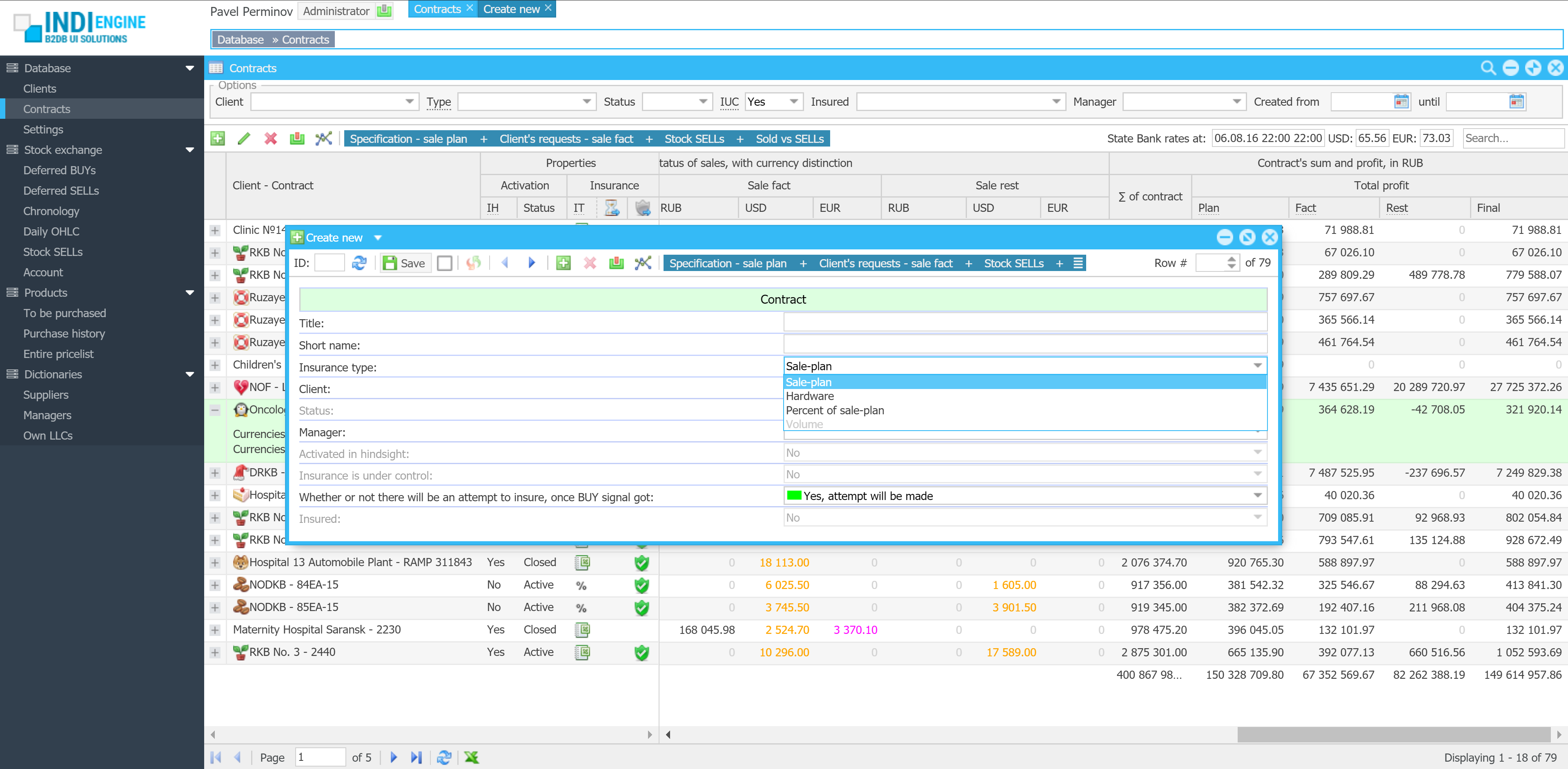
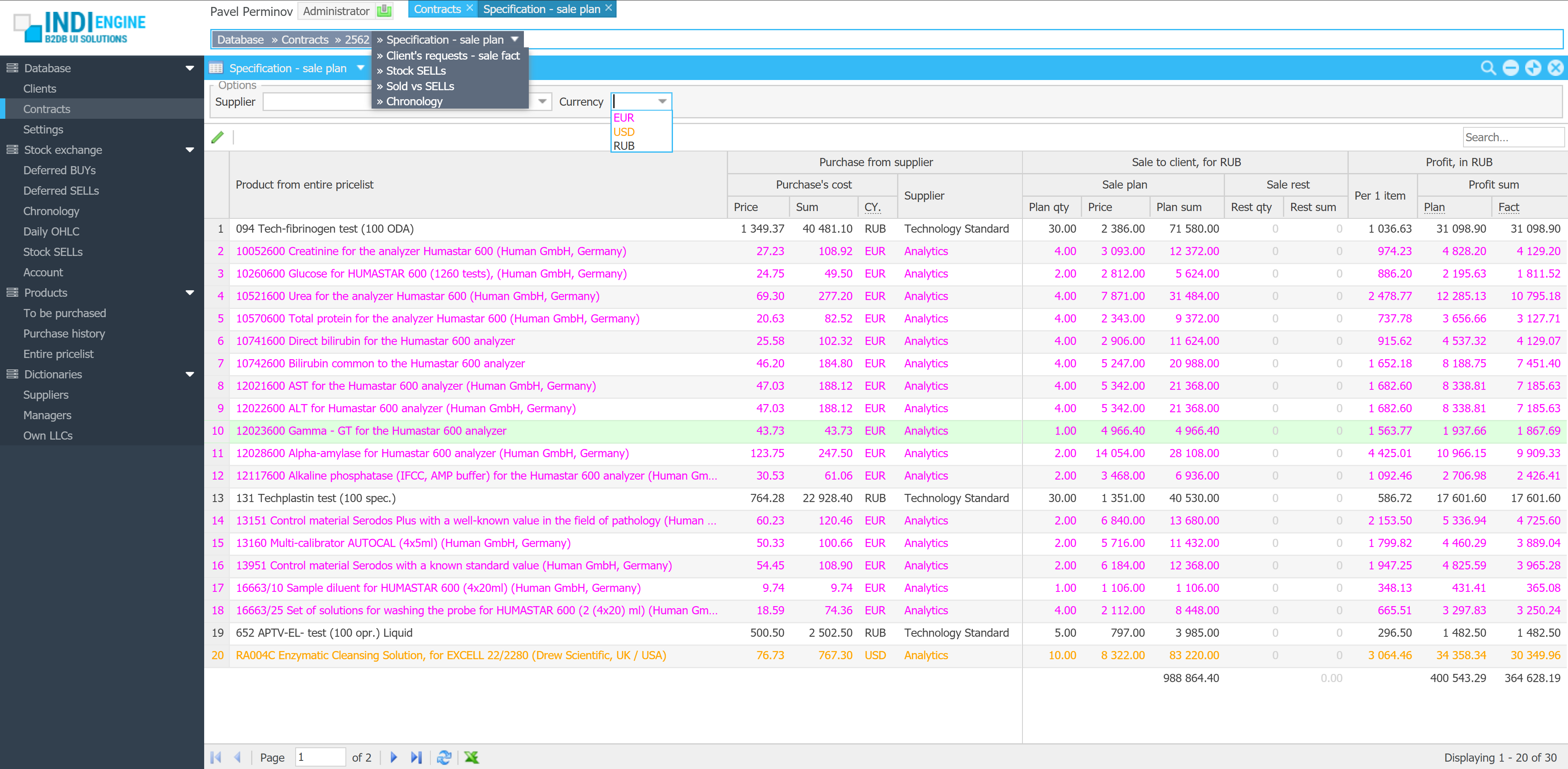
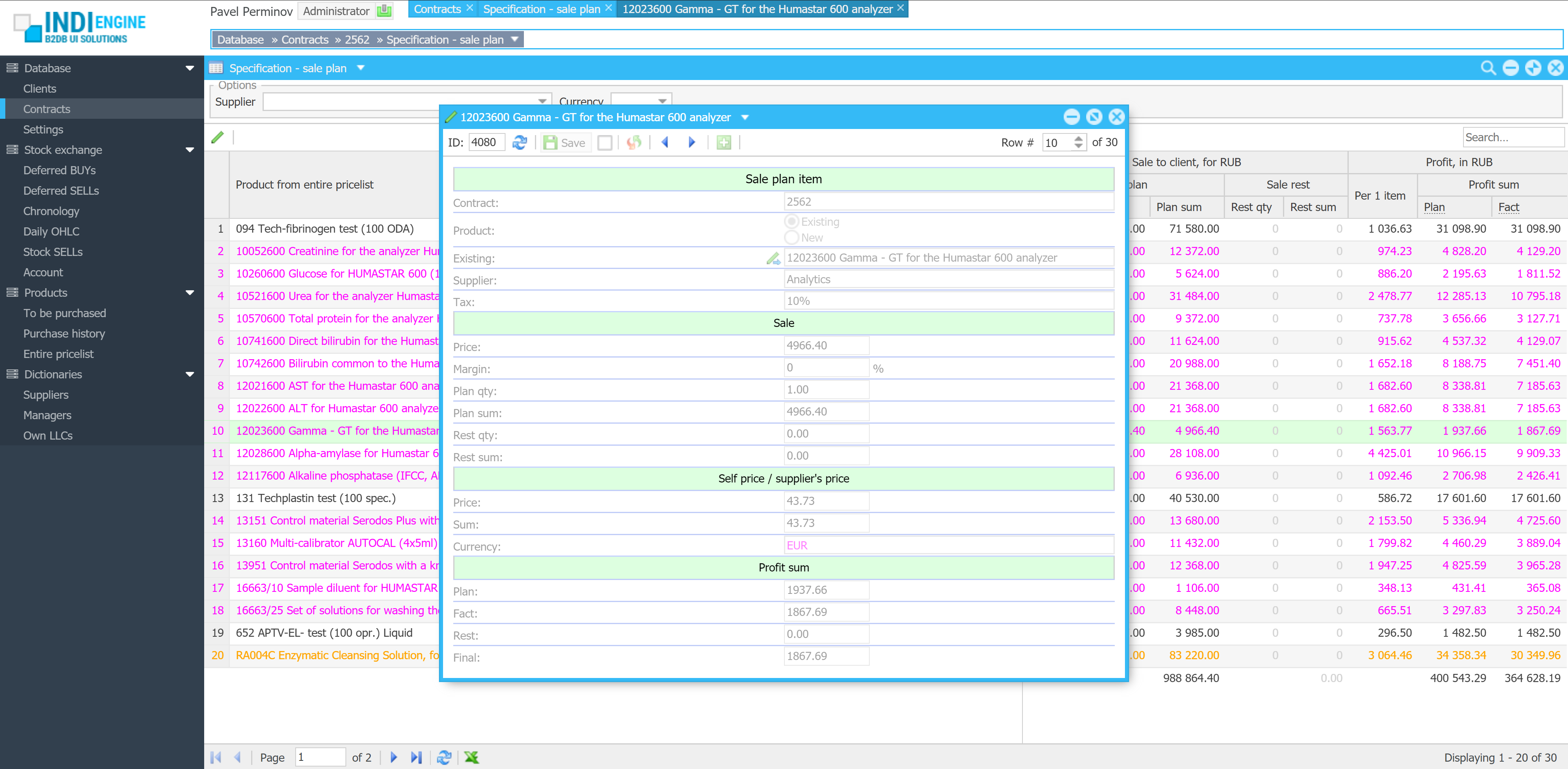
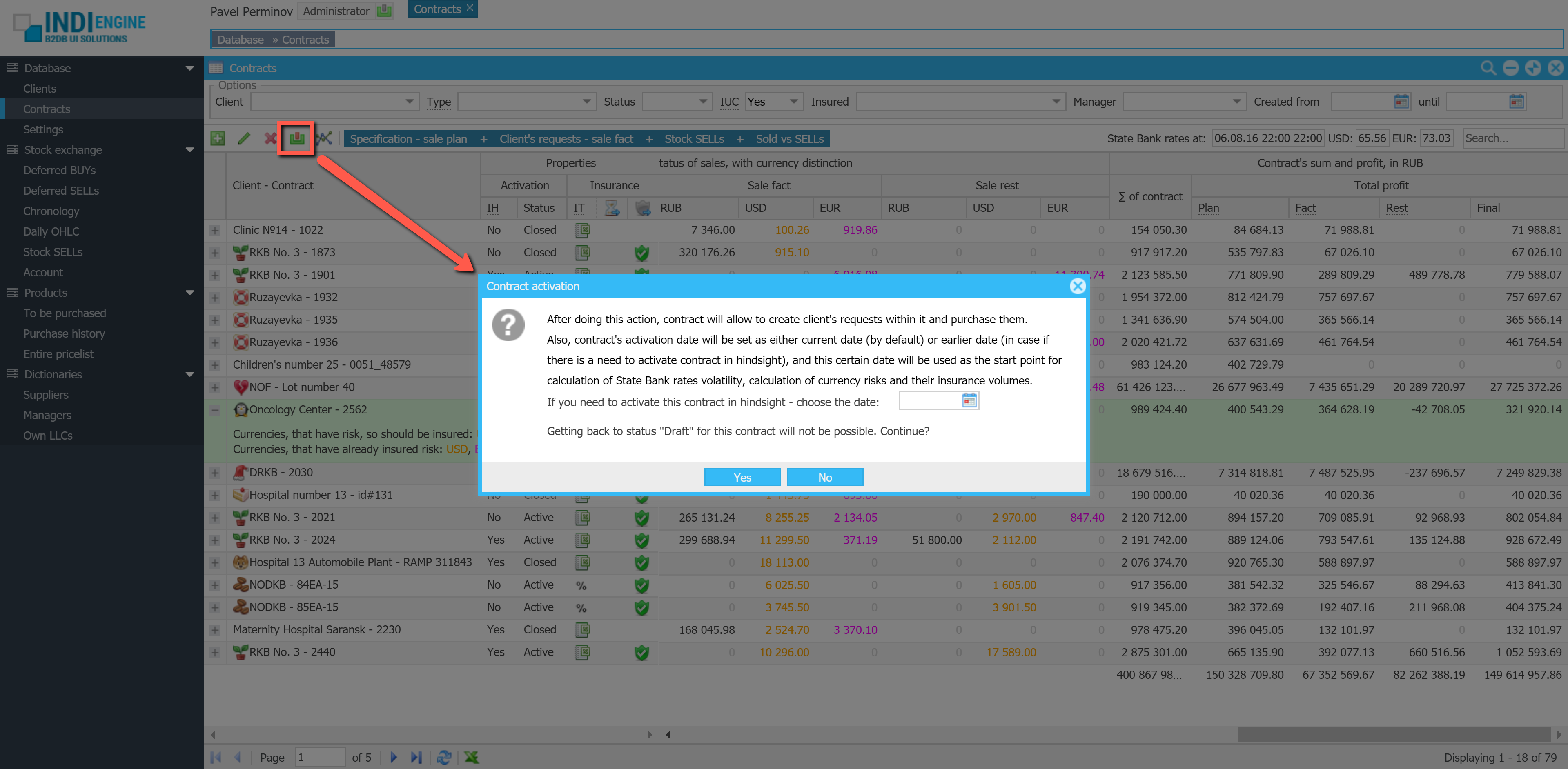
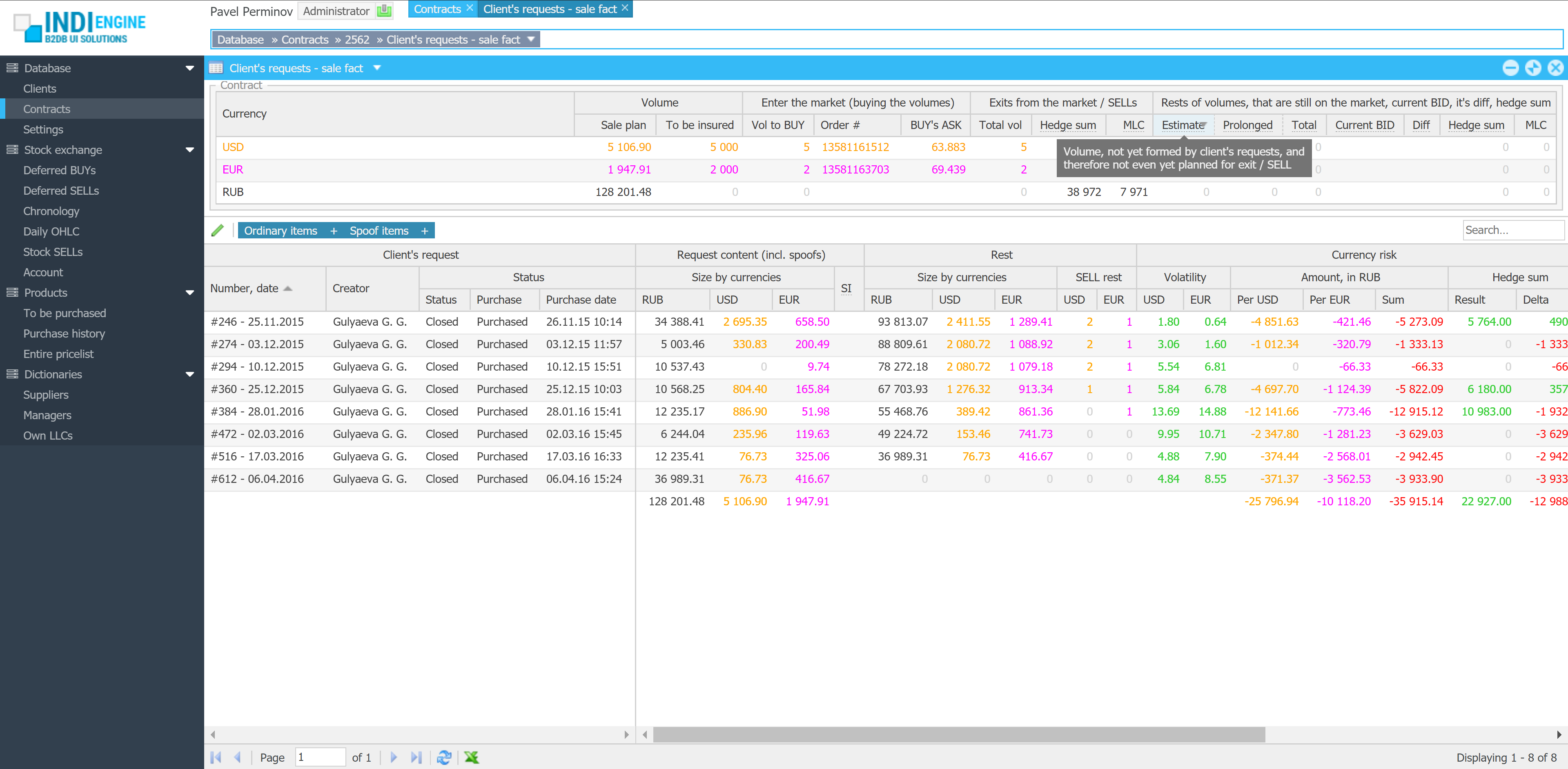
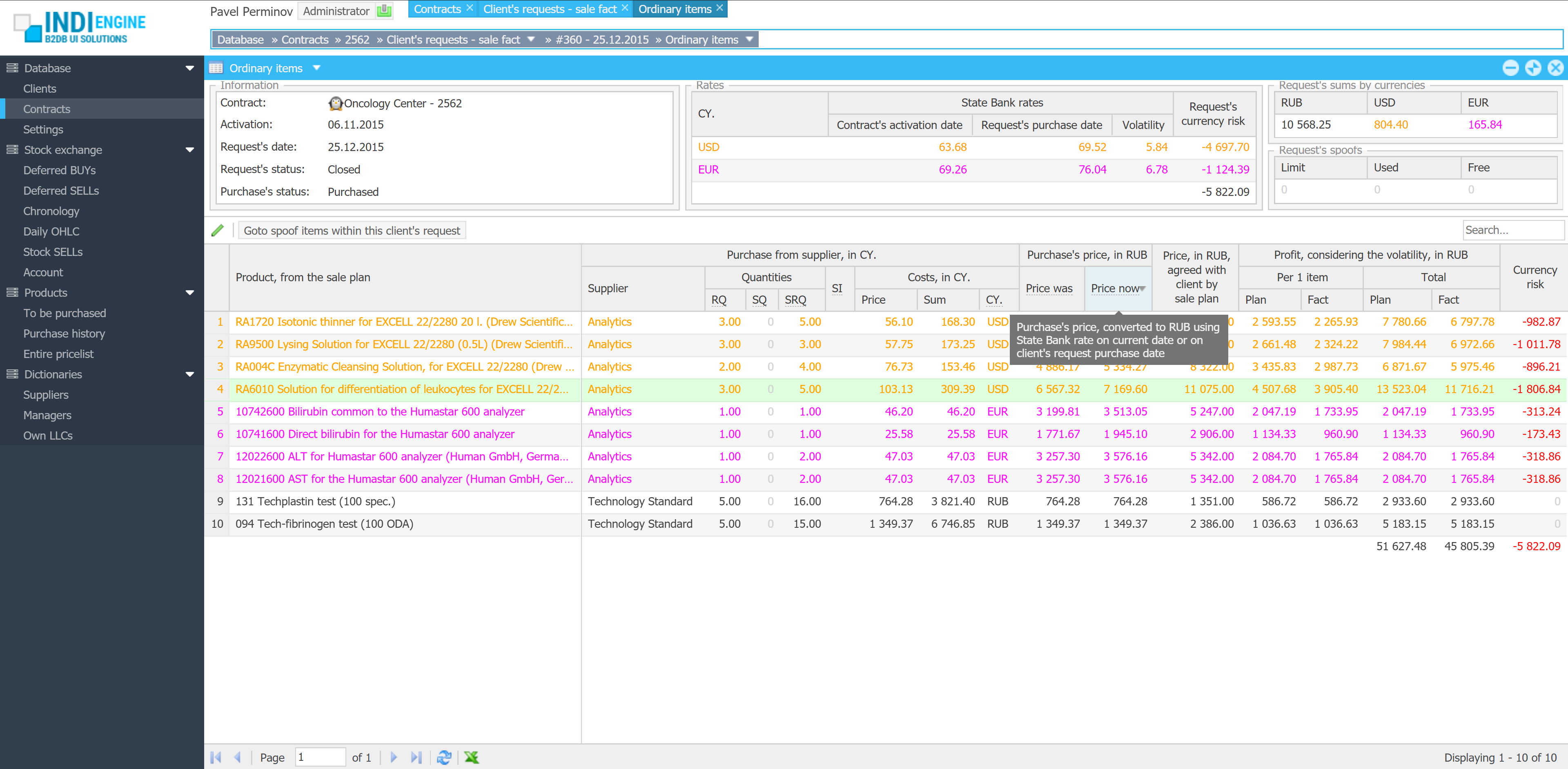
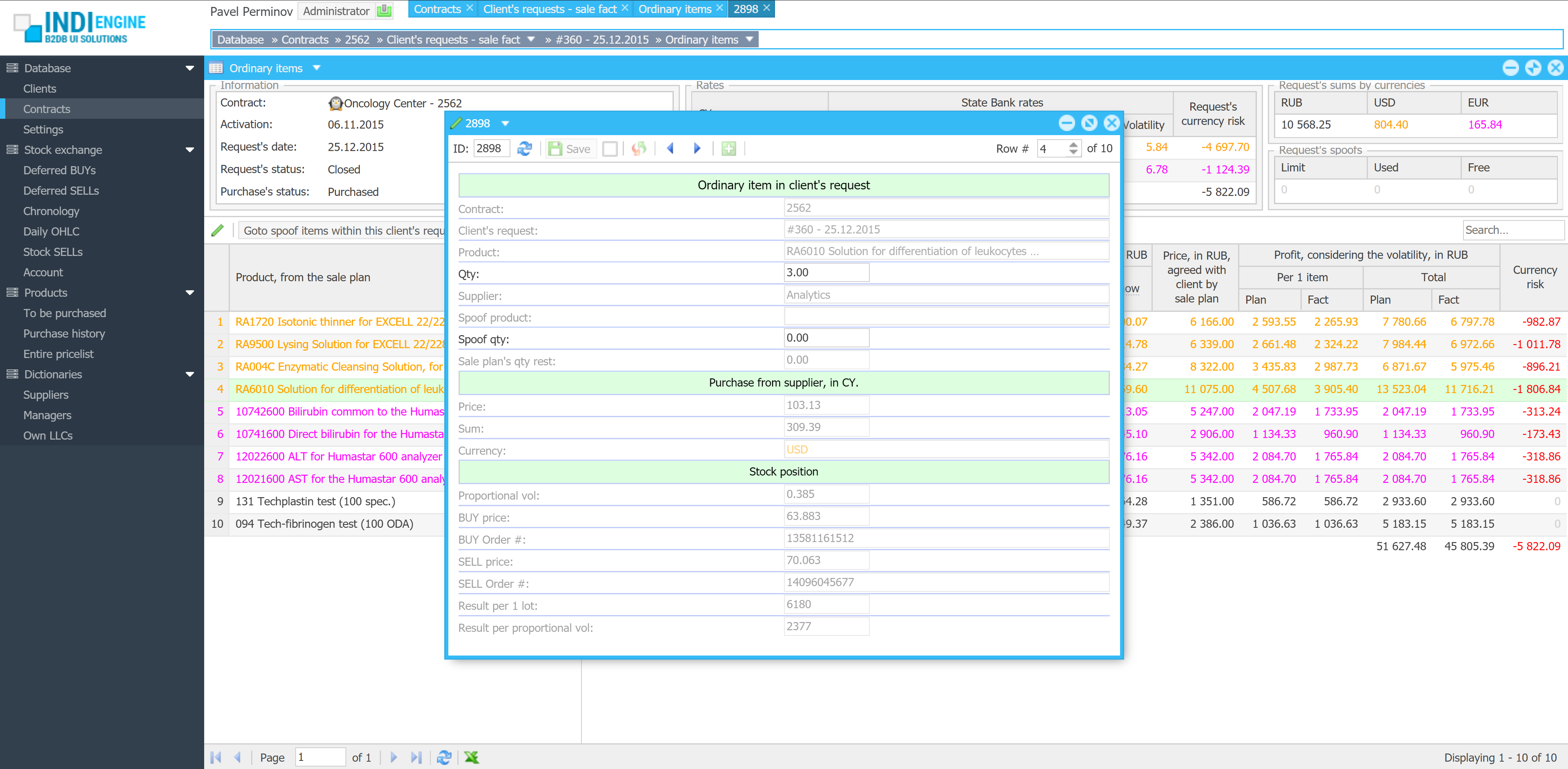
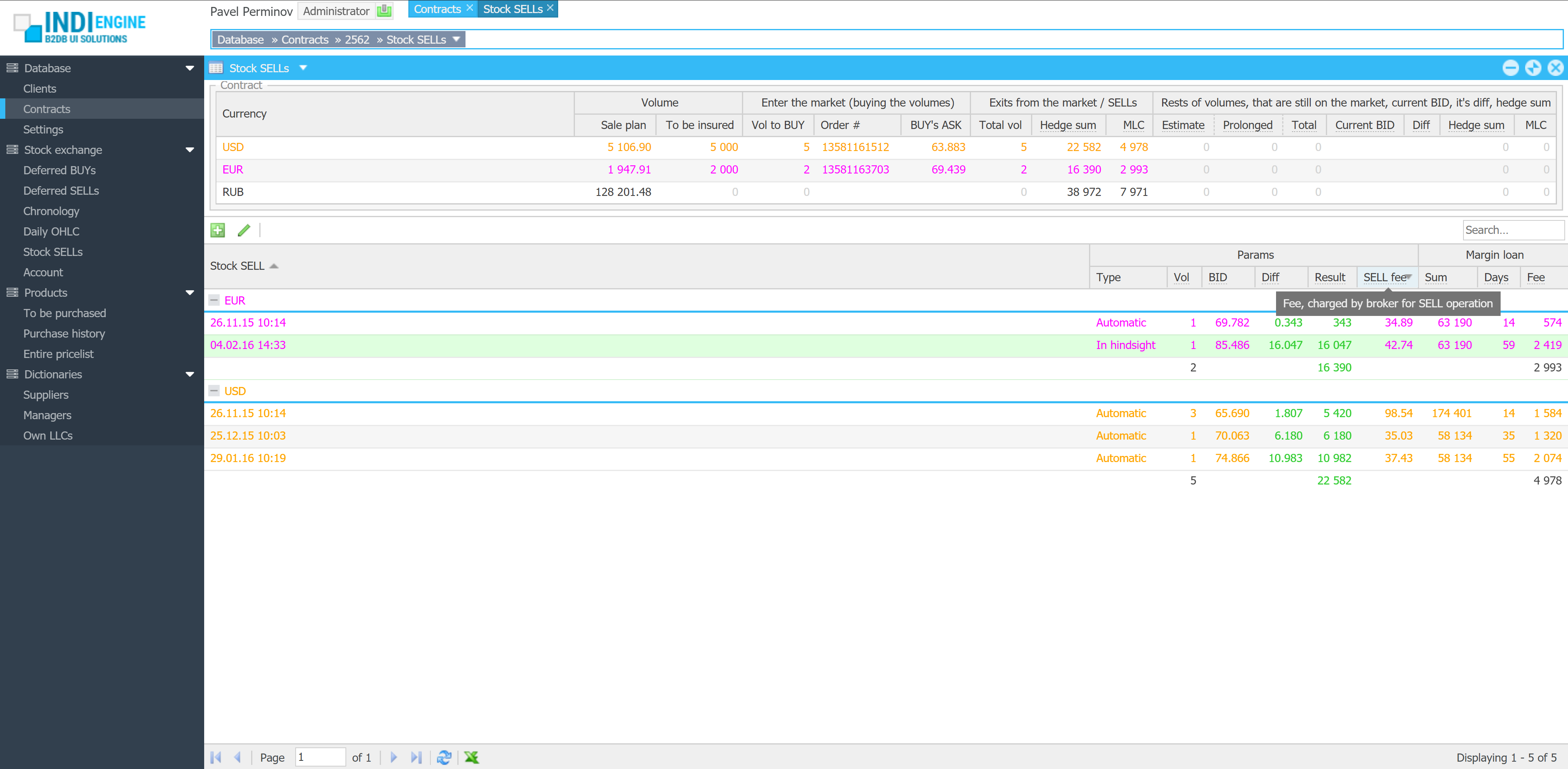
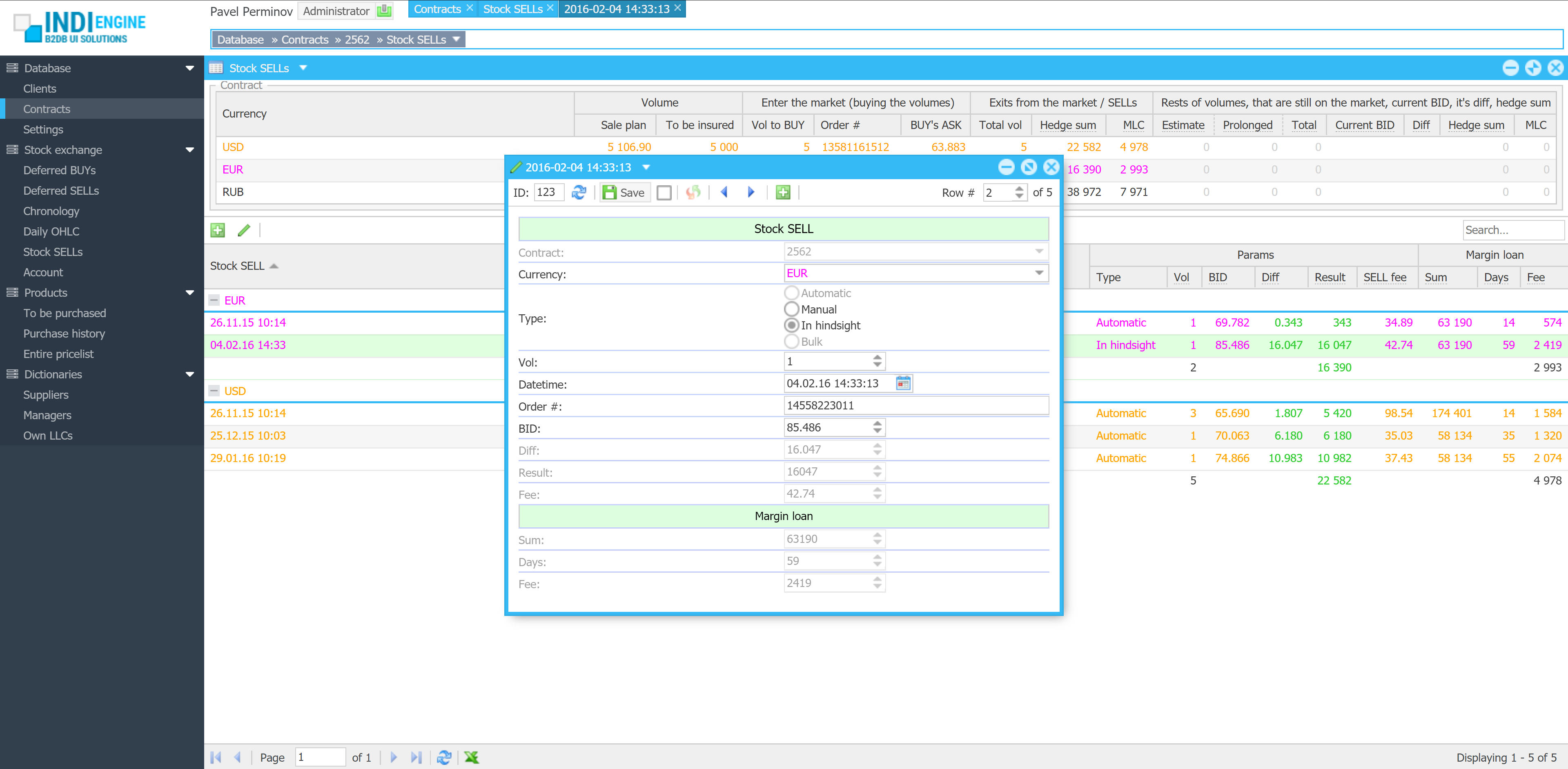
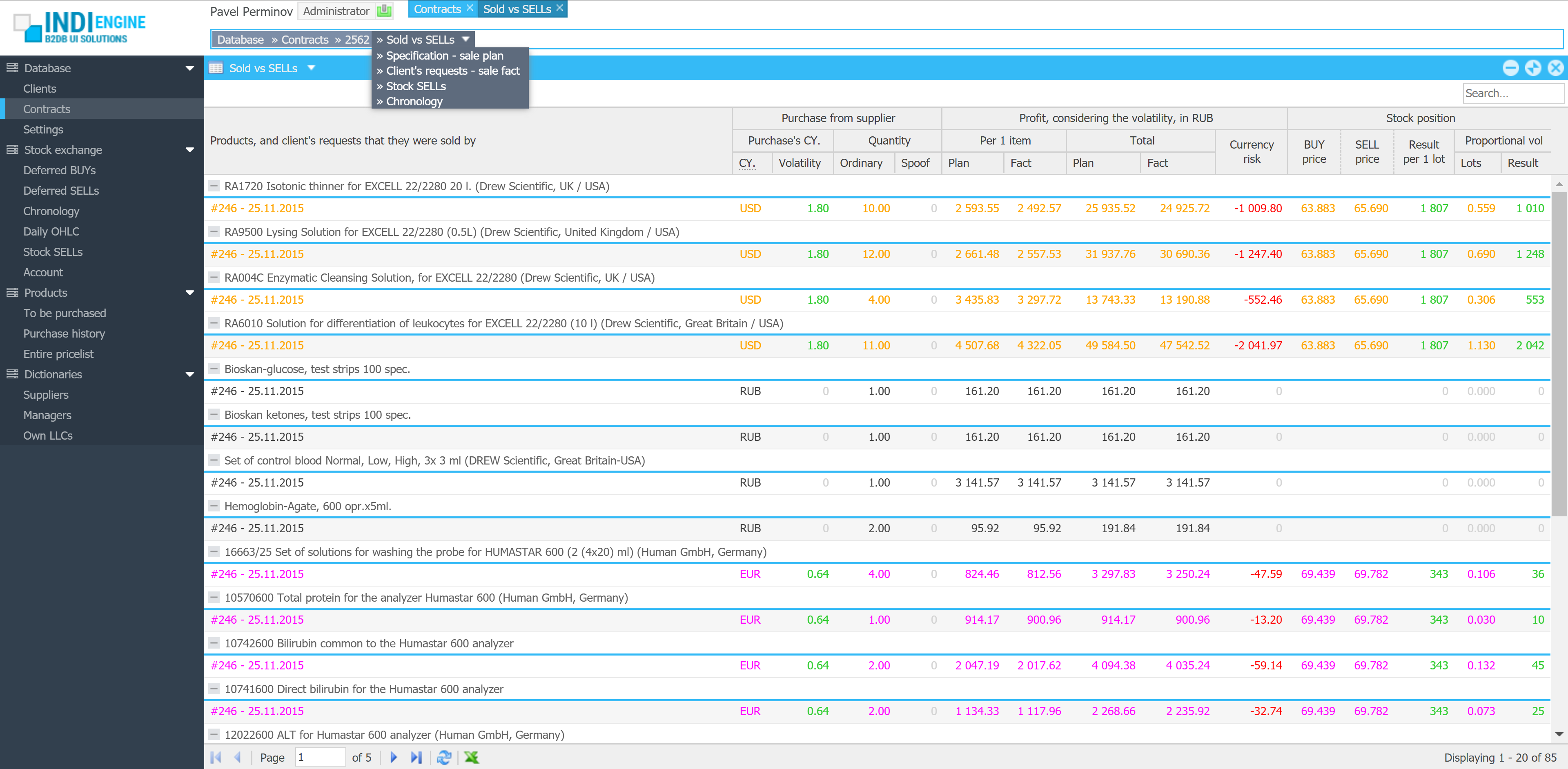
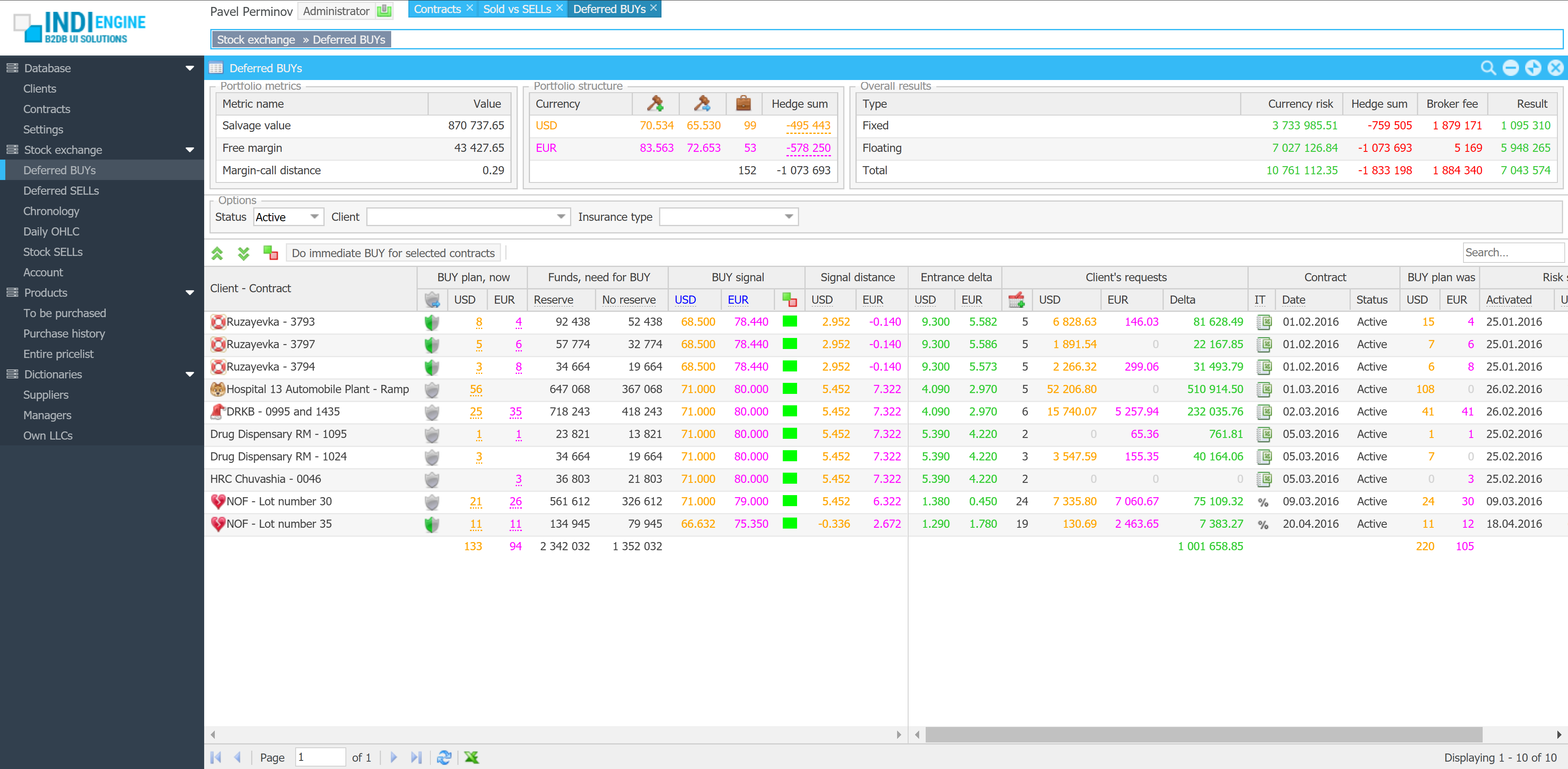
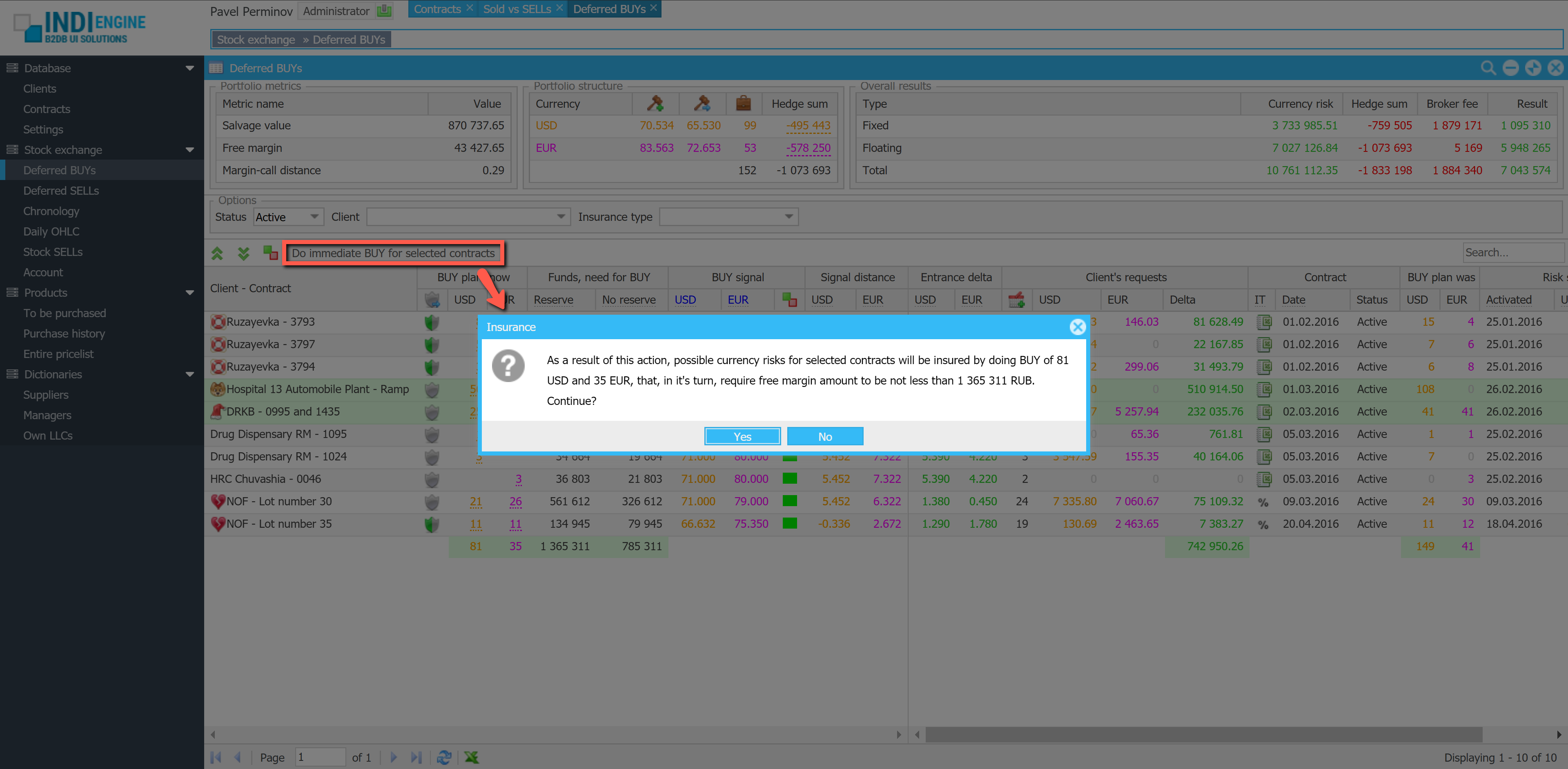
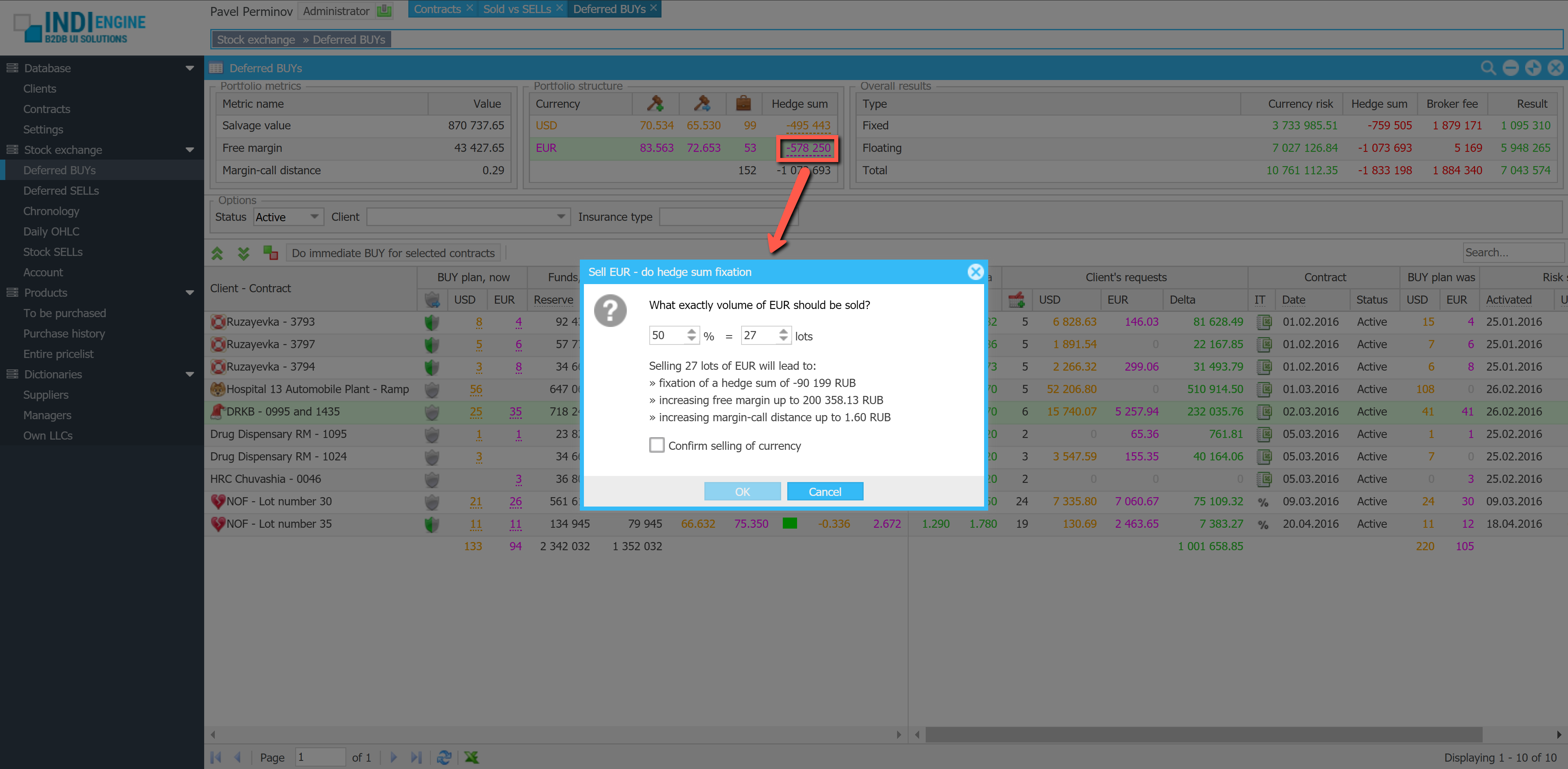
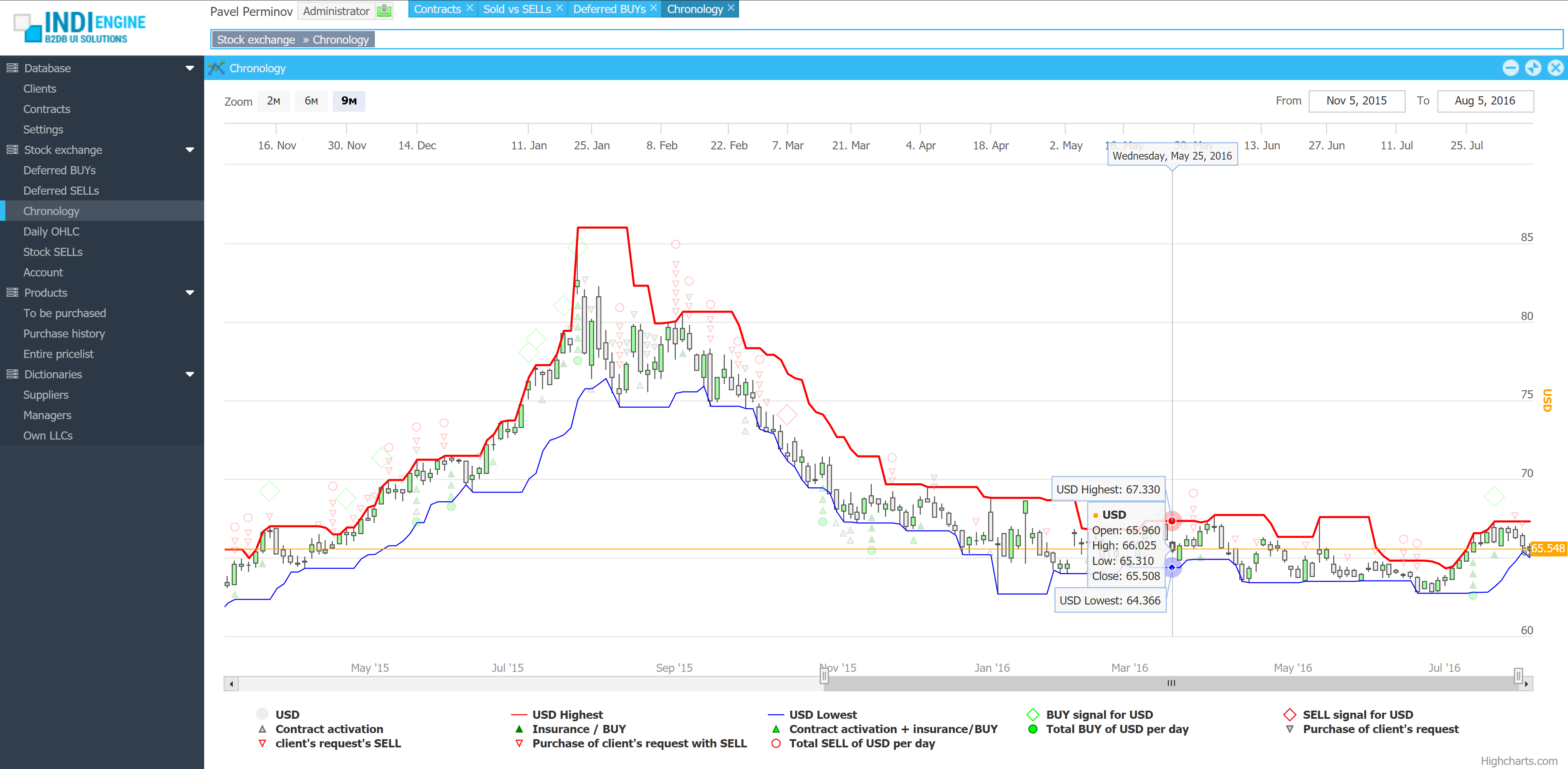
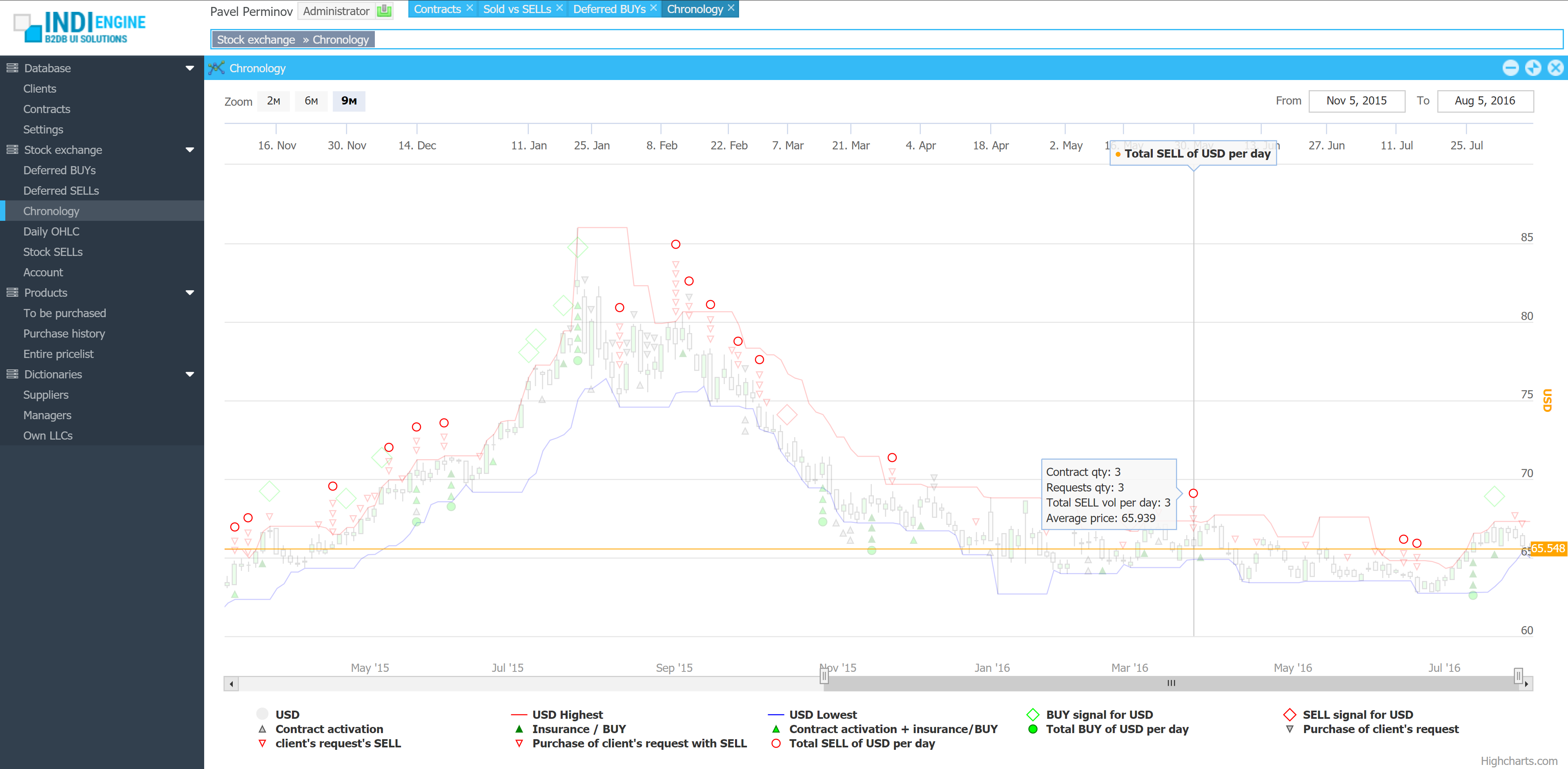
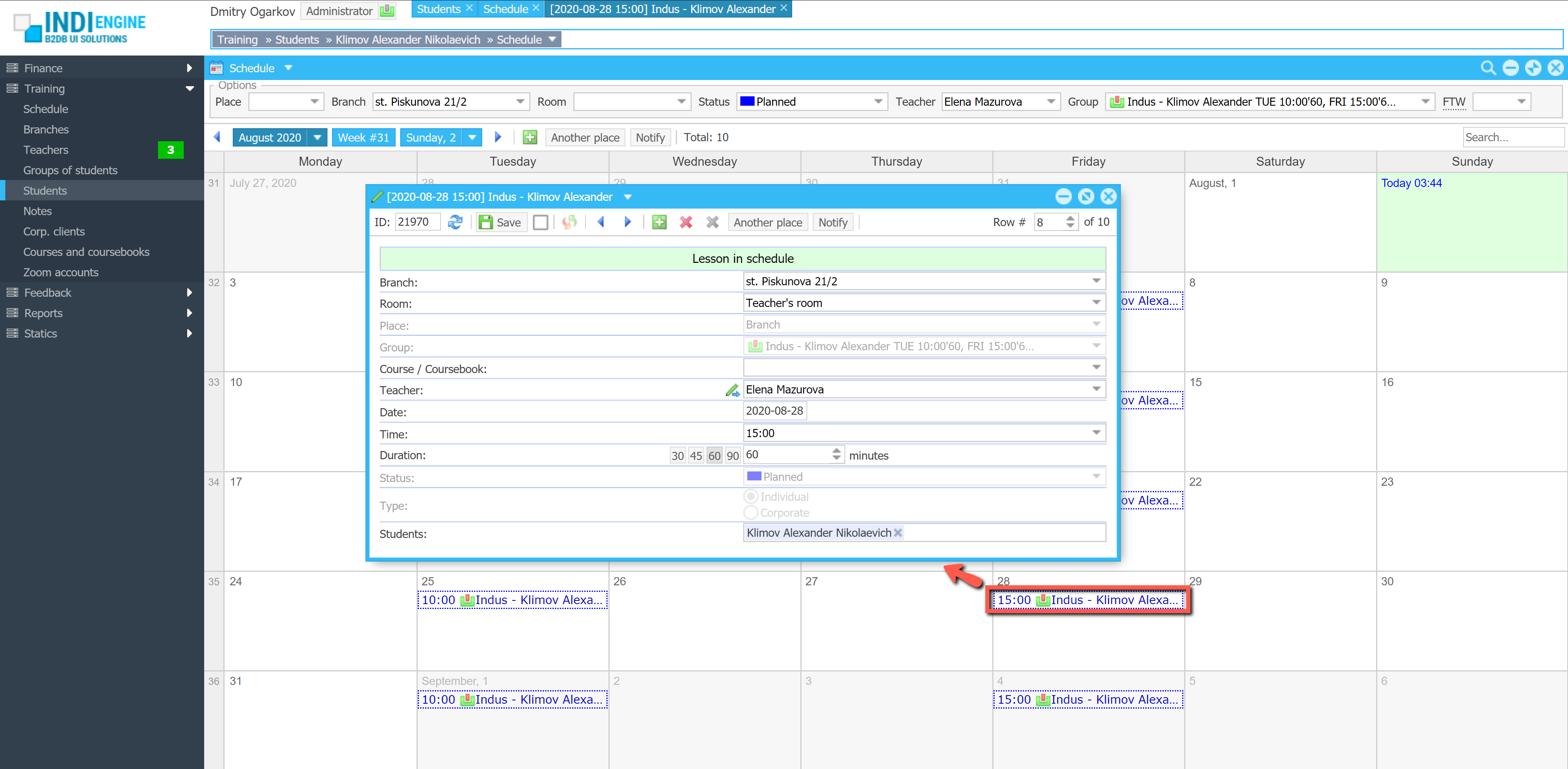
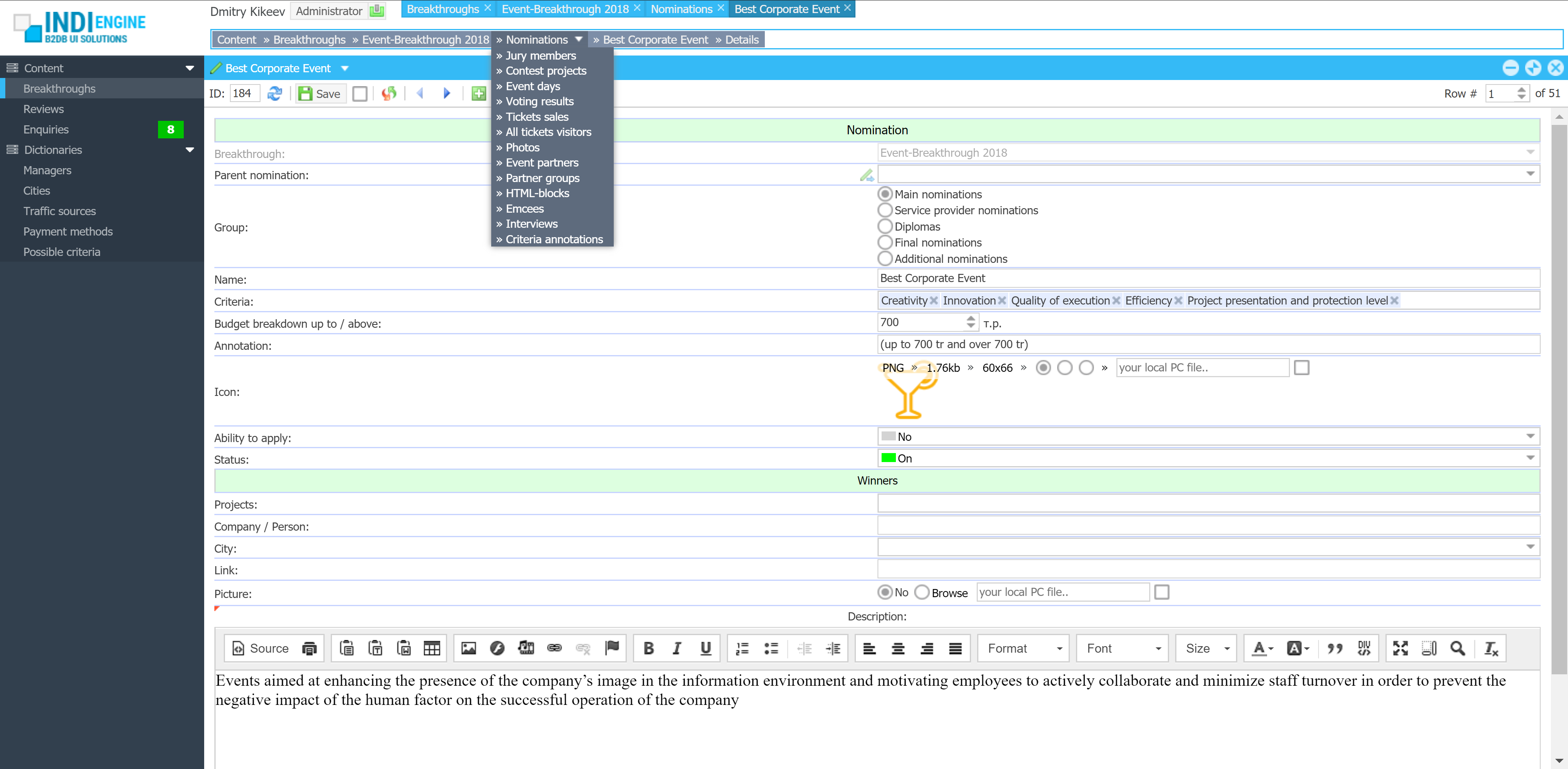
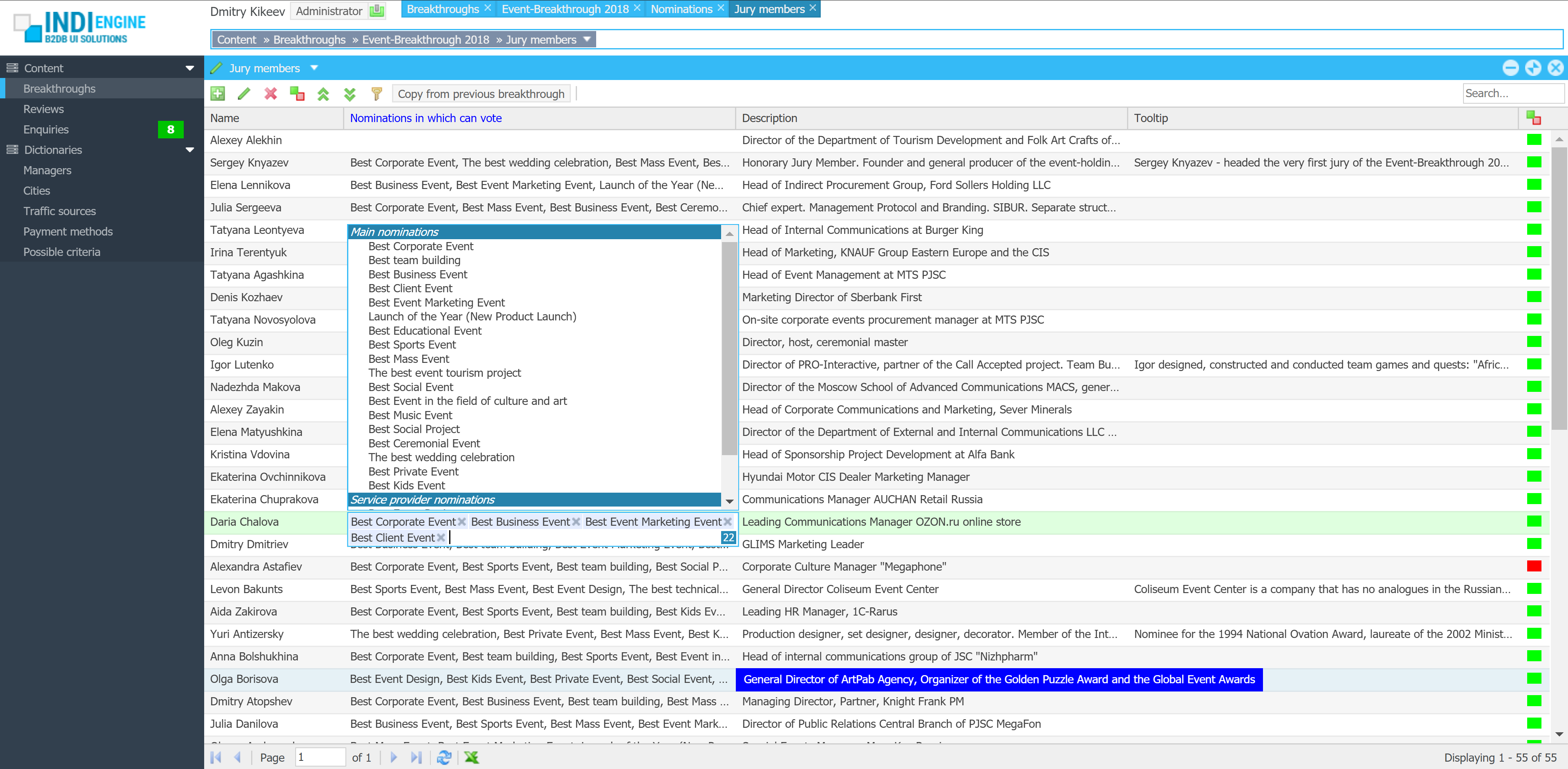
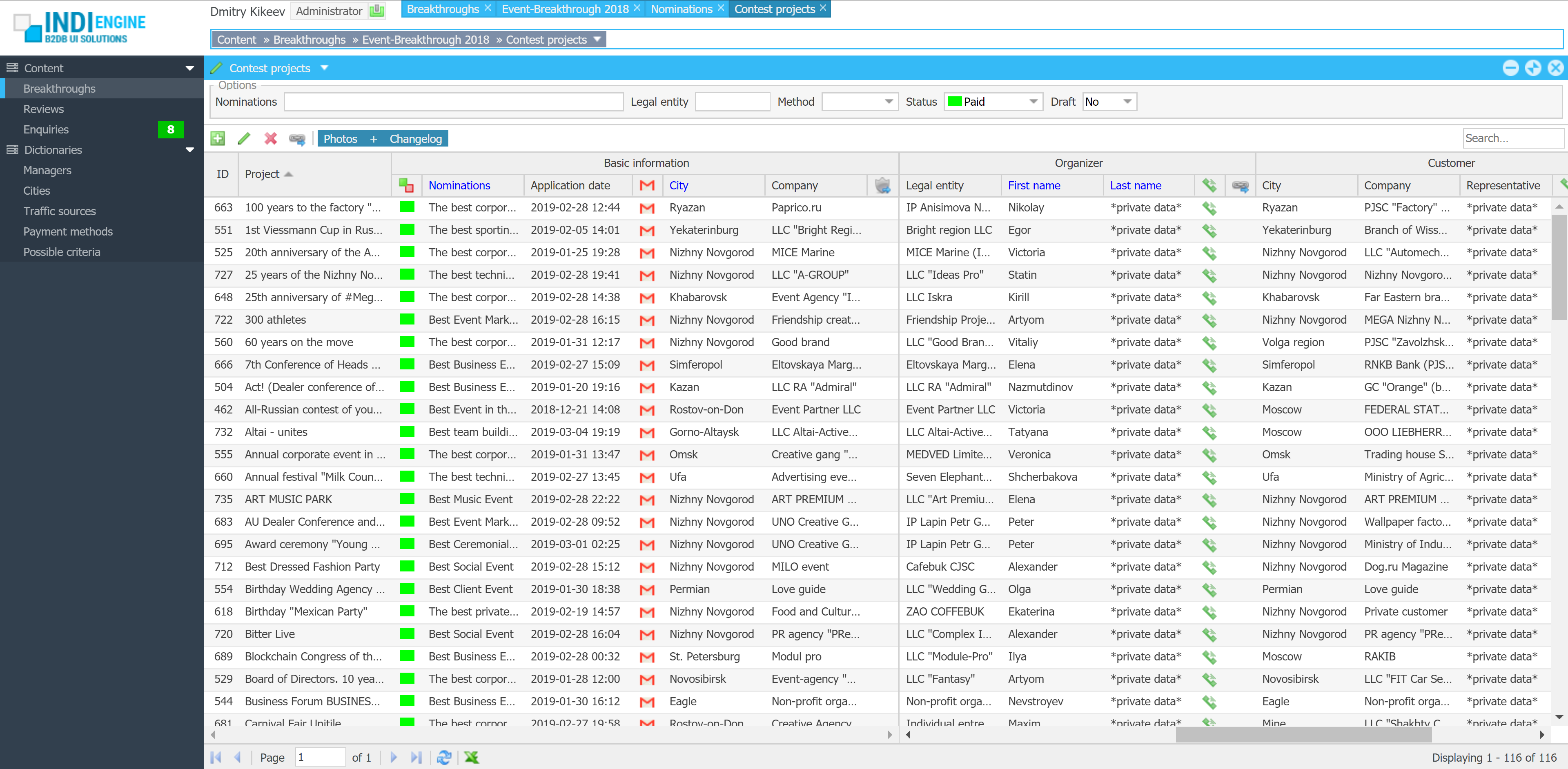
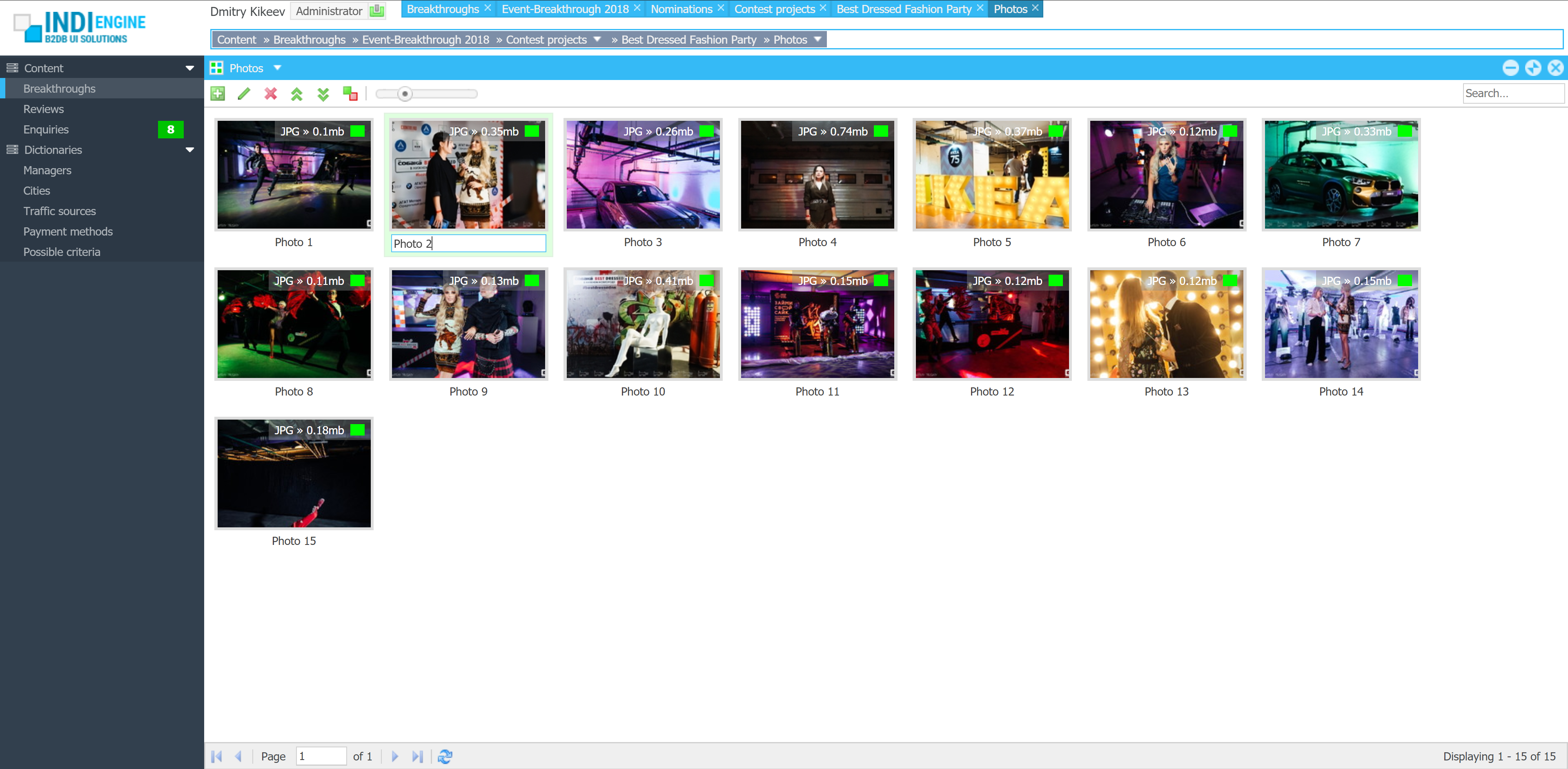
| User roles / Levels of access: | 2 |
| Basic entities / Database tables: | 31 |
| Total fields: | 383 |
| Sections (grids, calendars, charts): | 34 |
| Relationships / Foreign-key fields: | 99 |
| Localized fields: | 124 |
| File upload fields: | 32 |
| Languages: | 2 |
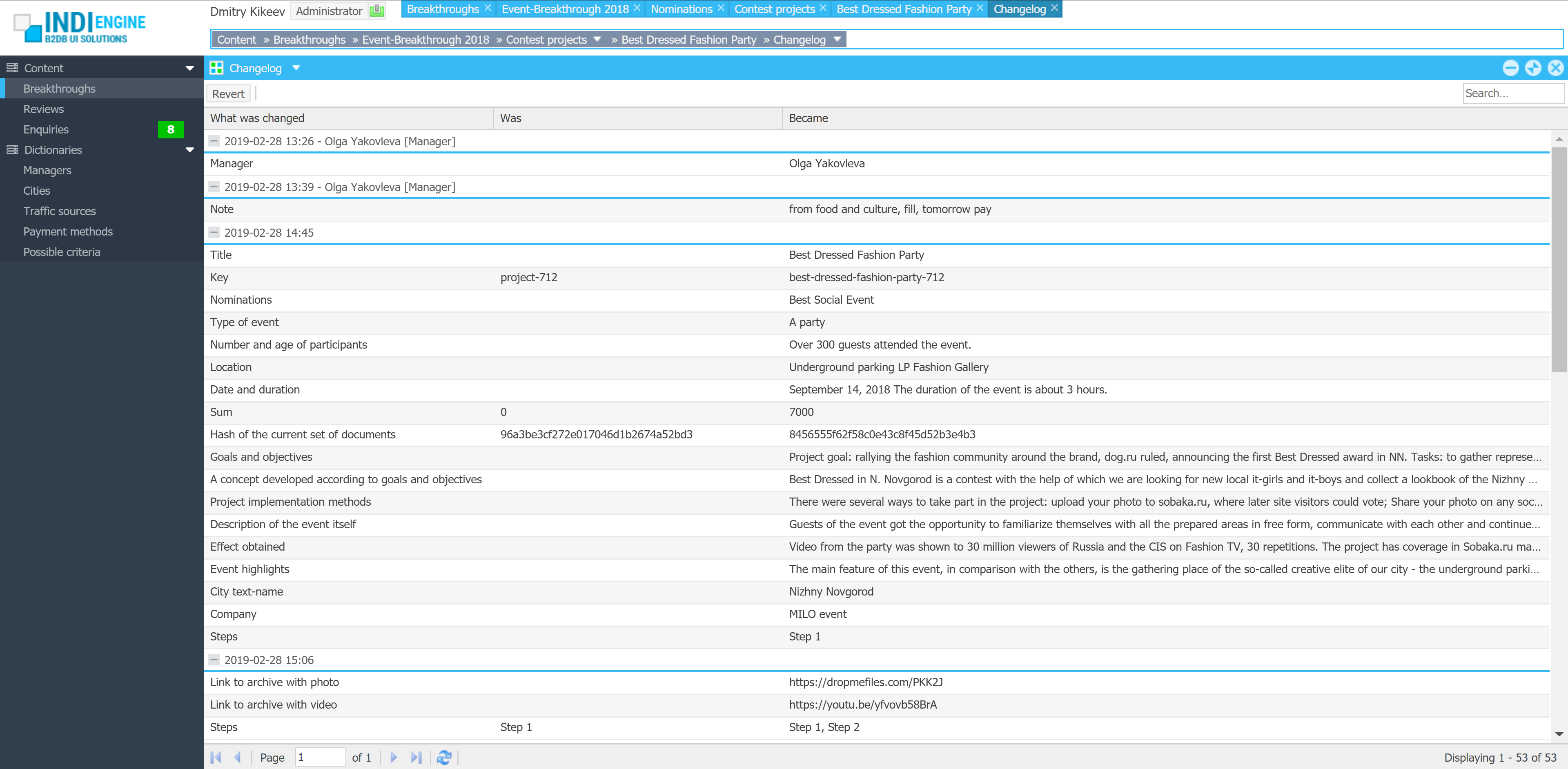
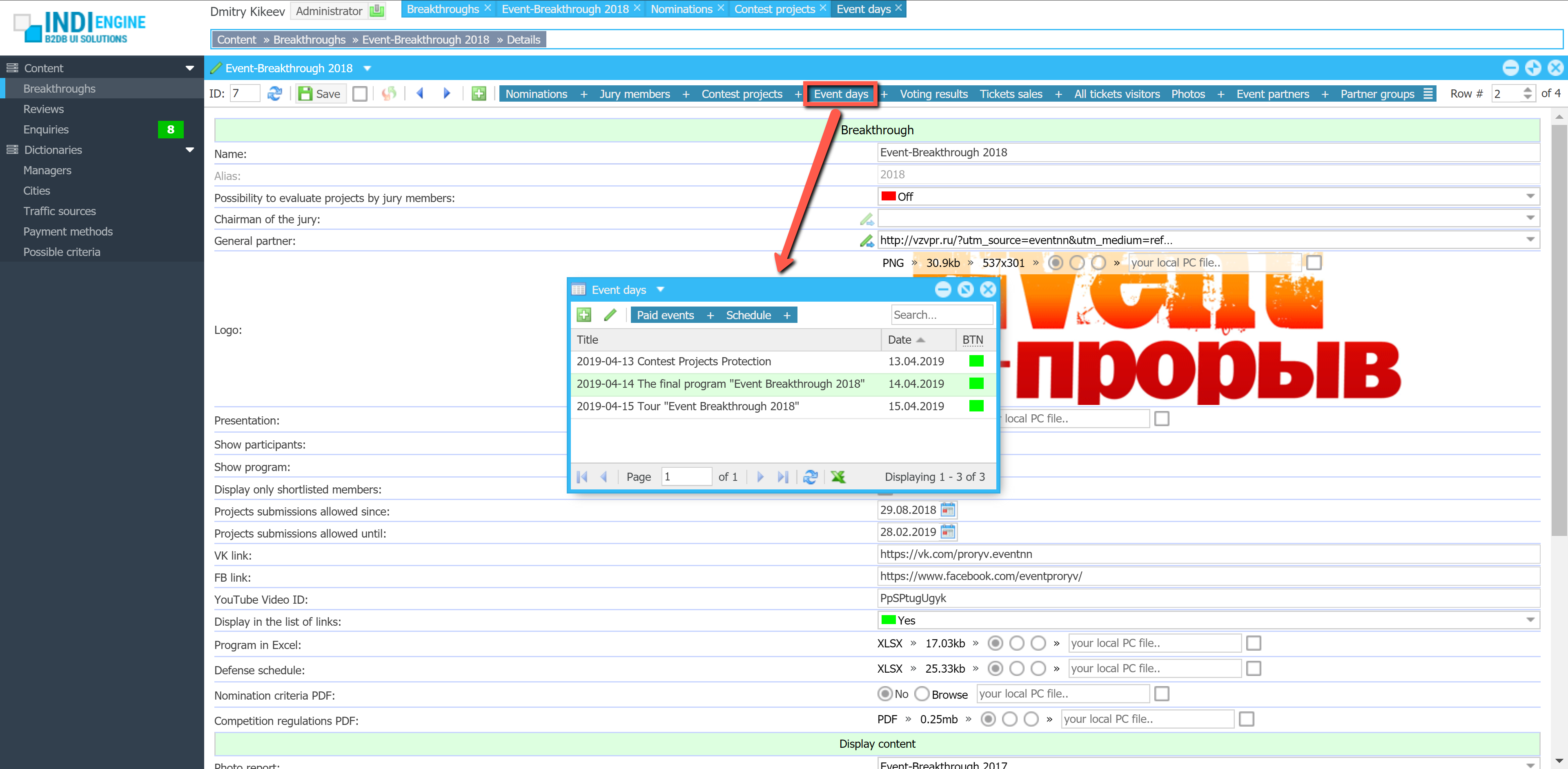
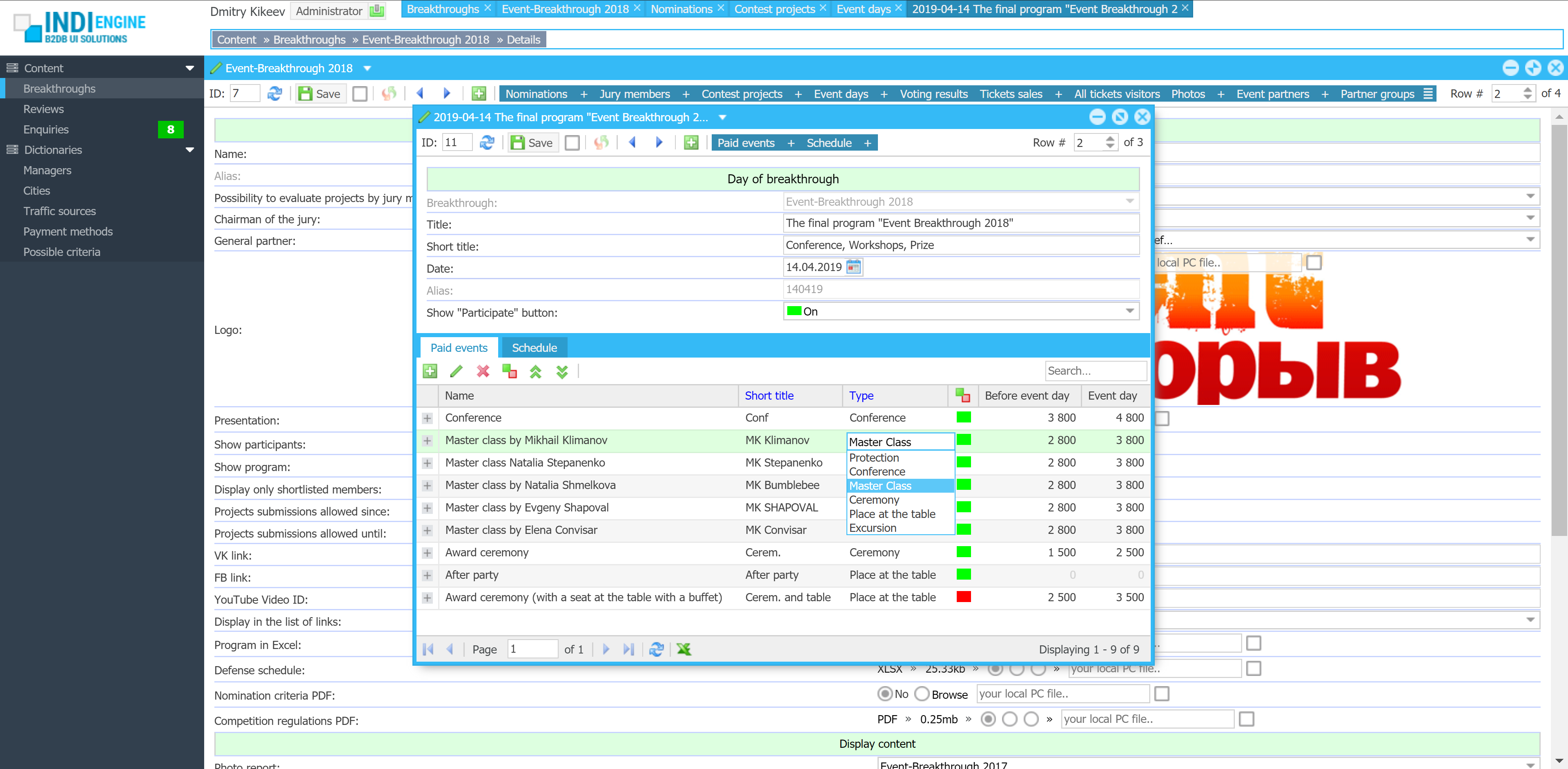
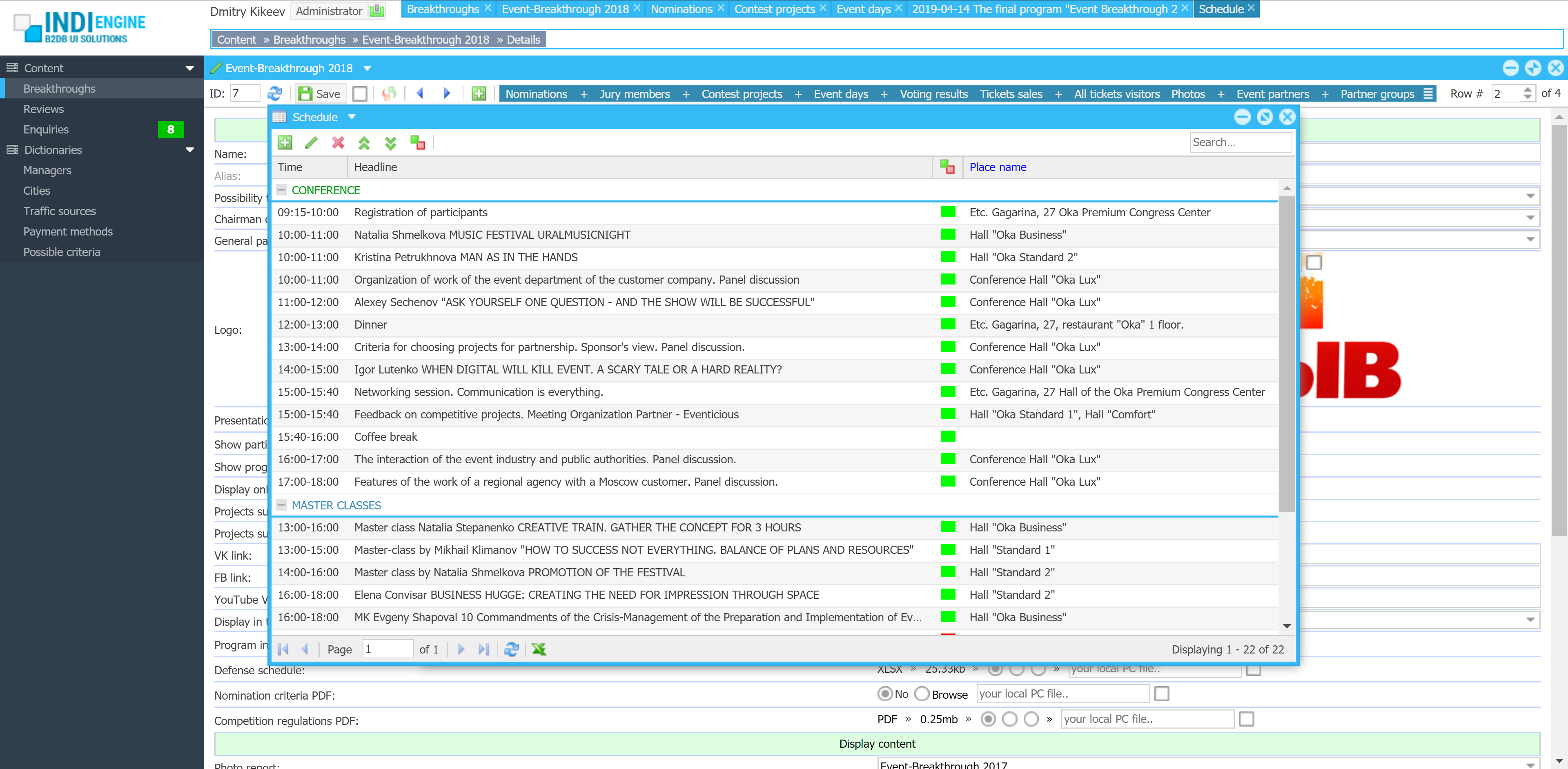
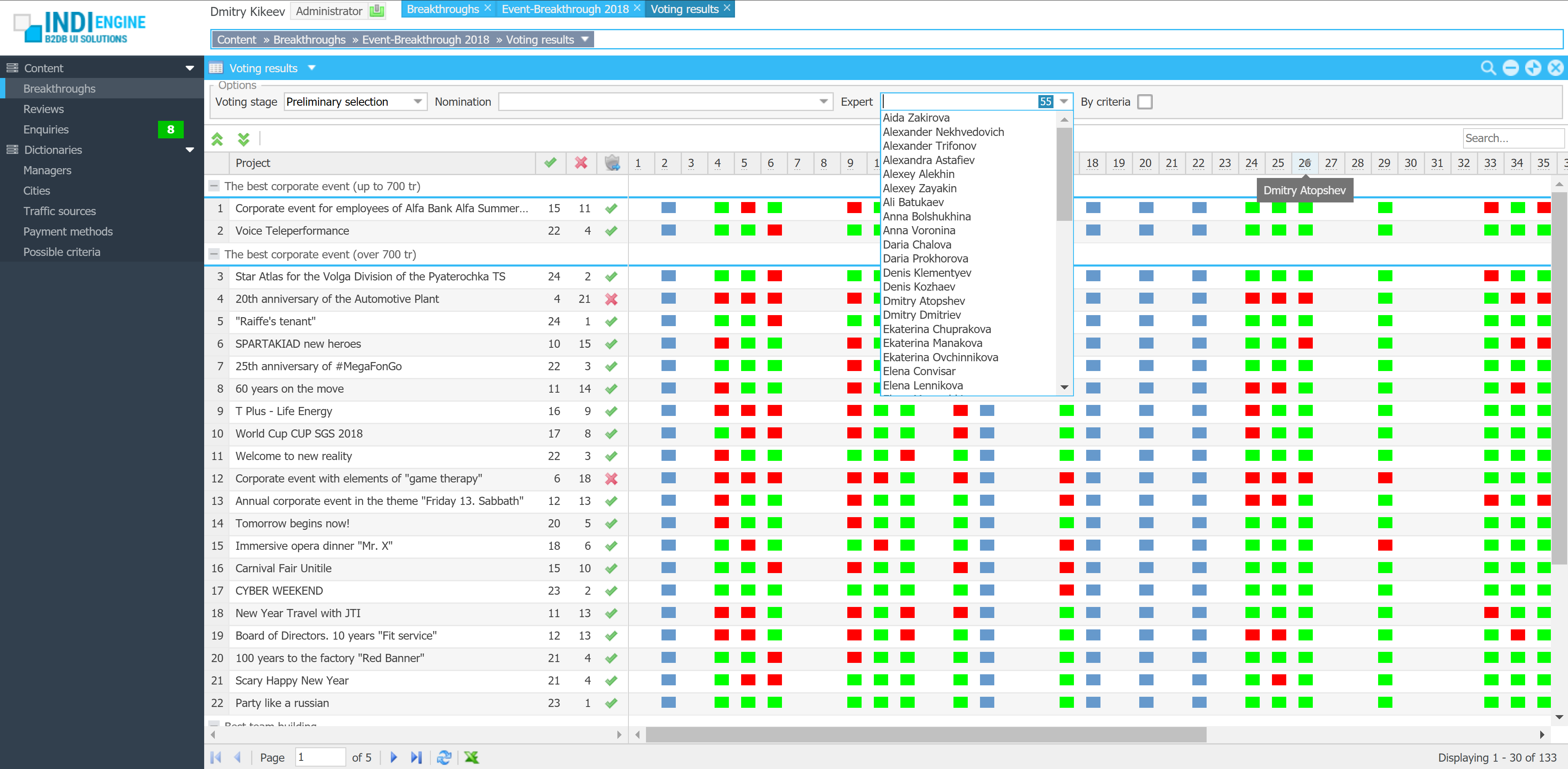
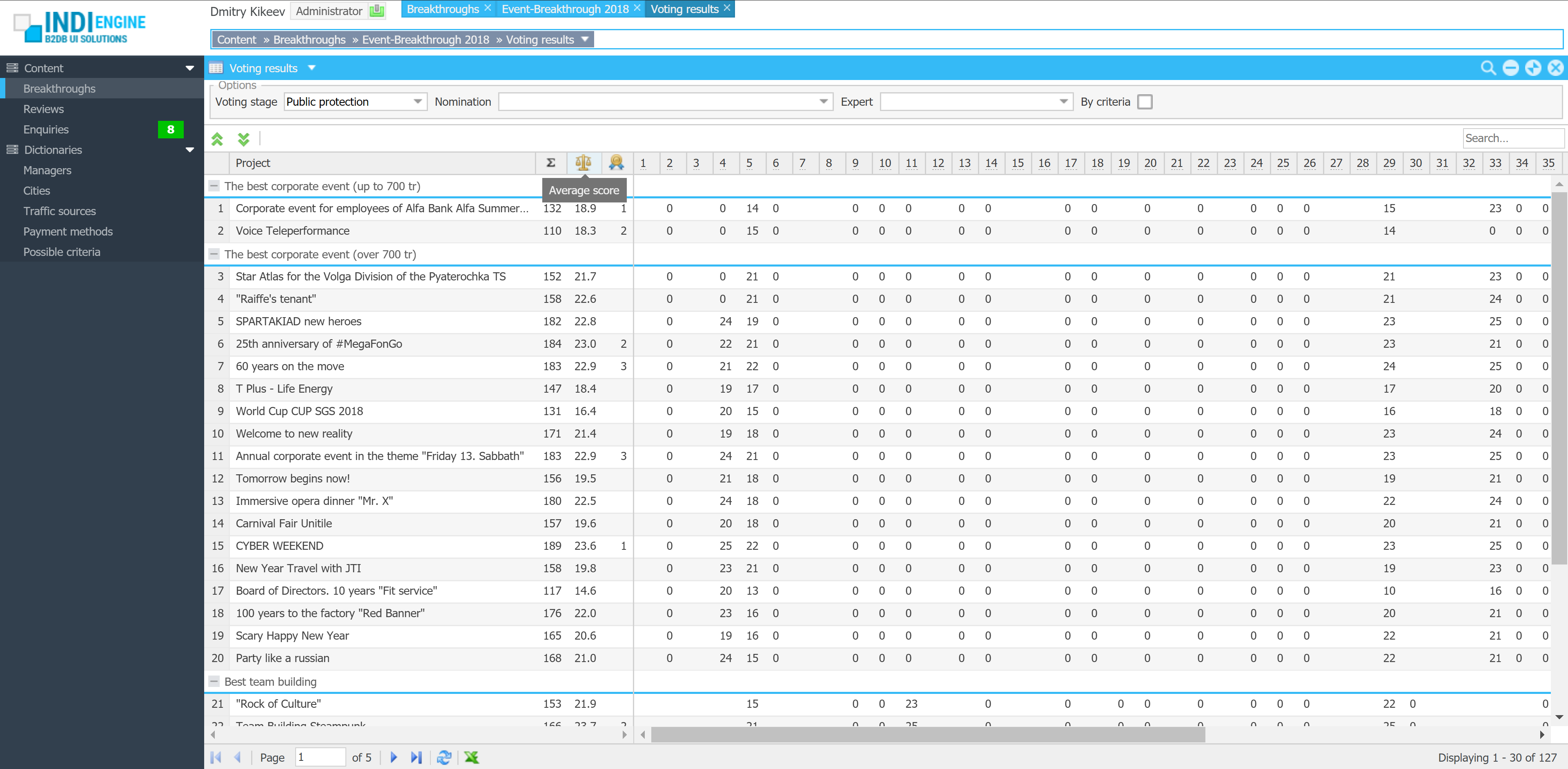
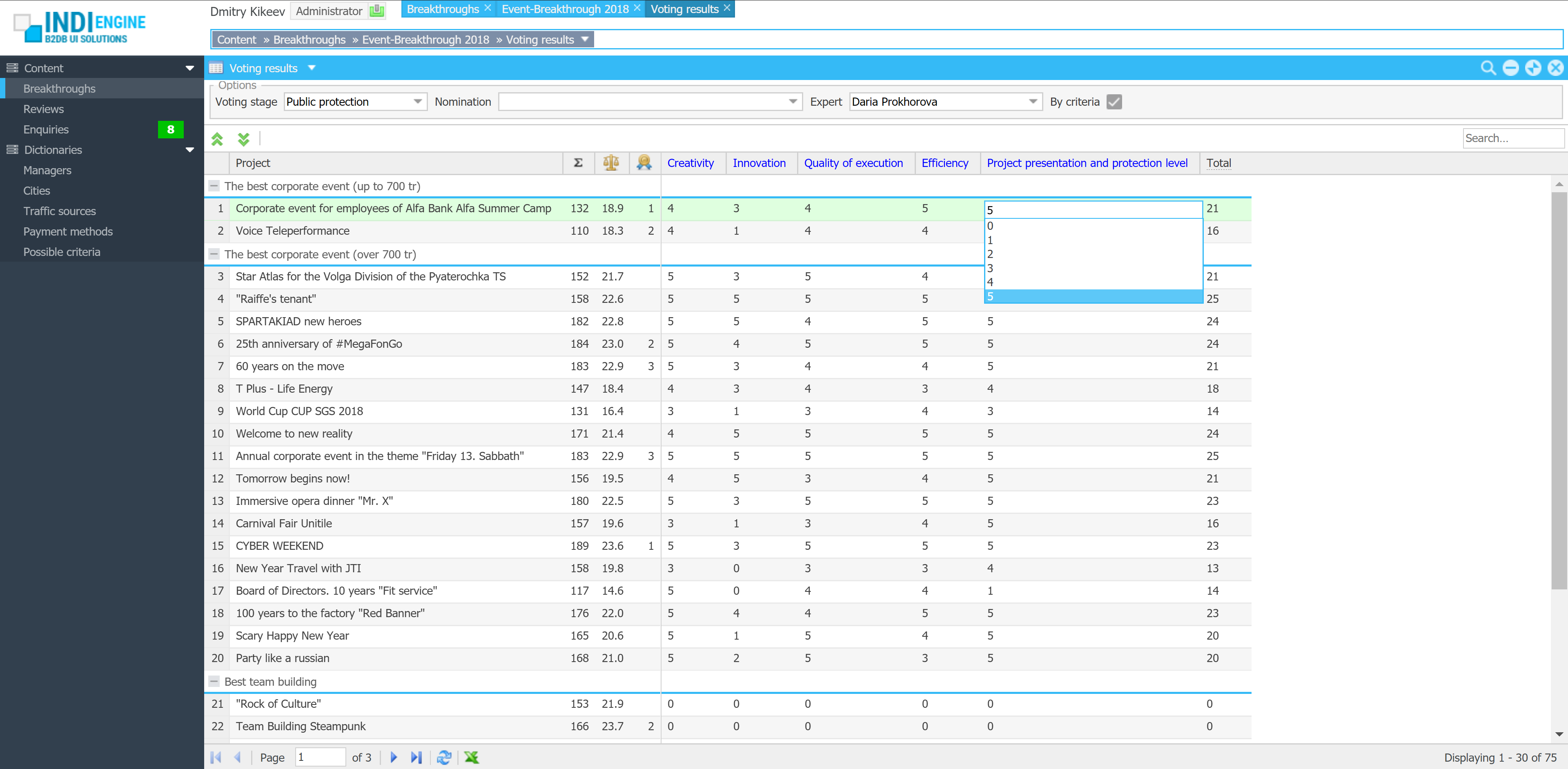
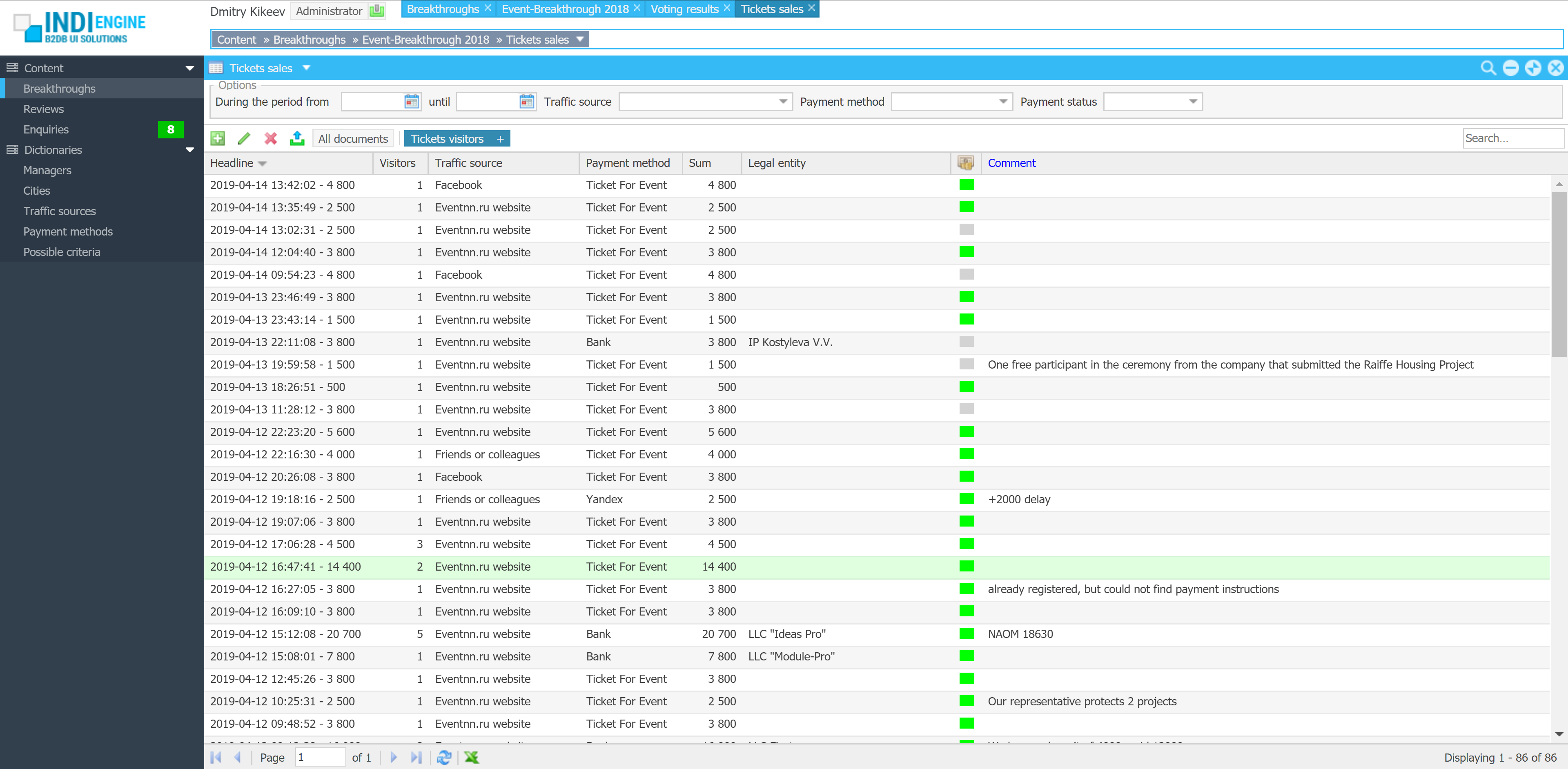
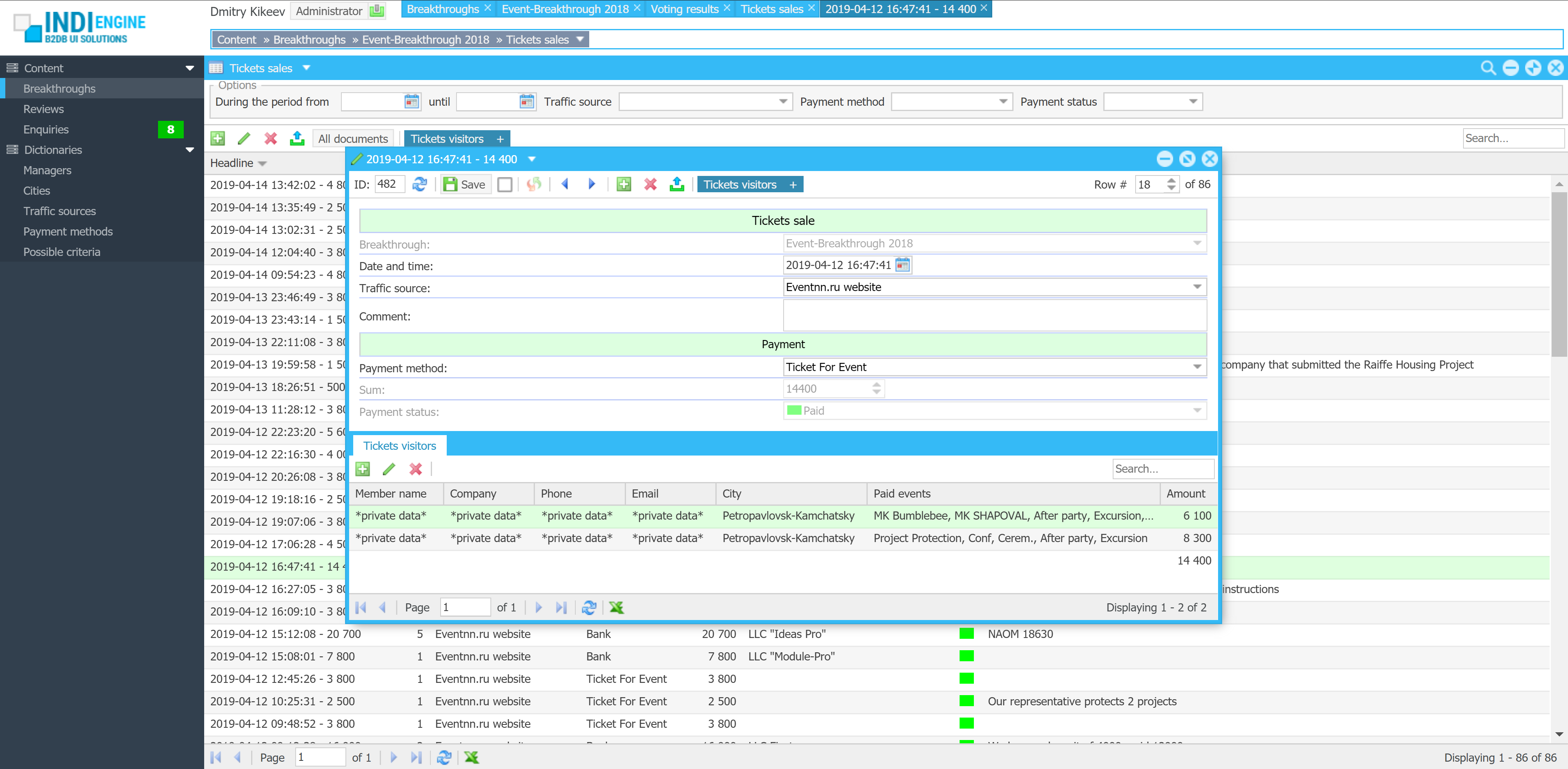
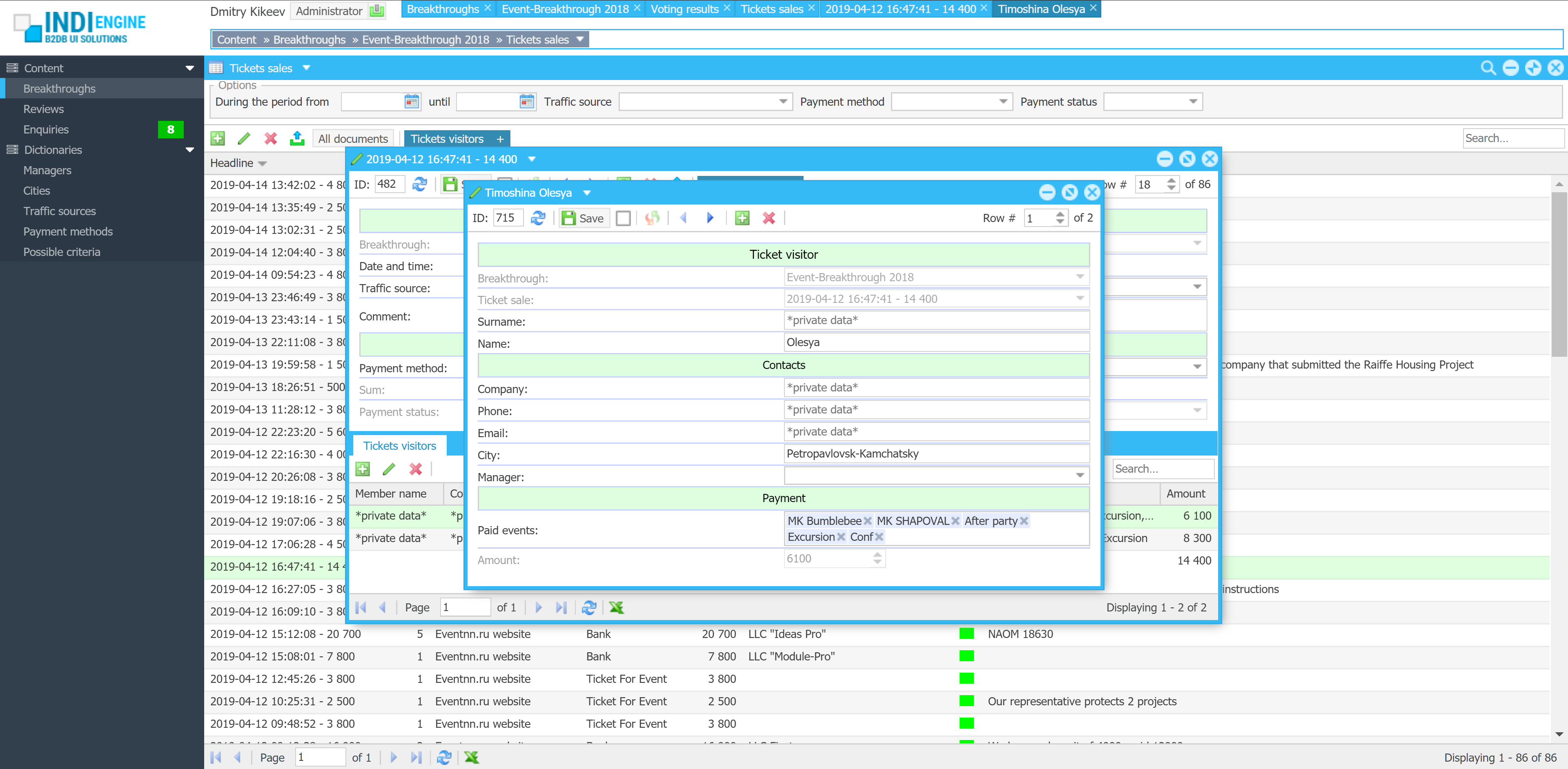
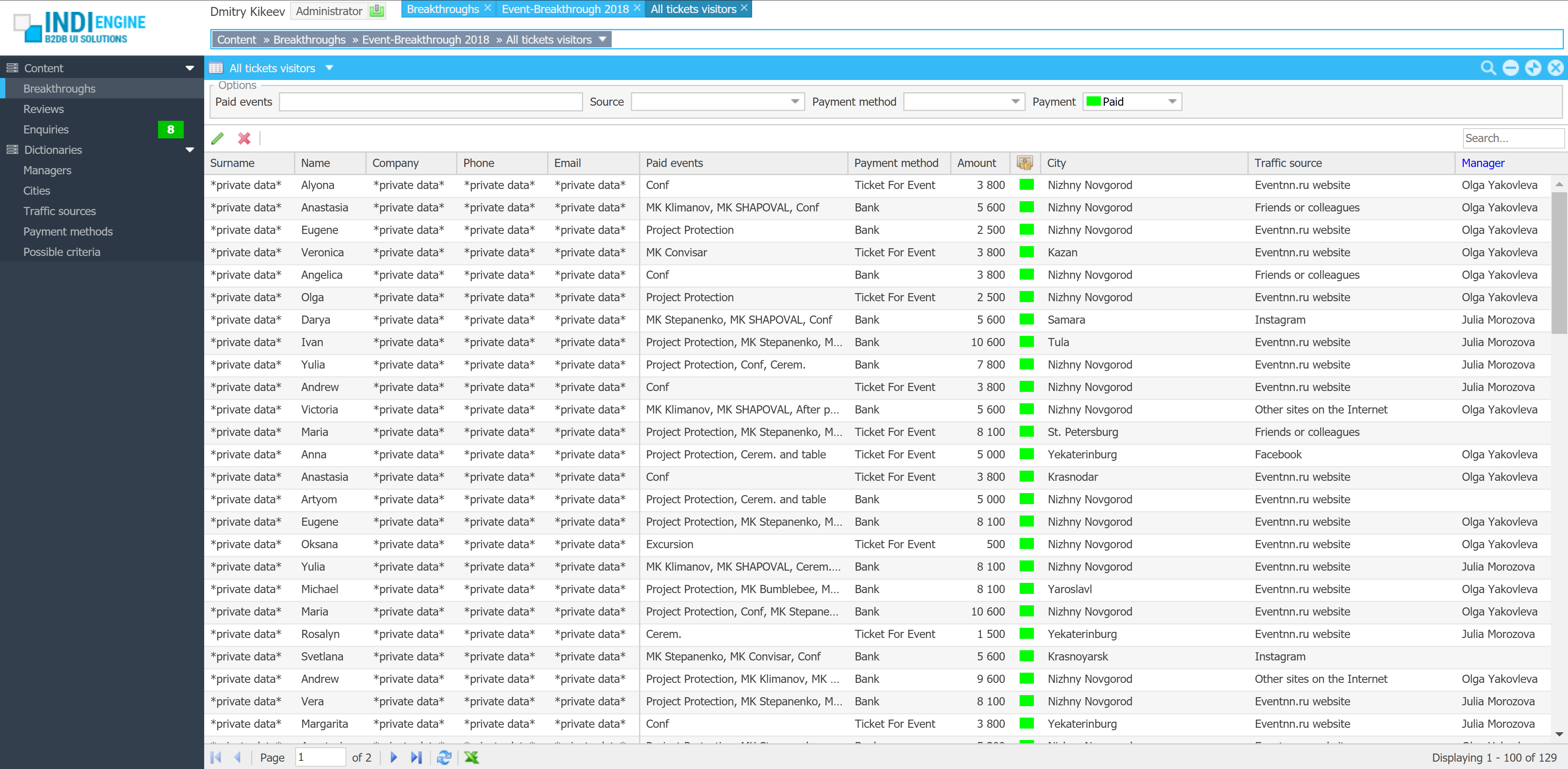
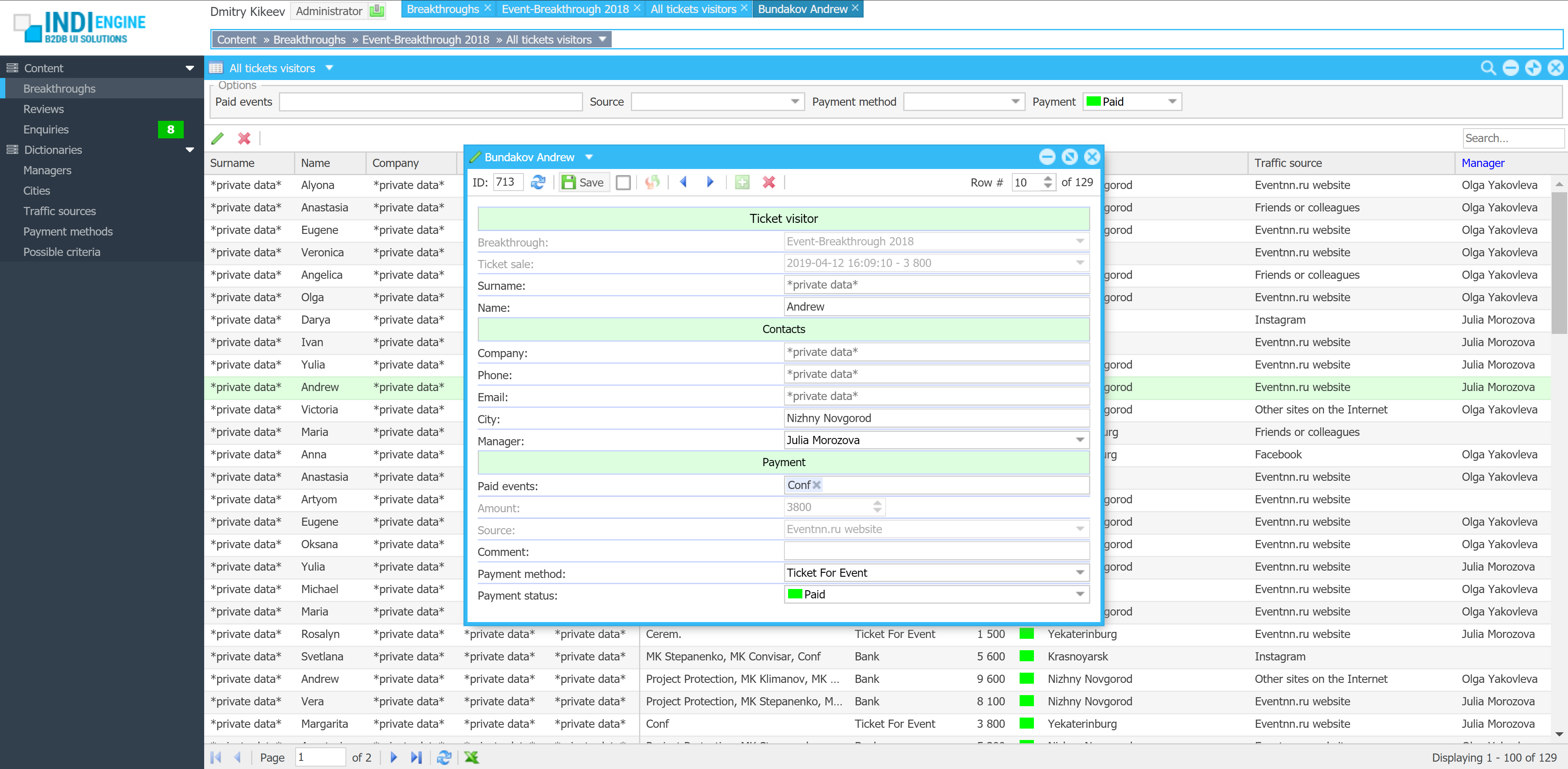
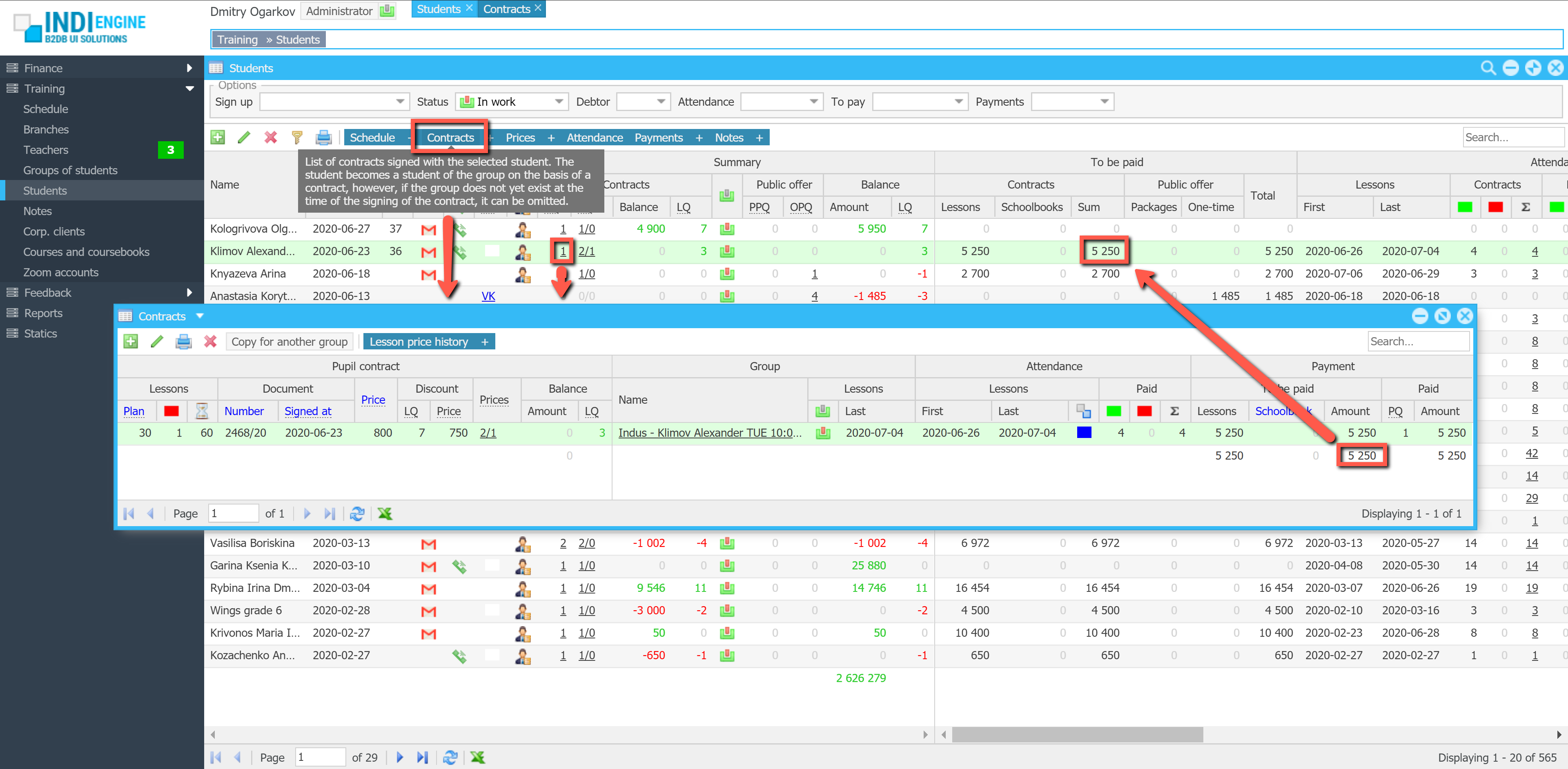
let’s work together on your new project
our mission
Here at Indi Engine we are helping our customers to achieve the desired app functionality by offering a selection amongst broad range of top-notch components. That is why we are fans of Sencha‘s ExtJS, which we believe to be the most powerful, comprehensive javascript UI framework to be used for building app UIs for complex databases and admin dashboards. It includes 140+ components that are fully supported and seamlessly integrated with each other, so here at Indi Engine for best of them we just append the underlying database structures that are auto-mapped to those components
60% of Fortune 100 Companies Rely on Sencha





























At companies of such a level, the choice of what software to use is made by very qualified people, so we suggest you think about the probability and do the same.